Xbox has been on a pretty consistent cadence with its monthly updates, adding features that range from streaming your own games on console to an overhauled PC app experience for handhelds. The latest batch of features is now available for select Xbox Insiders to test, and while none of them are groundbreaking, they address several long-requested quality-of-life improvements that should make the console experience feel more personal.
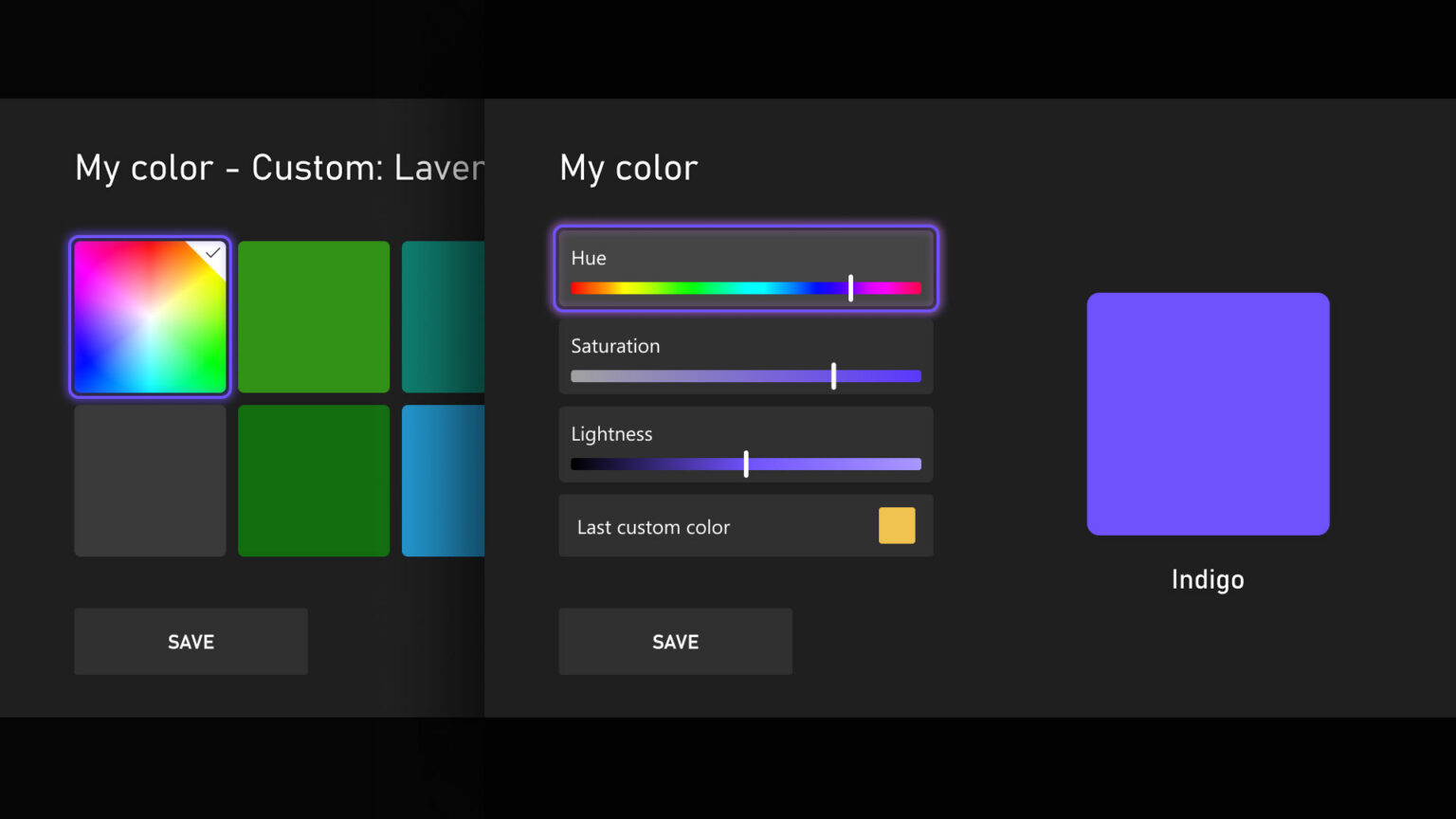
The headliner is custom colors, which lets players go beyond the existing system color options and dial in their own hue and shade using sliders. The custom color will appear across the console, including a subtle splash in the Guide that can be toggled off. If you switch back to a system color, the console saves your last custom selection so you can return to it easily. Custom colors will initially be visible only to other Insiders before rolling out to everyone with the April update.
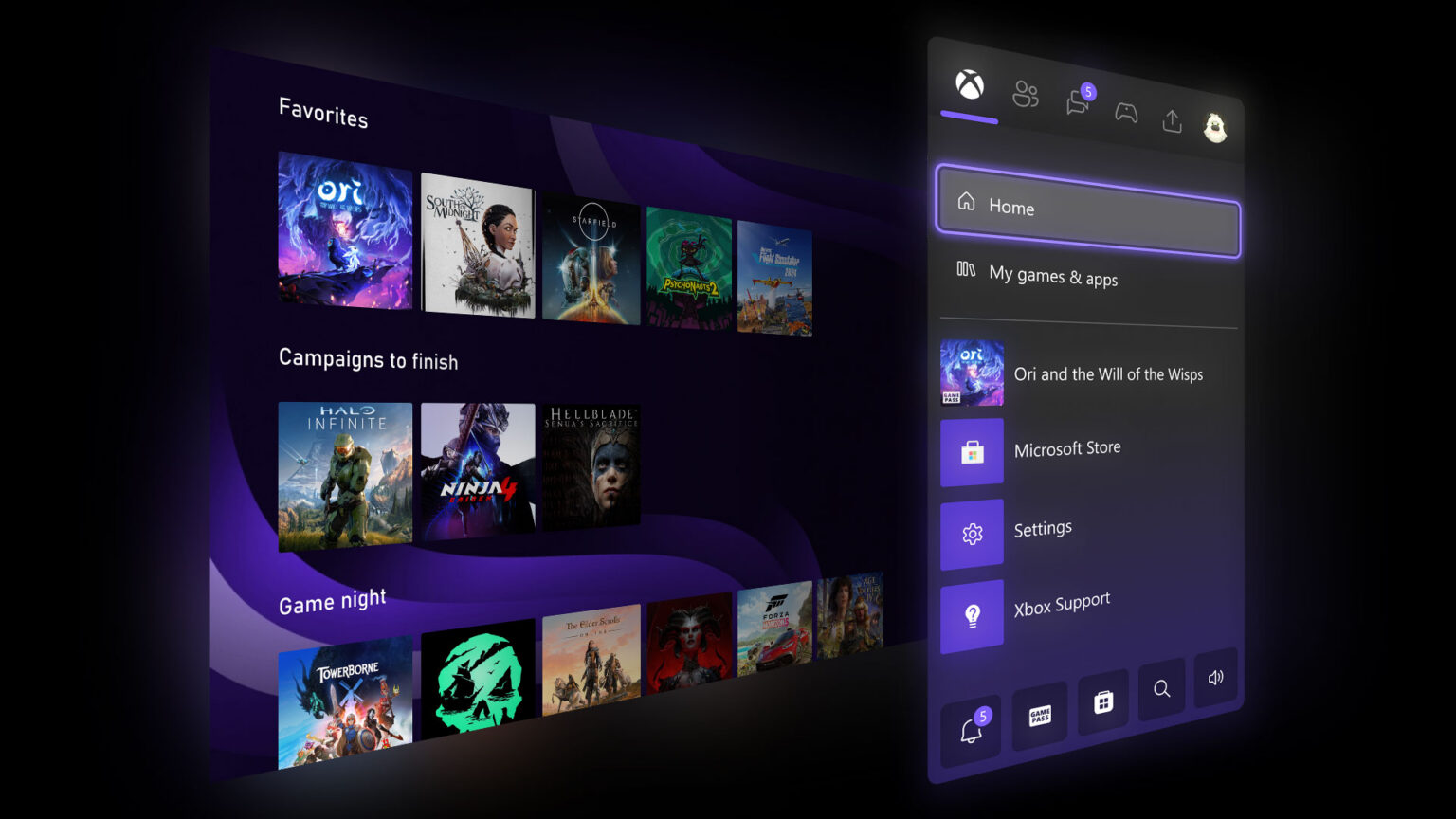
Home is also getting more flexibility with groups, expanding the limit from two to 10. Reordering groups now uses the same drag-and-drop experience as reordering games on Home, and pinning groups from My Games & Apps has been made more intuitive. It’s a small change, but for anyone who actually uses groups to organize their library, going from two to 10 is a significant upgrade.
One of the more practical additions is the ability to disable Quick Resume on a per-game basis. Quick Resume is genuinely one of the best features on Xbox consoles, but anyone who plays live service games or titles that require server connections knows that resuming after a long period of inactivity can cause more problems than it solves. Now, you can toggle it off for specific games through the More options menu on a game tile or through Manage game & add-on. It’s the kind of option that should have existed from the start, but it’s welcome nonetheless.
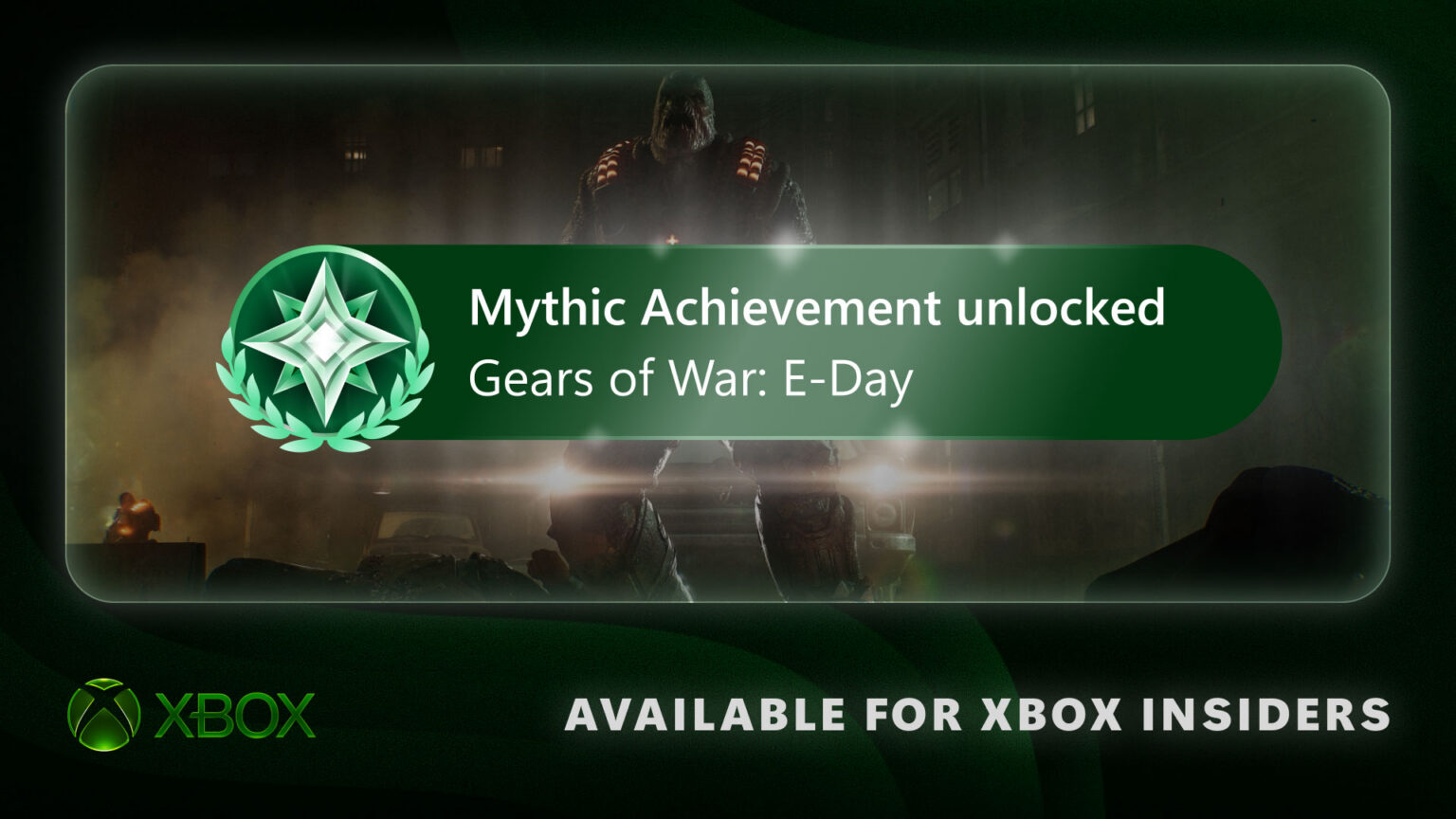
Finally, profile badges are getting a bit more visibility. When viewing your own or another player’s profile in the Guide, the five most recently unlocked badges will now be displayed. It’s a minor touch, but it gives those badges a purpose beyond just sitting in a list somewhere.
Continue?
Like our content?
Subscribe to our newsletter and get video game news, reviews, features, and deals straight to your inbox.
You're subscribed!
Thanks for signing up. Look for an email from Substack at .
No email after a few minutes? Subscribe on Substack.
This newsletter may contain advertising, deals, or affiliate links. Subscribing to the newsletter indicates your consent to our Privacy Policy. You may unsubscribe from the newsletter at any time.