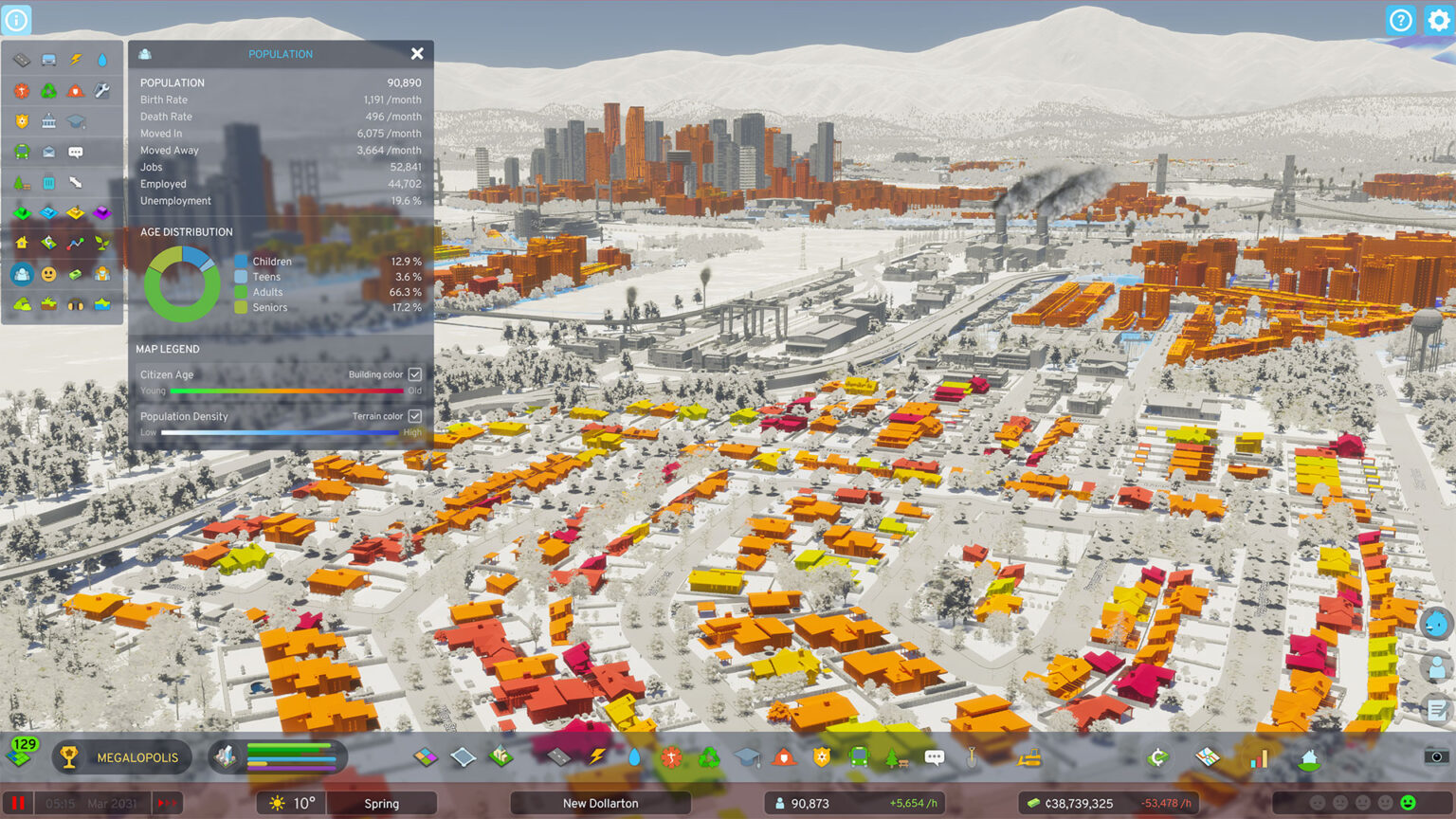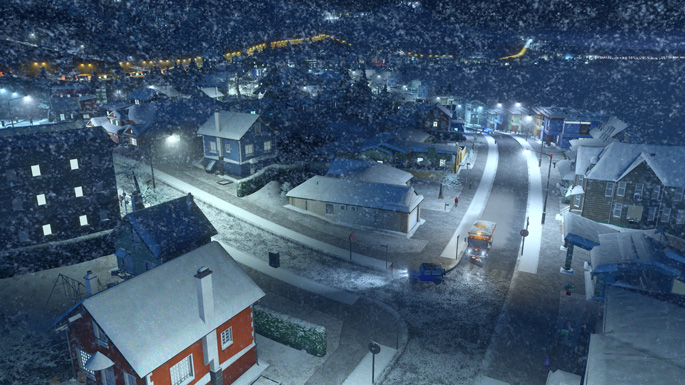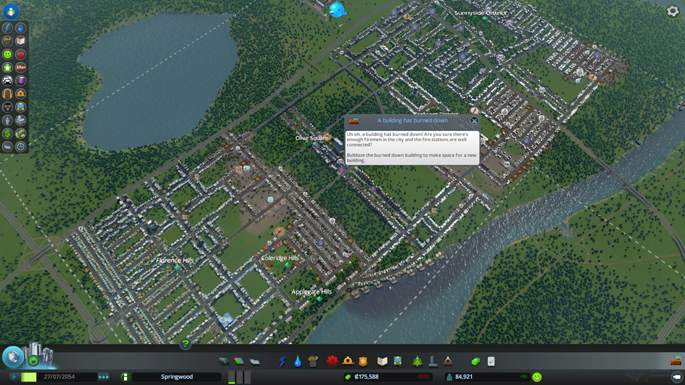
Cities: Skylines patch 1.0.6b has been released, fixing numerous bugs on the city builder game that was released earlier this month. Important fixes arriving as part of patch 1.0.6b include a nerf to parks decreasing commercial demand, the ability to skip the intro screen, right-click to change direction of one-way roads and more.
Read: Cities: Skylines Review: Gentrification
We reviewed Cities: Skylines enjoying our time with the game and believe that it’s the best city builder available today. Like we said in our review, the game has very minor issues with it and it appears that Colossal Order is taking the initiative to correct many of those. Read the Cities: Skylines patch 1.0.6b notes below.
Cities: Skylines Patch 1.0.6b Notes
- Windows: dependencies to the visual studio runtime have been removed. Addresses the issue where ColossalNative.dll would fail to load for users missing/having wrong msvcrt dlls.
- Windows/OSX: fixed an issue where some users would not have permissions to access an user folder
- Linux: fixed some cases where the first time launch would show the game half way out of the screen on dual monitors
- Linux: various runtime optimizations
- Linux: hopefully fixed the performance problems and the log spam, we were unable to reproduce that issue so this is a bit of a blindfolded fix
- Linux: added support for $XDG_DATA_HOME. If you are using a custom path for XDG and already played the game on that machine, you will need to manually move the user files from the default folder ~/.local/share/Colossal Order/Cities_Skylines to $XDG_DATA_HOME/Colossal Order/Cities_Skylines
- Mac/Linux: fixed a crash when selecting a building in the Asset importer
- All platforms: added some debug info which may be useful when trying to help users in trouble
- All platforms: added support for -screen-height & -screen-width and lowered severity of argument error unsupported launch options so they would cause the new game button to be greyed
- Modding API: fixed OnCalculateResidentialDemand, OnCalculateCommercialDemand and OnCalculateWorkplaceDemand to call their respective counterpart properly. Also fixed for office buildings calling industrial level up.
- nerfed parks decreasing commercial demand
- road upgrade tool now works between two-way and one-way roads and right mouse-button changes direction of one-way roads
- building effect radius is more accurate
- added a Film grain slider in the Graphics options, like for the Tilt shift. (Users with the Disable Film Grain mod subscribed from Steam workshop and enabled will be notified with a “Console warning” when the game start and the game will automatically disable the mod and set the film grain amount to 0 so that no action from users is required apart from closing the Console panel).
- added a chirper volume slider in the Audio options
- intro screen can be skipped with mouse click or key press
- fixed a case where an error would occur if the Source folder was not found while sharing a Mod to the workshop
- fixed Publish workshop panel caption to not always show Savegame regardless which asset type was selected
- killed the clicking sounds that could be heard on a quiet night during full moon and near the end of the loading screen
- buildings uploaded to the workshop will now go to their respective tags automatically. (Buildings already on the workshop will not, we are currently investigating how to make it happen without users having to do anything about it)
- fixed holding down mouse button and release over ui keeps some tools active
- fixed tooltip stays visible when using shortcut to open area view
- fixed parking spaces still working for burned down buildings.
- fixed mouse raycast use normal mesh for burned down buildings.
- removed airplane engine sound from unlockpanel…

- fixed minor text issues in different languages
- fixed wrong tree shadow alpha with pollution or water
- fixed bulldozeing ship/airplane paths in map editor even when they are not visible
- fixed pedestrian bridge color slightly wrong from far distance
Continue?
Like our content?
Subscribe to our newsletter and get video game news, reviews, features, and deals straight to your inbox.
You're subscribed!
Thanks for signing up. Look for an email from Substack at .
No email after a few minutes? Subscribe on Substack.
This newsletter may contain advertising, deals, or affiliate links. Subscribing to the newsletter indicates your consent to our Privacy Policy. You may unsubscribe from the newsletter at any time.
Rare · Updated daily
Today's Deals
-
EA SPORTS College Football 27 - Standard Edition PS5 |Disc I VideoGame
$49.94
Was $69.99-28% -
The Syberia Collection
$5.99
Was $59.99-90% -
HyperX Cloud III Wired Gaming Headset for PC, PS5, PS4, Xbox Series X | S | USB-C + USB-A + 3.5mm Connectivity | DTS | Memory Foam | Durable Frame | Ultra-Clear 10mm Mic
$57.99
Was $99.99-42% -
Dell XPS 16 Laptop - Windows 11, Intel Core Ultra 7, 32 GB LPDDR5X, 1 TB SSD, 16" Touch OLED, Intel® Arc™ Graphics, AI PC
$2,469.99
Was $3,299.99-25%