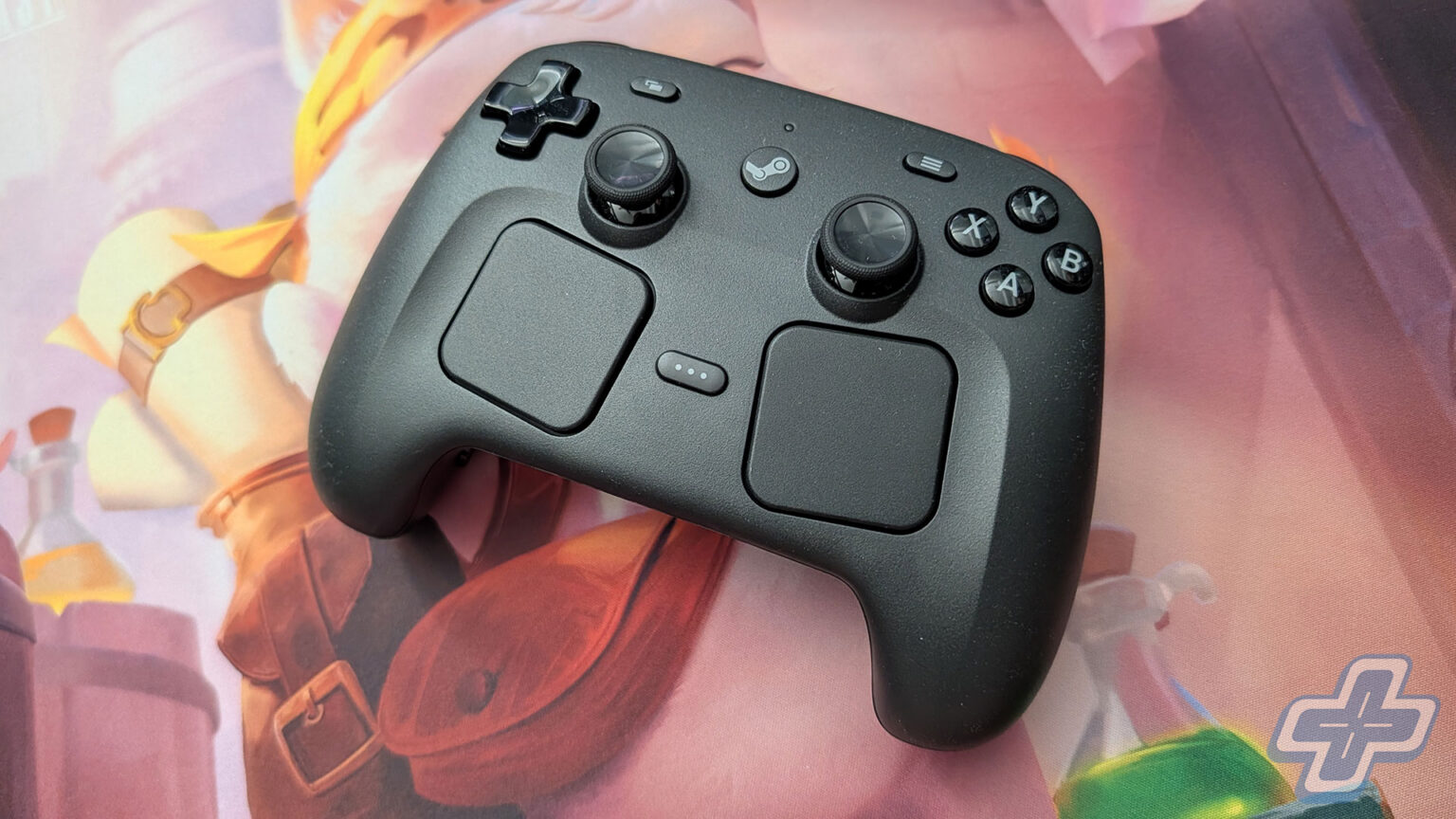
Quick Verdict
For the past few years, my go-to controller on PC has been the DualSense Edge, which I always preferred over the original XBOX Elite for its weight and the way everything is laid out. I figured I’d be sticking with it for a good while, but after putting around 60 hours into the Steam Controller across Forza Horizon 6 and 007 First Light, it’s now become the one I reach for. A lot of that comes down to how painless it is to connect and configure, which is something I honestly didn’t expect to care about as much as I did.
The thing is, the biggest reason to buy the Steam Controller is also the biggest reason you might want to skip it. It has just about everything you’d want from a pro controller, including back buttons, TMR thumbsticks, and a pair of trackpads I’ll get to in a bit, but out of the box it really only works the way it’s supposed to with Steam. If all of your PC gaming happens on Steam, like it does for a lot of us, then I’d say it’s an easy recommendation at $99. If your library is spread out across other launchers, it gets a little more complicated, and it’s worth walking through why.
Checking the Boxes
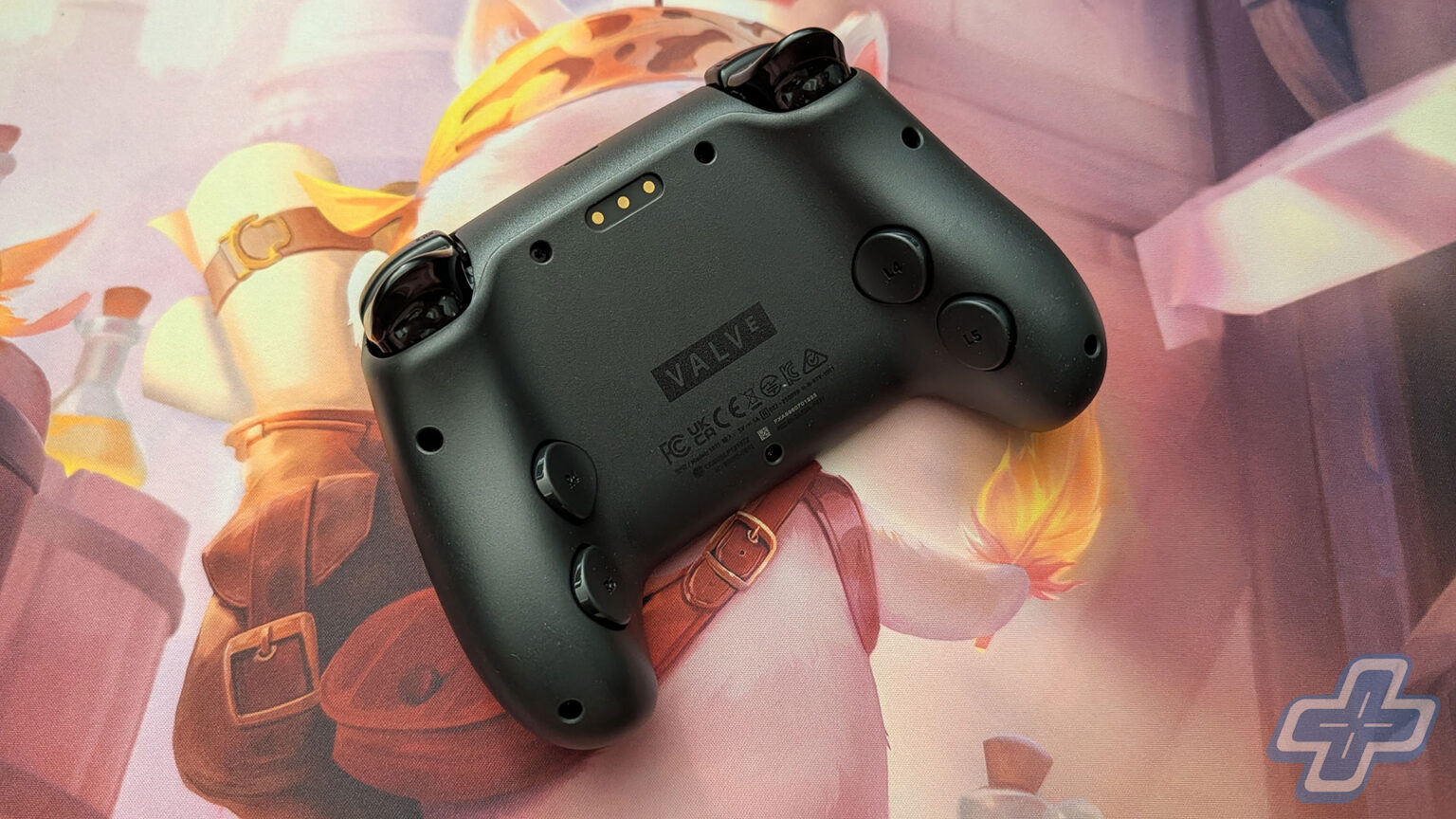
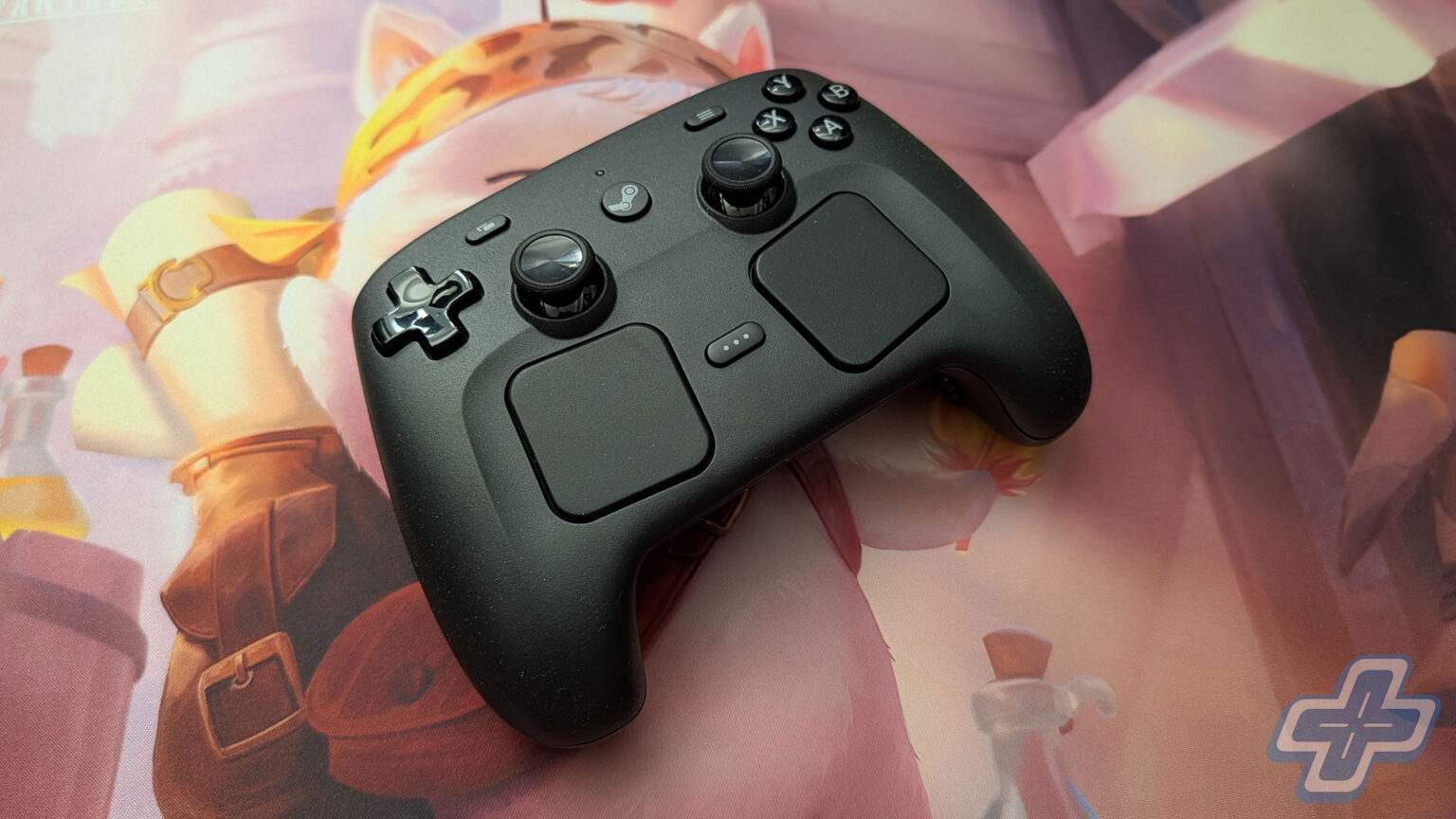
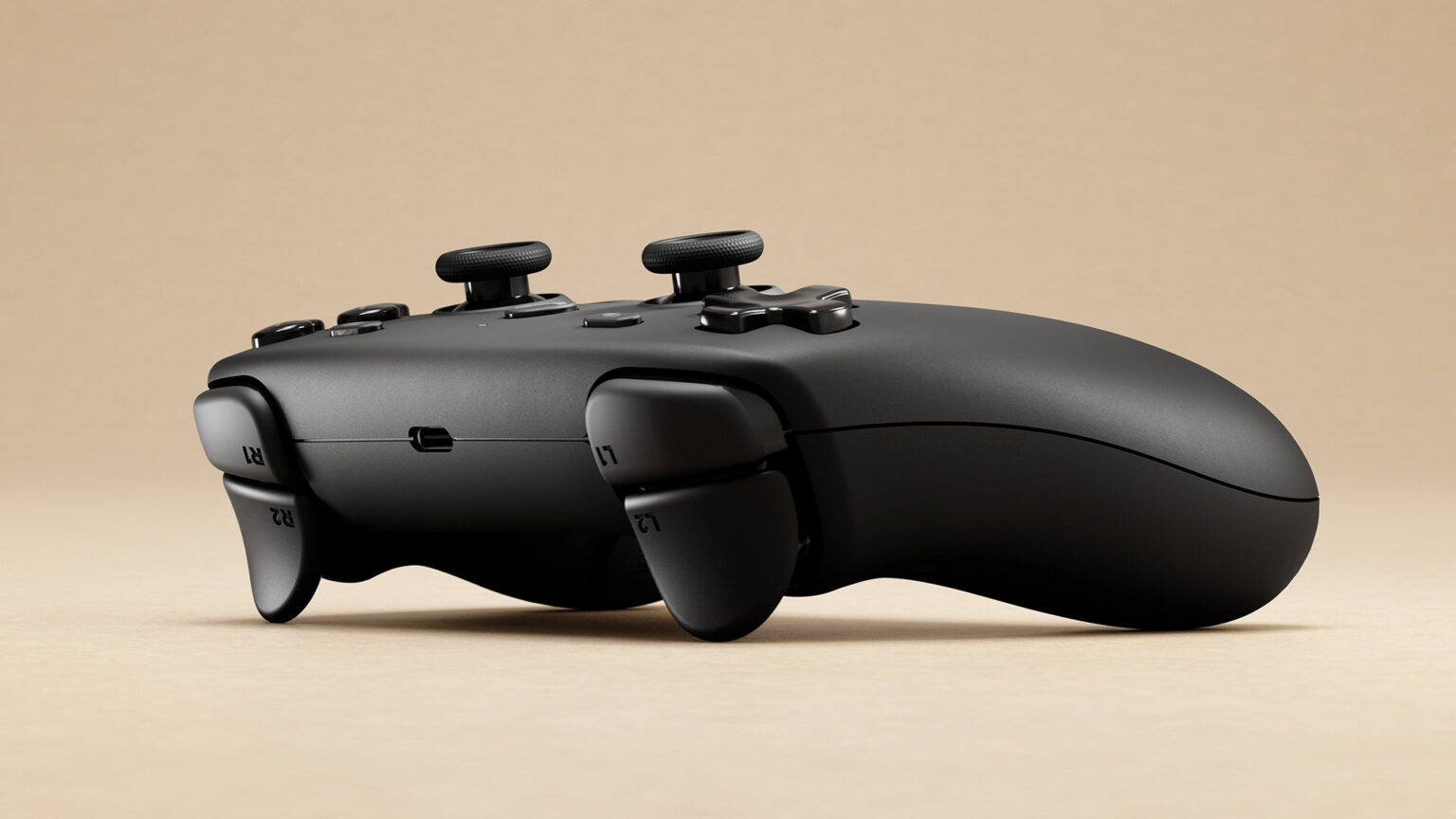
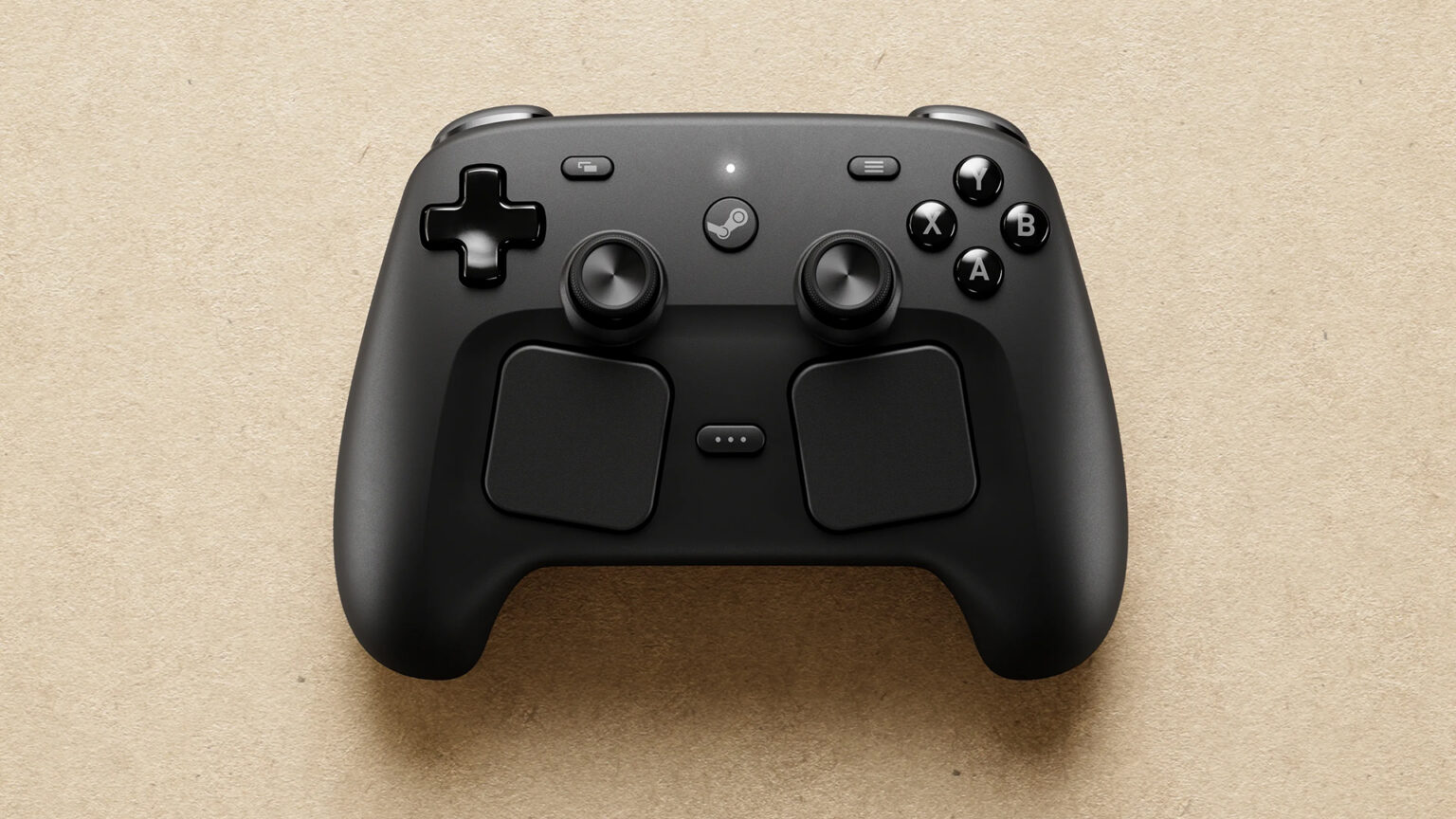
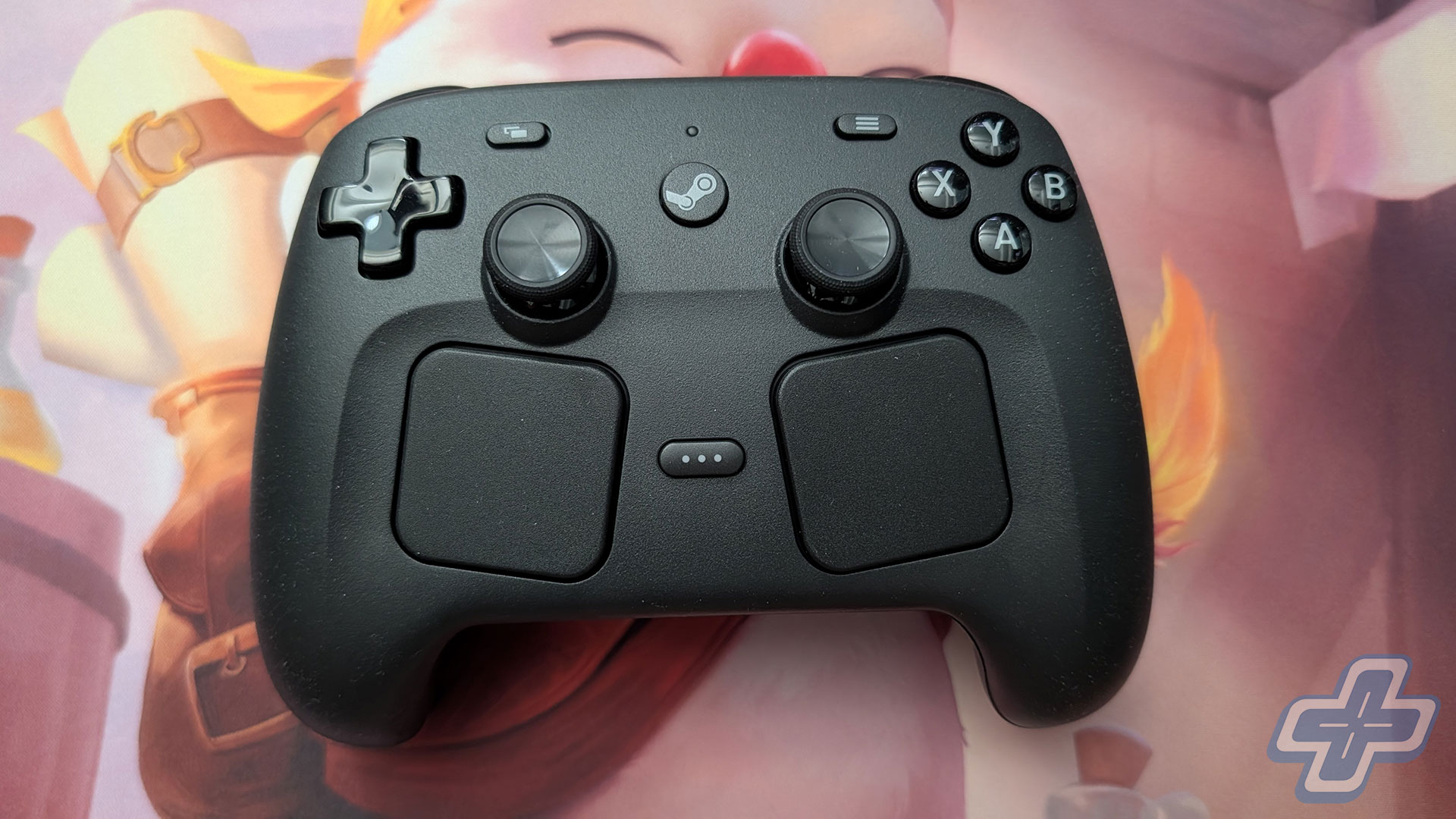
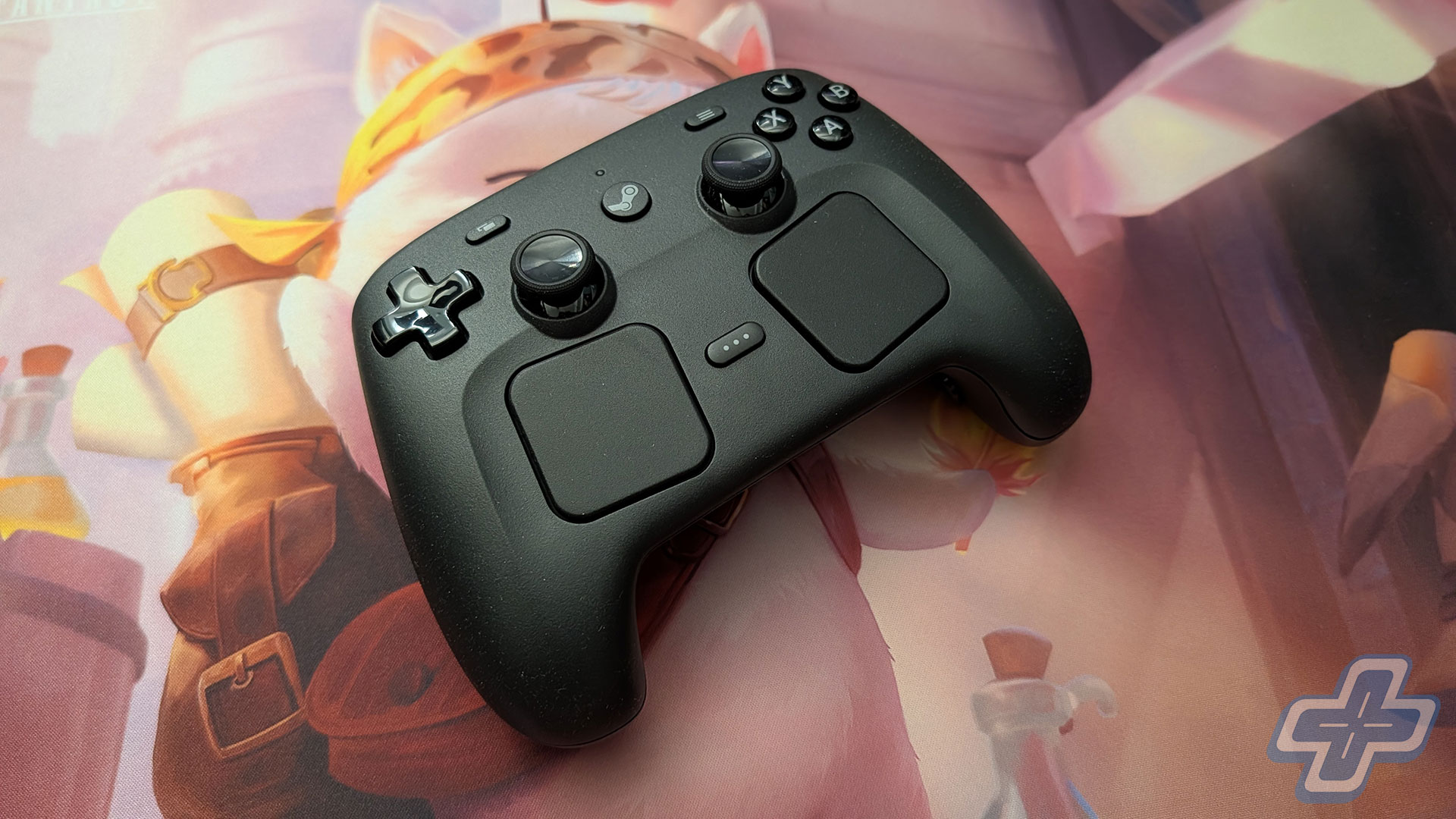
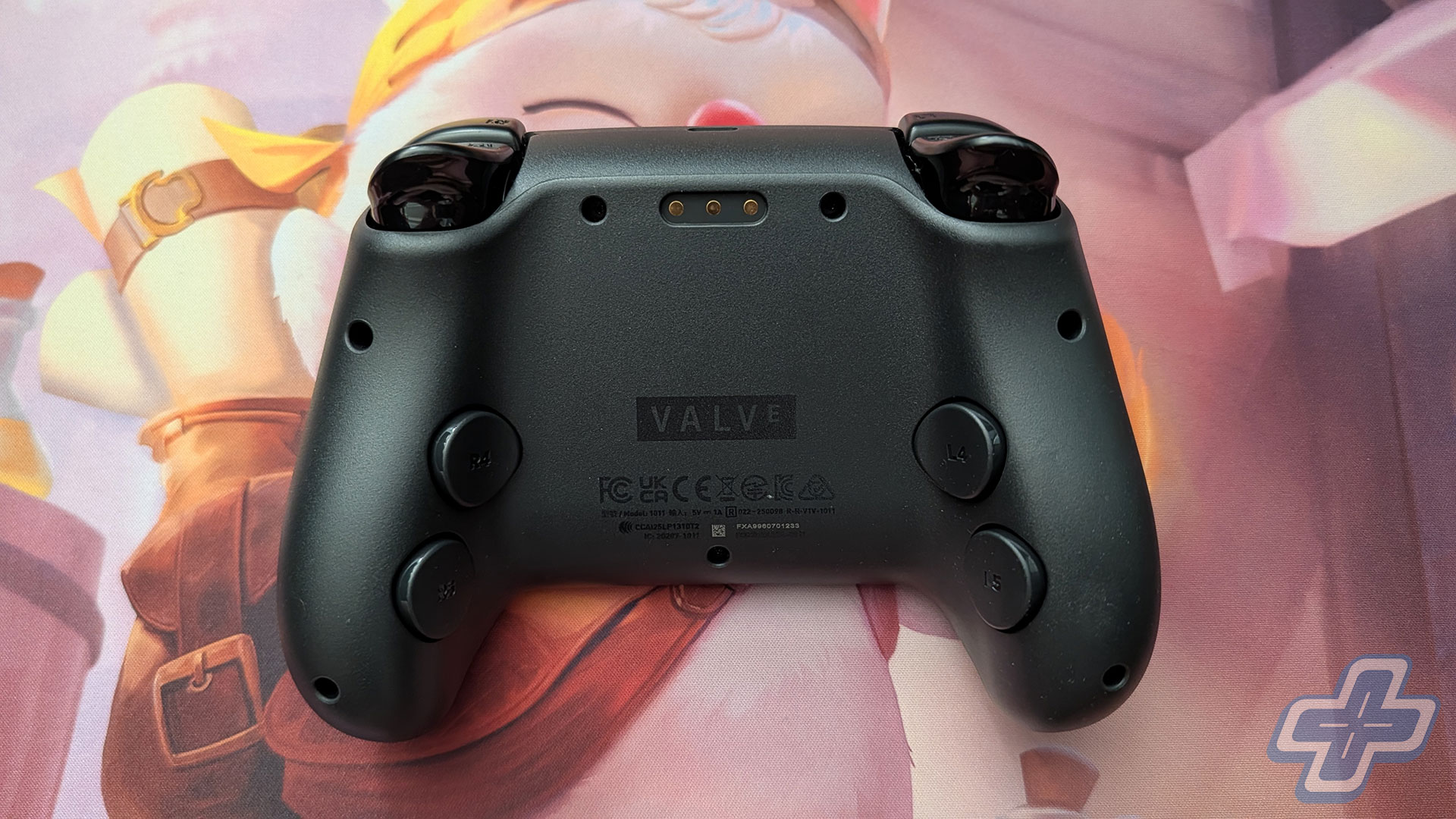
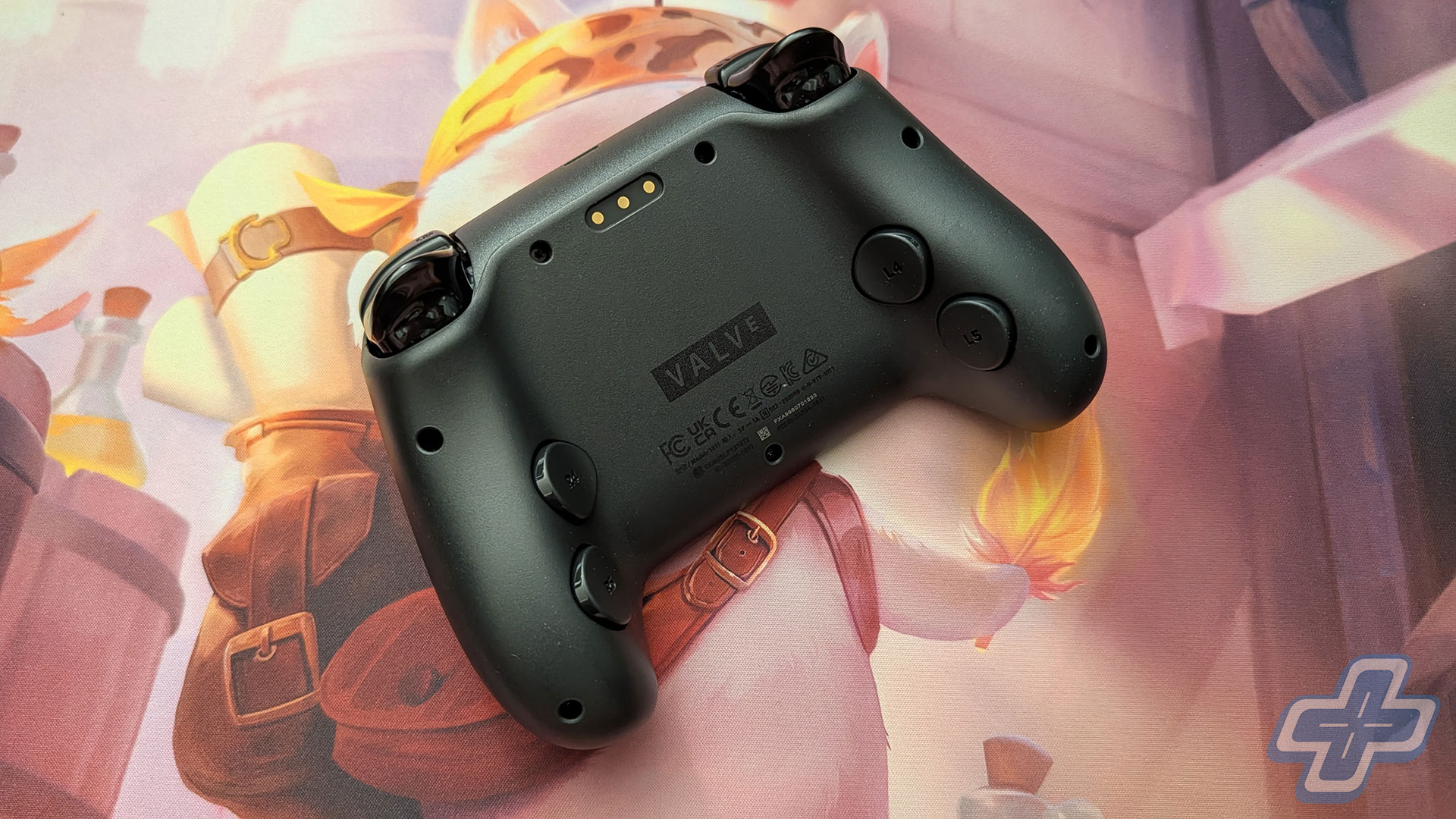
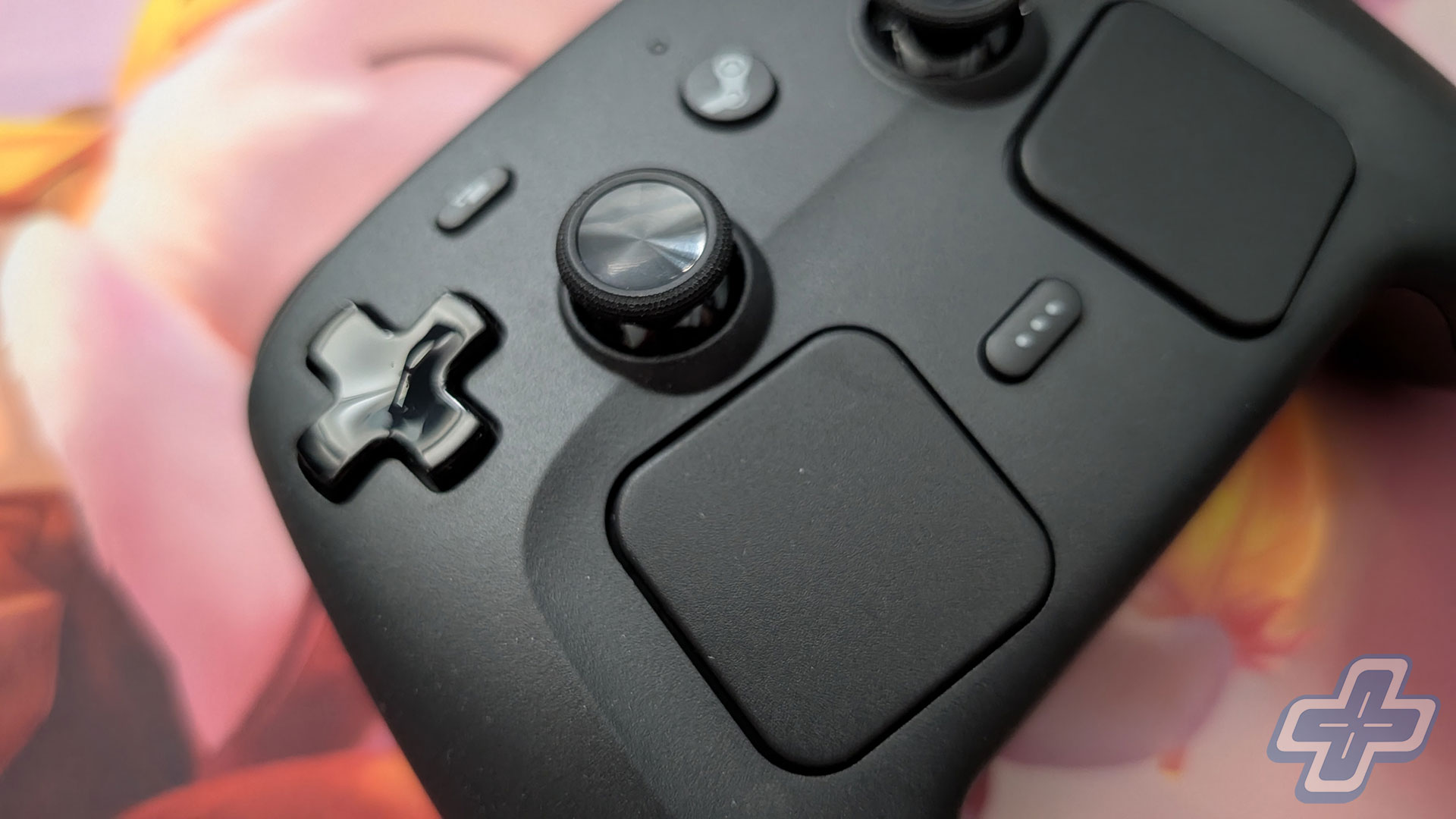
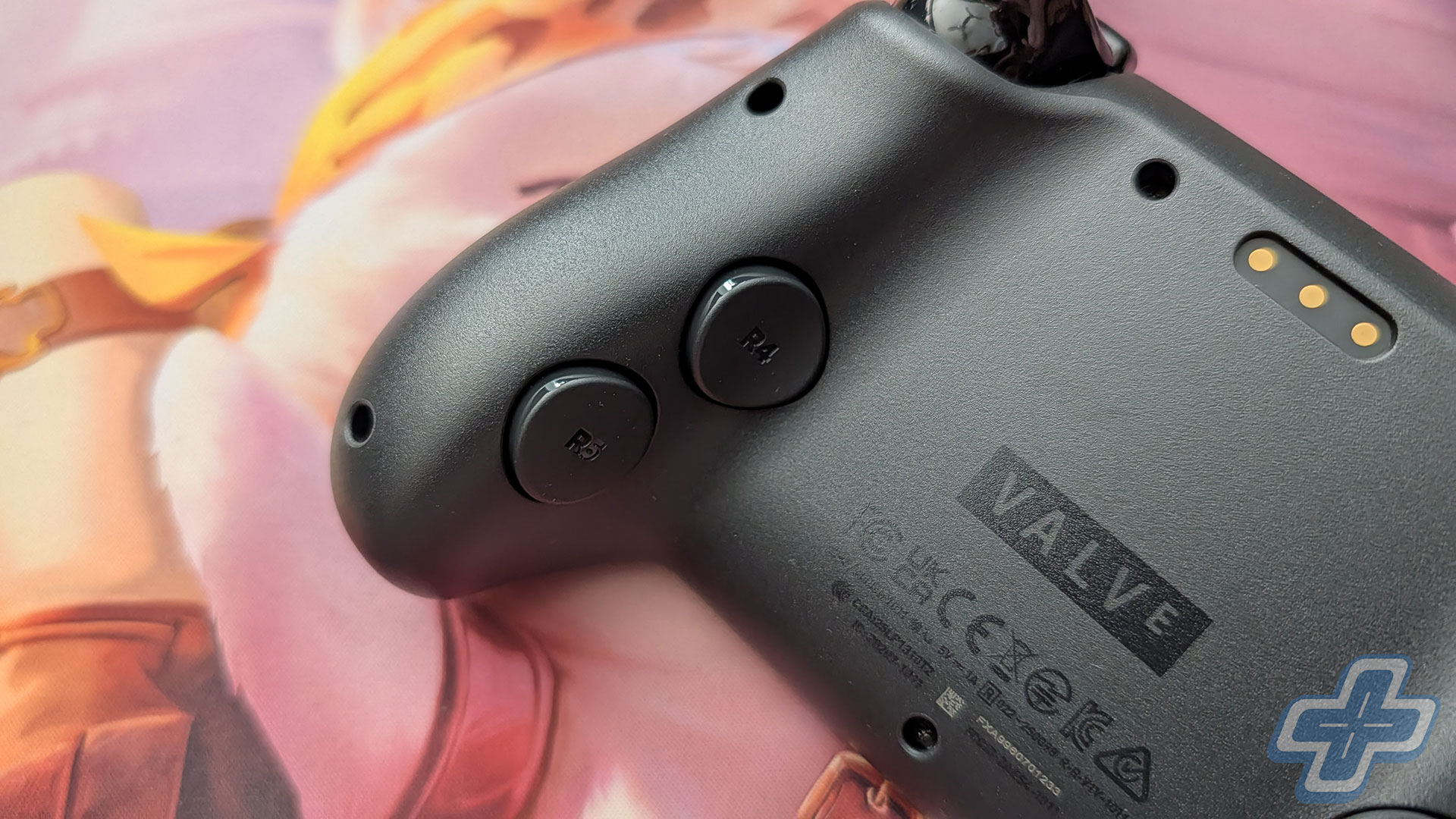
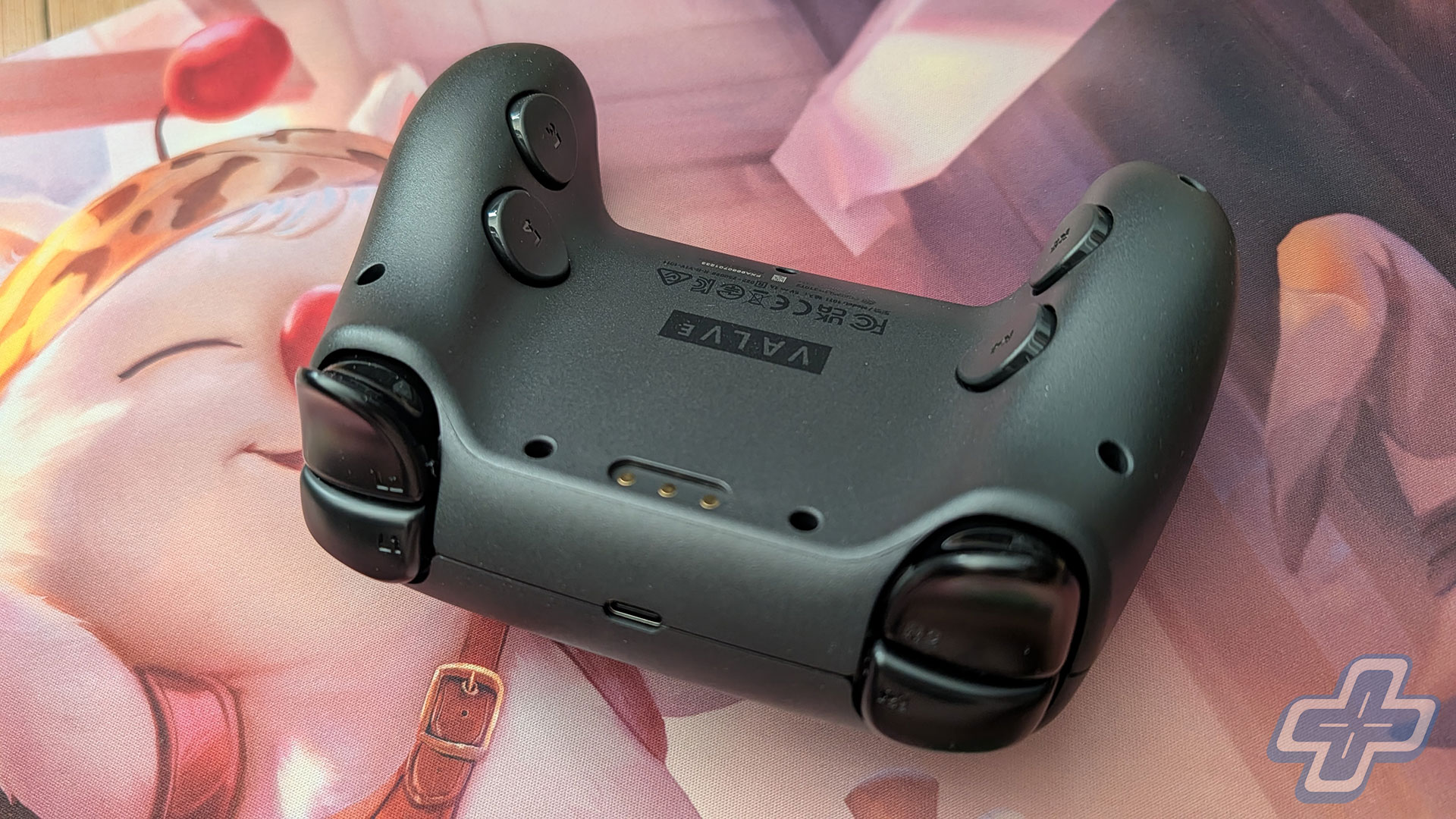
On paper, the Steam Controller checks off pretty much every box you’d want a modern pro controller to check off. You get four programmable back buttons, a six-axis gyro, capacitive touch on both thumbsticks, and grip sensors that can tell when you’re actually holding it. It’s more or less the same input setup Valve put in the Steam Deck, just in a standalone controller you can use at your desk or on the couch, and I appreciate that they didn’t skimp on the fundamentals.
The thumbsticks are worth singling out, since they use TMR, or tunneling magnetoresistance, rather than the potentiometer-style sticks you’ll find in most controllers. If you read my Mobapad review, the basic idea is a lot like Hall Effect, in that nothing physically rubs together inside the stick, so there’s nothing to slowly wear down and turn into drift. TMR uses a different type of magnetic sensor to track the stick’s position, and it’s supposed to be a little more precise on top of that. In day-to-day use the sticks feel smooth, and because there’s no physical contact in the sensing mechanism, drift should be far less likely to become a problem, which is really the whole point of going with TMR in the first place. Either way, none of this is what makes the Steam Controller stand out to me, since a good pro-controller checklist is just the baseline now. The part I find more interesting is everything Valve built on top of it.
Track Star
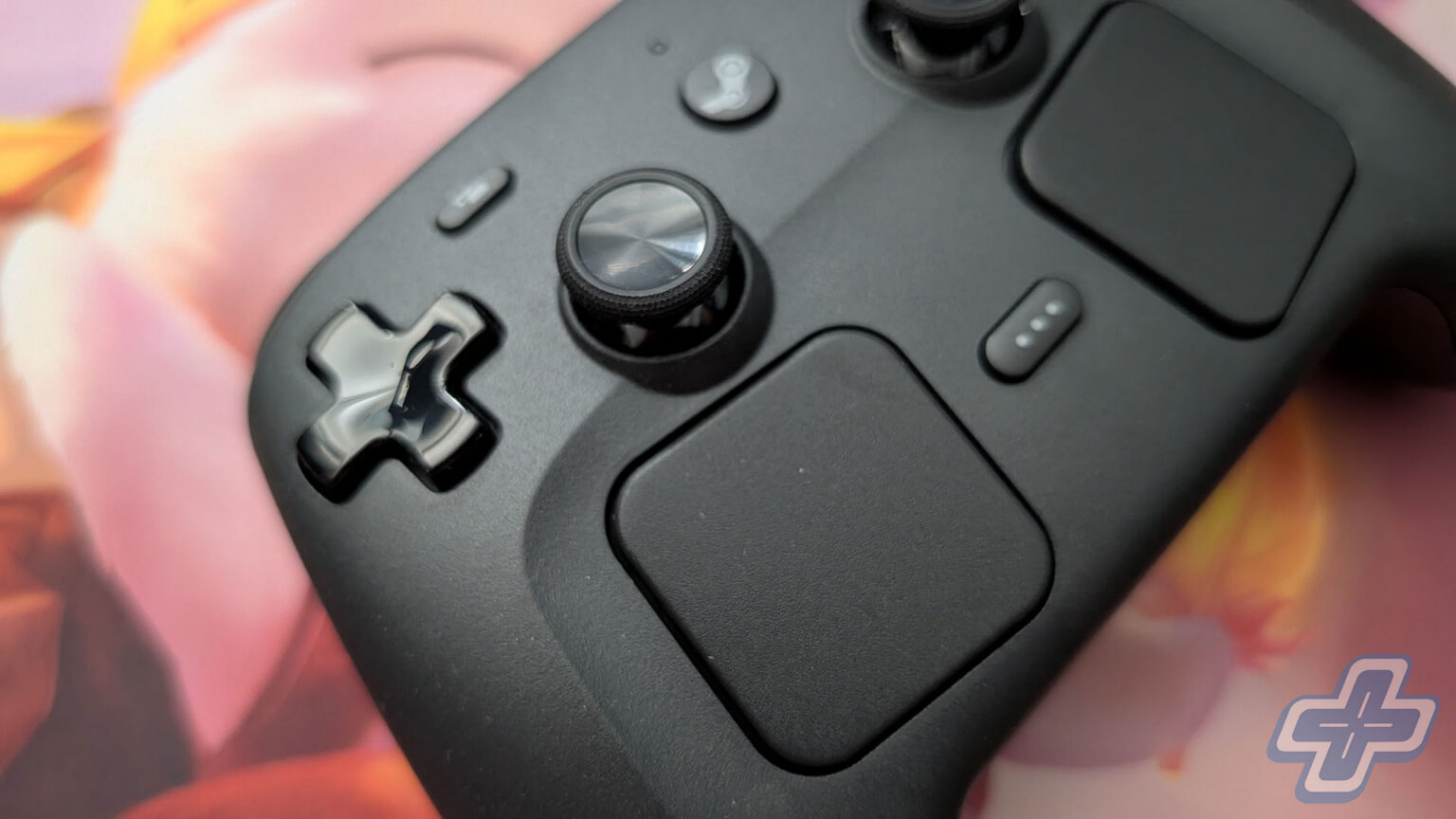
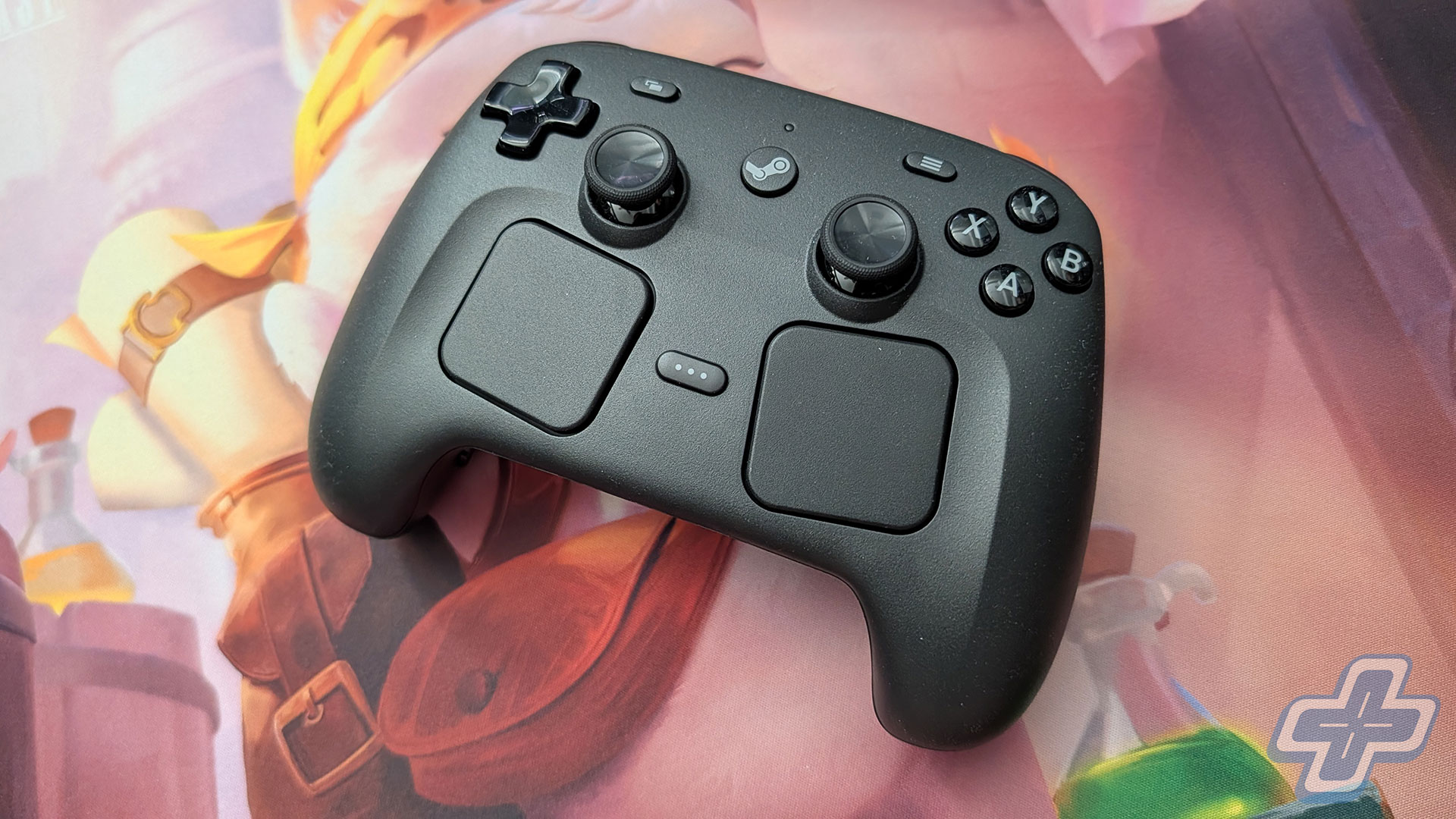
The feature that actually sets the Steam Controller apart is the pair of trackpads sitting just below the thumbsticks. They’re haptic and pressure-sensitive, and they’re meant to stand in for a mouse, so you get a little buzz of feedback under your thumb and far better control over small, precise movements than a thumbstick can give you. If you’ve spent any time with a Steam Deck, none of that will come as much of a surprise, since it’s the same general idea.
What did catch me off guard is how useful the trackpads end up being in situations you’d never really think to plan for. The most obvious one is that you can move the mouse cursor around without ever reaching for an actual mouse, which doesn’t sound like much until you’re sitting back on the couch and realize you haven’t needed to get up once. Whether I was changing a setting in the middle of a game, or dealing with a menu that clearly wasn’t built with a controller in mind (Mewgenics, I’m looking at you), I kept hitting these little moments where the trackpads just made life easier. It’s one of those features you don’t think you need until you’ve got it, and at this point I use it more frequently than I thought I would.
Input/Output
The reason the Steam Controller has been so easy to live with really comes down to Steam Input. Because the whole thing is built around Valve’s configuration system, you get an almost overwhelming number of options for how every button, stick, and trackpad behaves, and all of it is right there through Steam itself. Getting the trackpads remapped, reassigning buttons, and setting up gyro aiming the way I wanted was noticeably easier here than it’s ever been for me on any other controller. On top of that, most games pull in community-made layouts automatically, so more often than not, things just work the second you launch them.
There is one big catch to all of this convenience, though. Because it leans so heavily on Steam Input, the Steam Controller really only works natively with Steam out of the box, which means it doesn’t behave like a standard plug-and-play Windows controller the way most gamepads do. So if you want to use it with another launcher or with XBOX Game Pass titles, you’re mostly out of luck unless you’re willing to download some extra software and do a little bit of tinkering. Doing that also chips away at the plug-and-play simplicity that drew me to the controller in the first place, so for someone who does all of their gaming on Steam, it’s hard to complain about. If you don’t, you’ll want to make sure you’re comfortable setting it up to work outside of Steam before spending the money.
Trigger Discipline
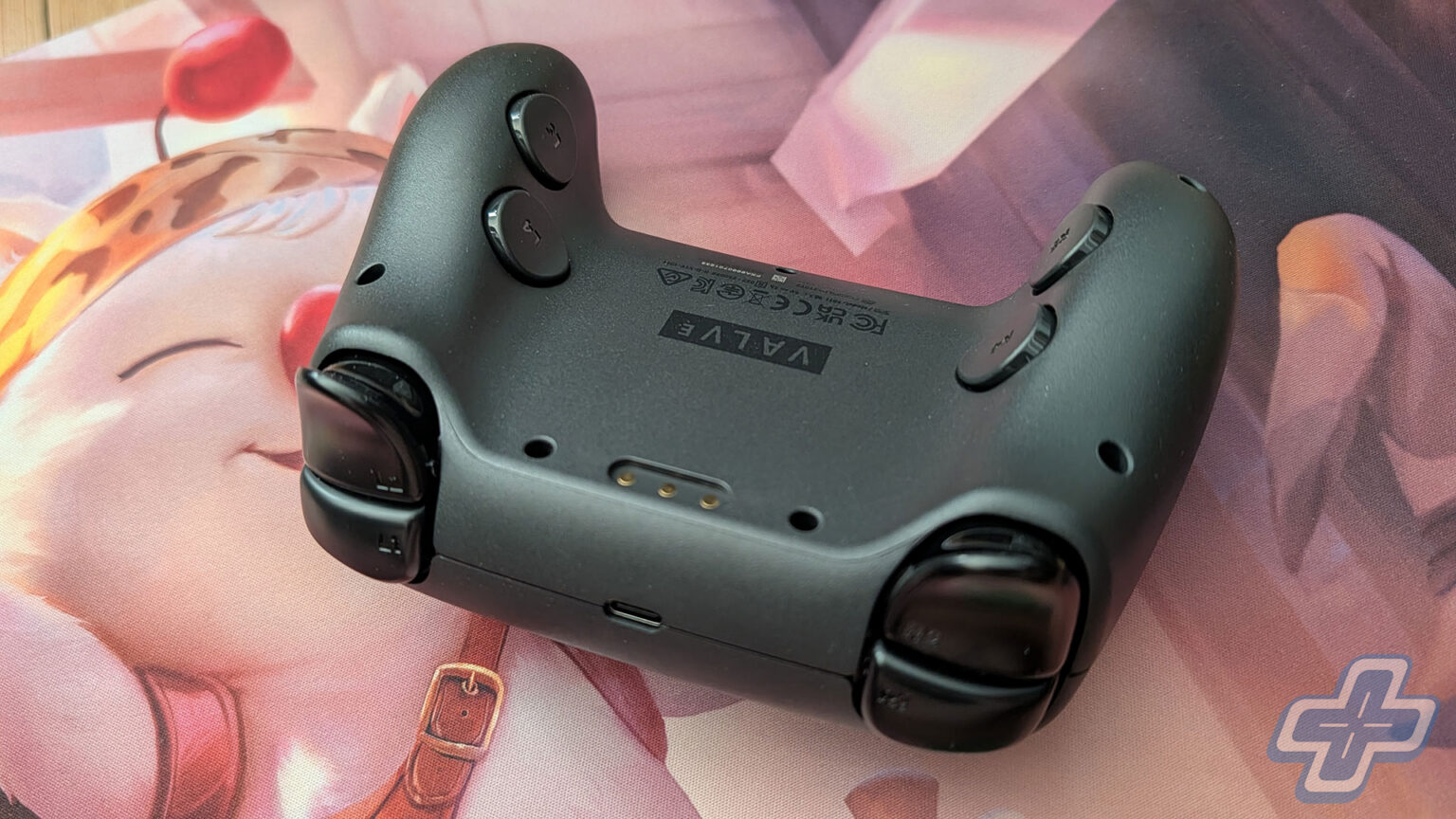
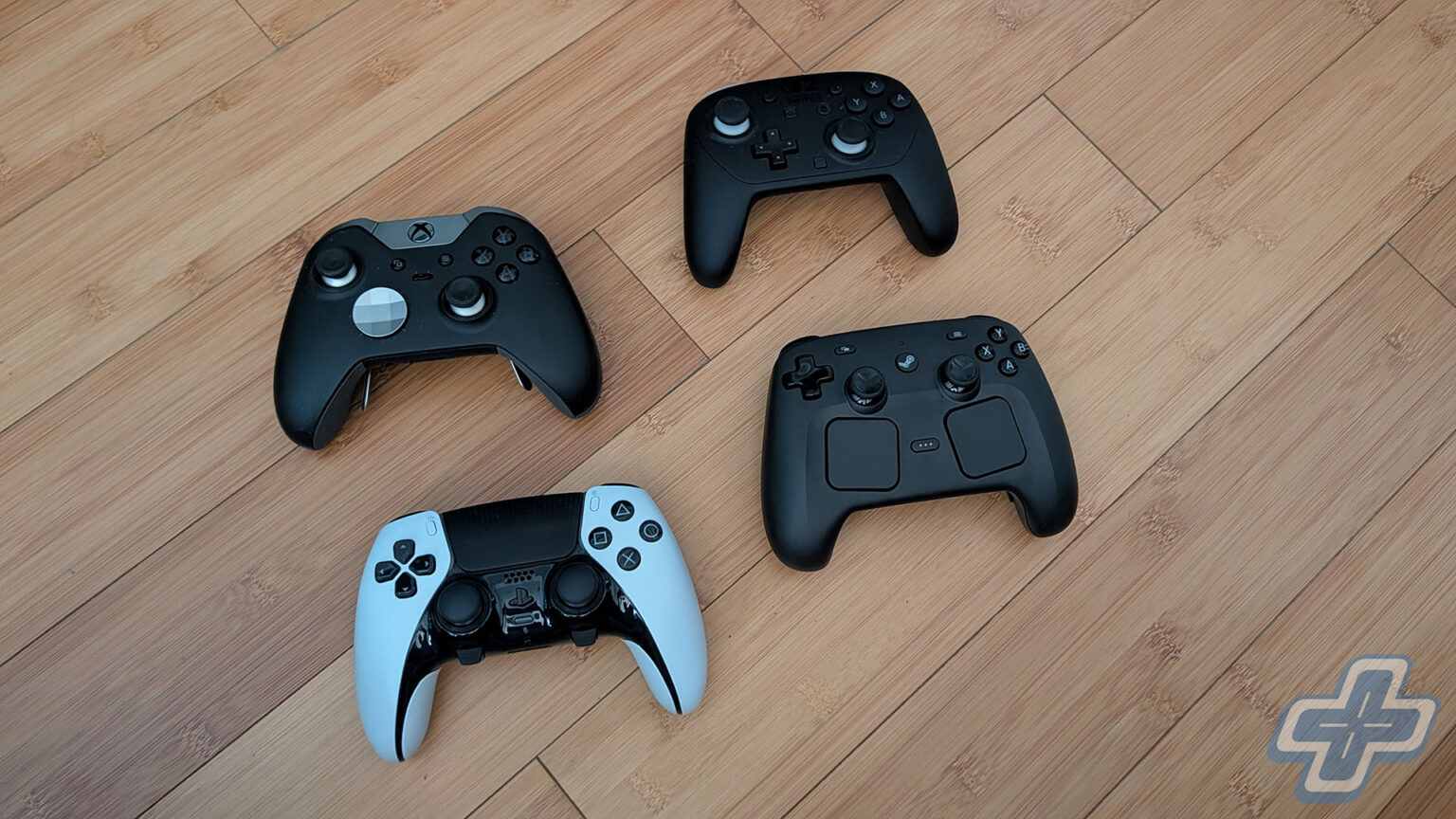
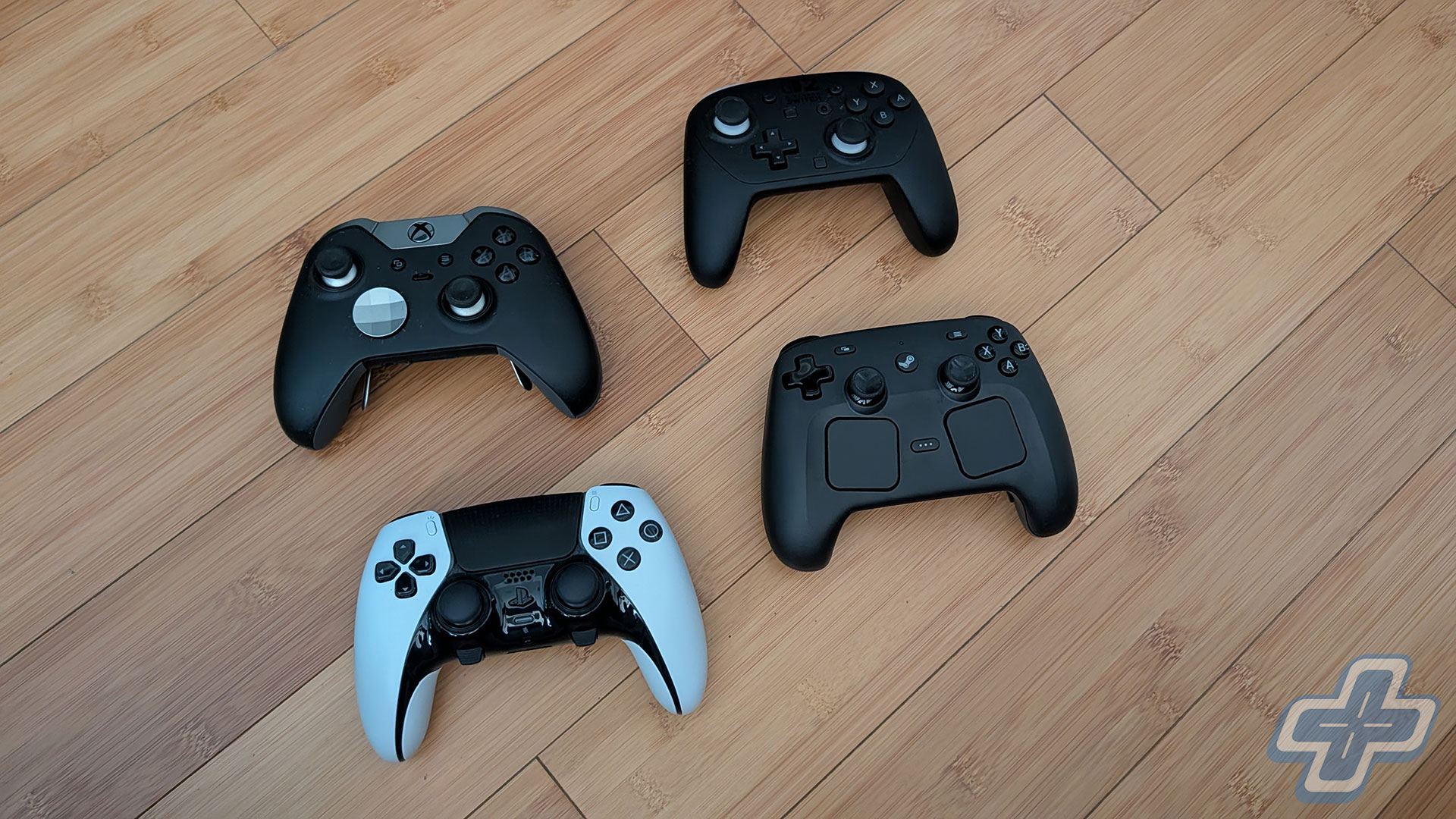
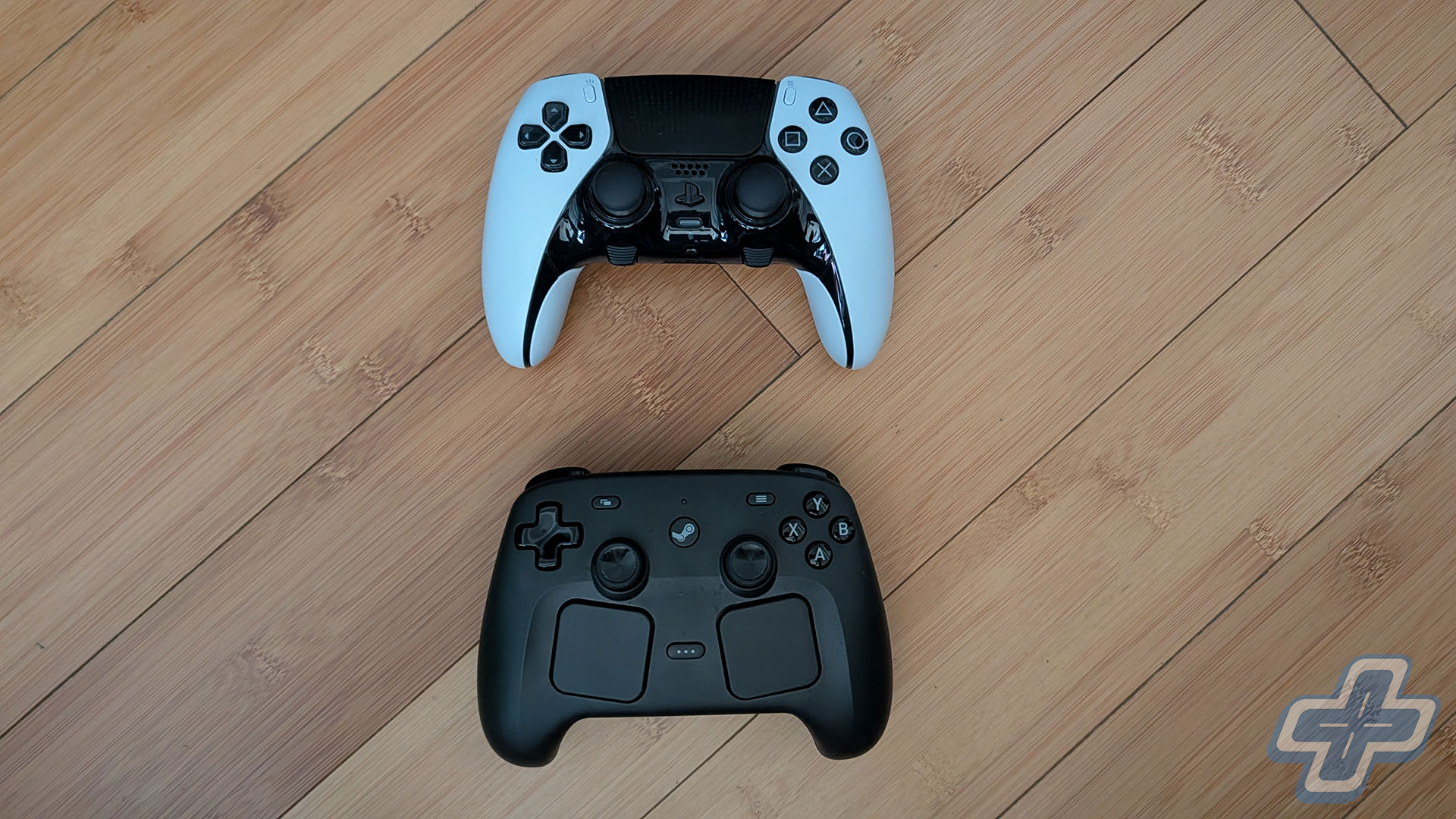
Over those 60 or so hours in Forza Horizon 6 and 007 First Light, the Steam Controller has felt really good in the hand. The buttons have just the right amount of travel and clickiness for me, and the thumbsticks are smooth without ever feeling loose or vague. If I had to call out one real complaint, it’d be the triggers, which just don’t feel as satisfying as the ones on the DualSense Edge. I mostly notice it when I’m jumping back and forth between the two, and to be fair, the Edge sets a pretty high bar in that department.
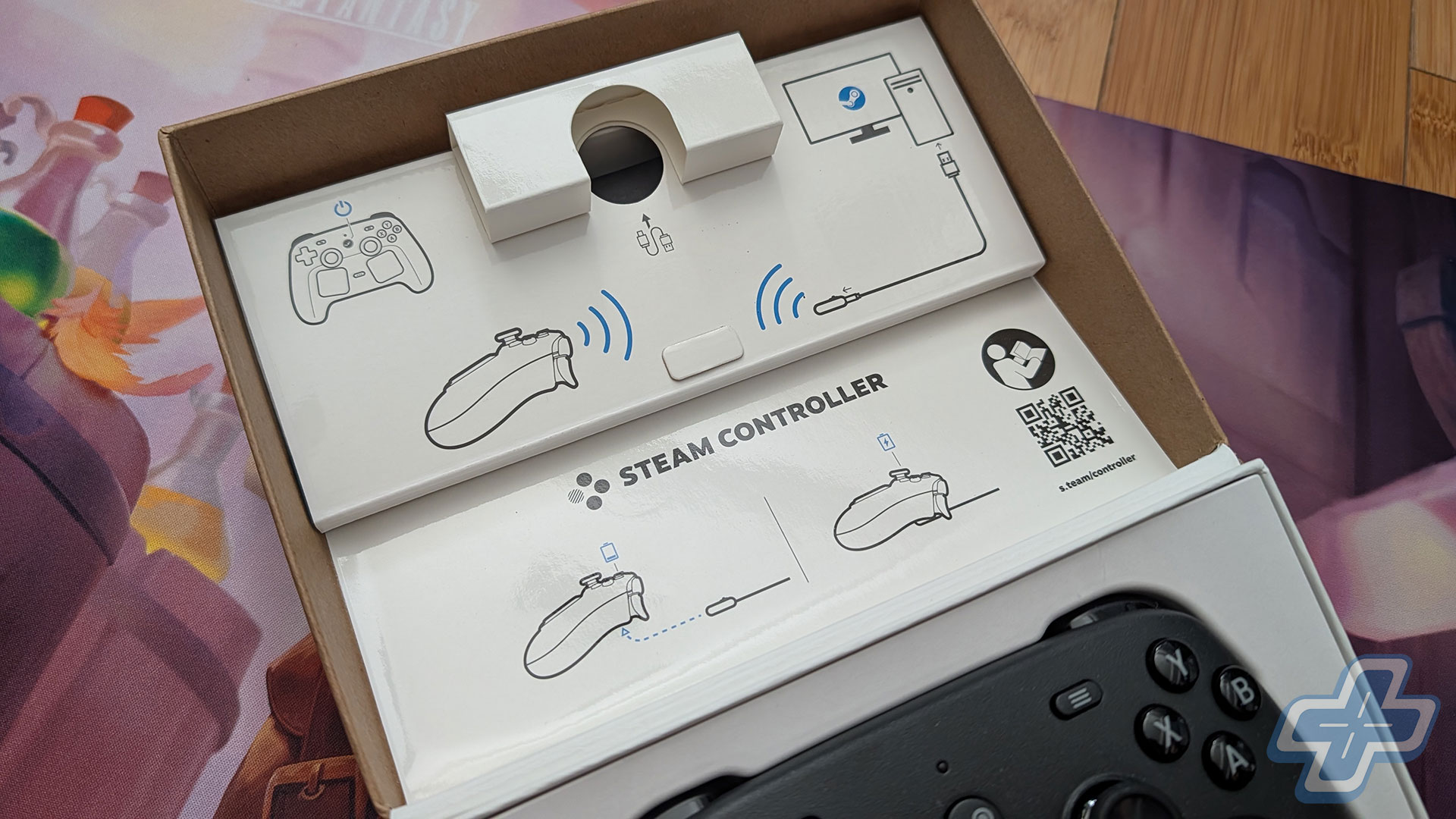
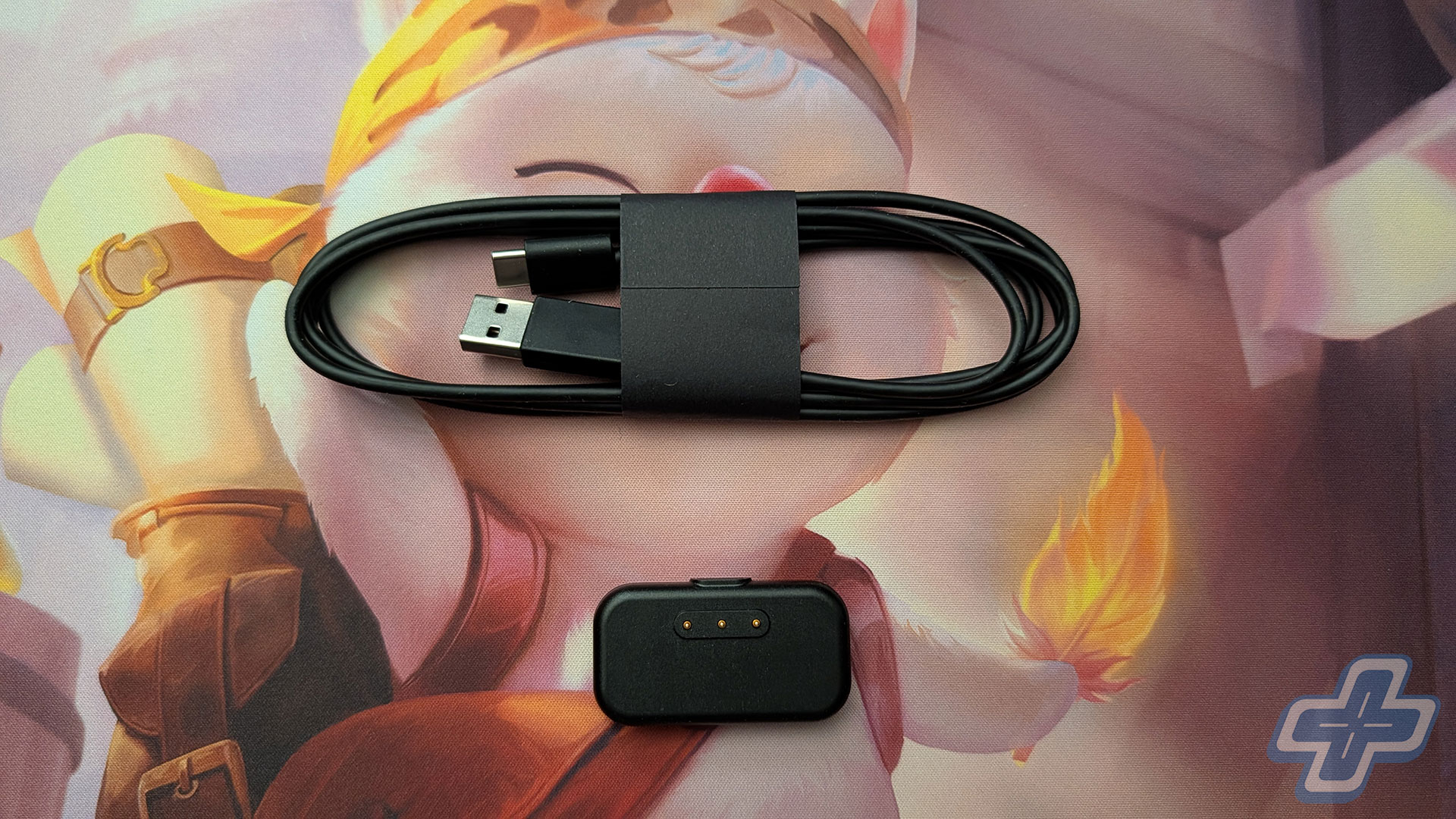
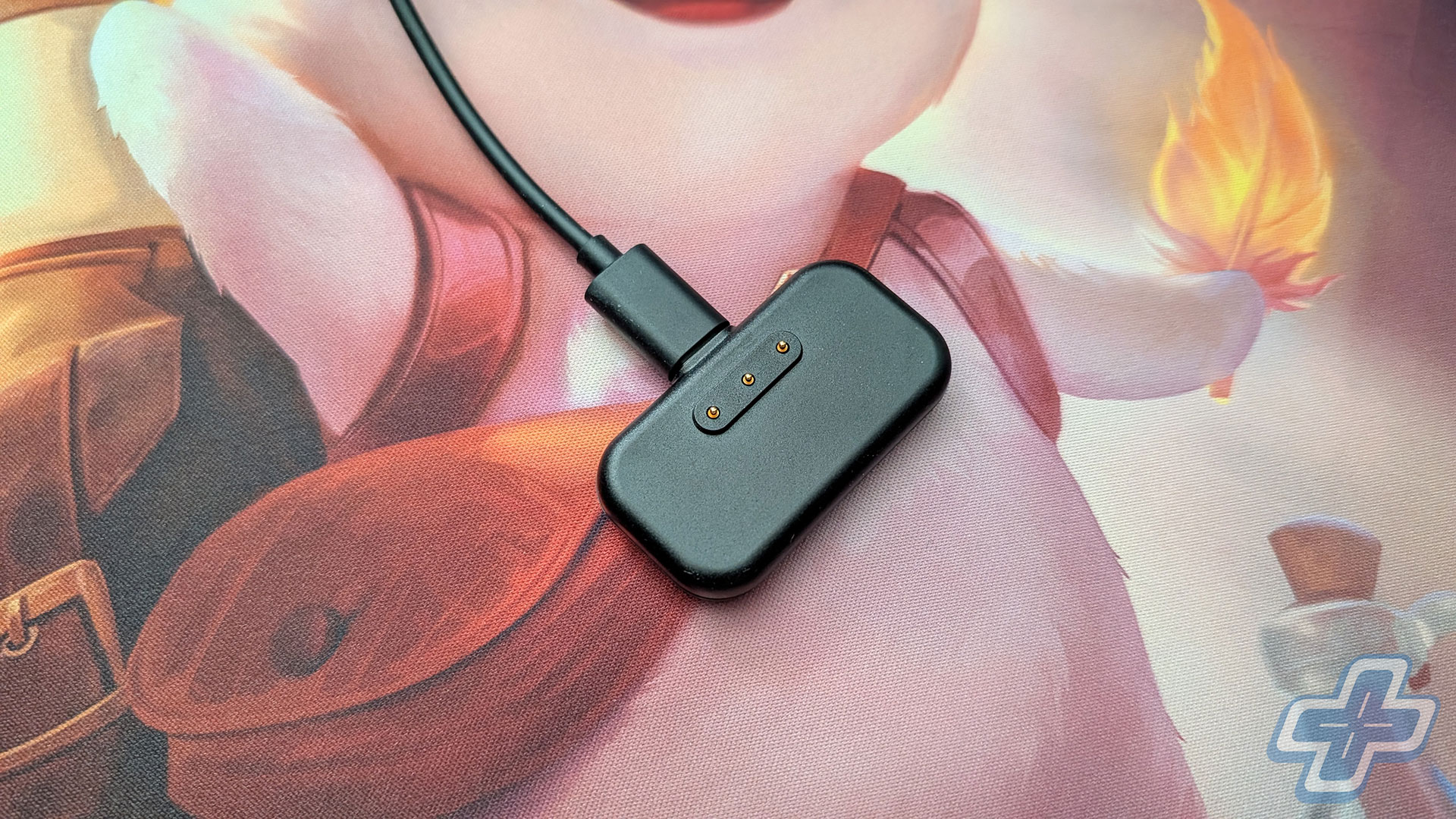
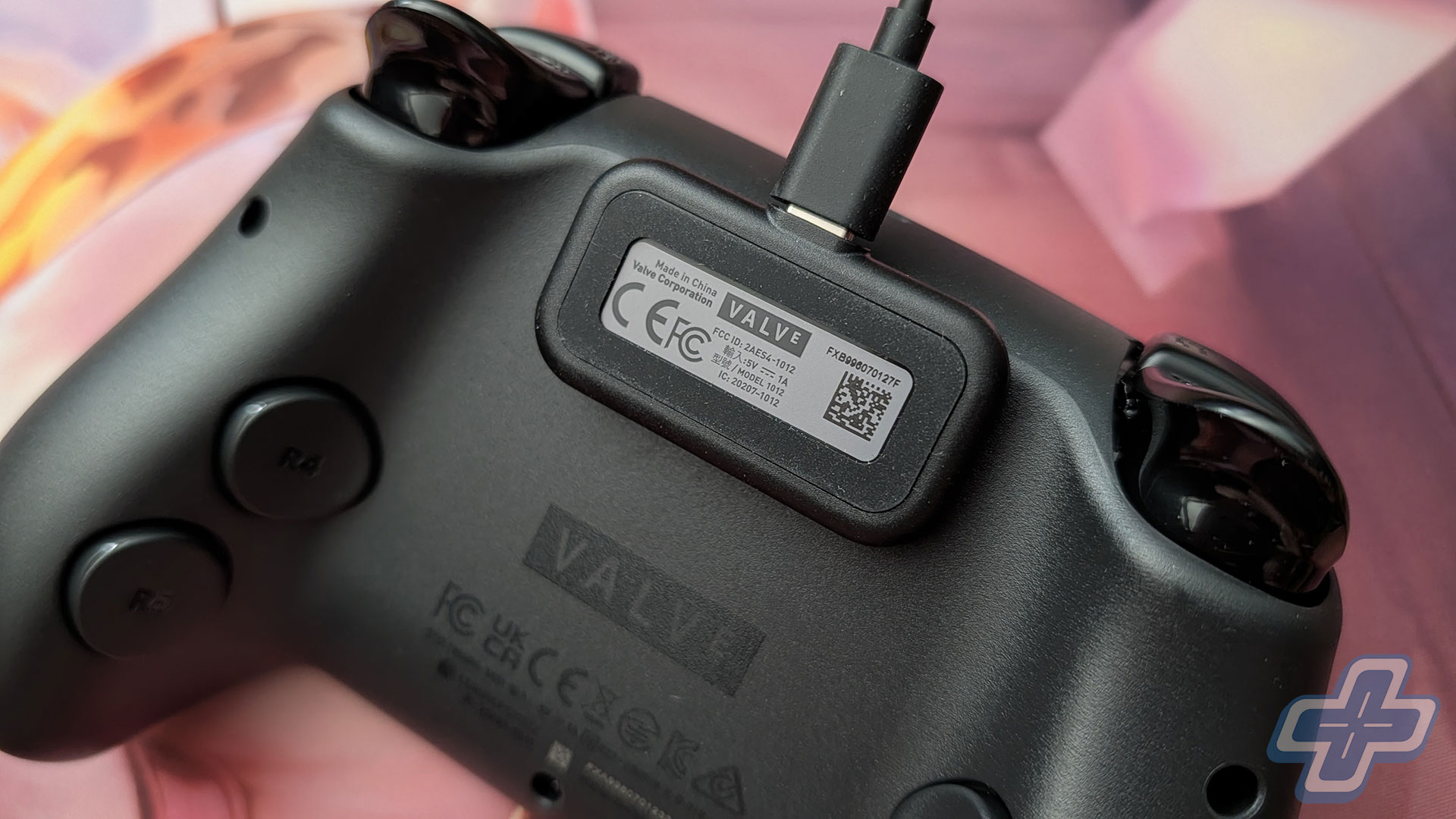
The other thing that’s slowly pushed the Steam Controller ahead of my Edge, though, is just how it connects. The DualSense Edge has to pair over Bluetooth, which every so often decides to act up, and if you’ve ever fought to keep a controller connected to a Windows 11 PC, you probably know exactly what I mean. The Steam Controller sidesteps all of that with its included puck, a small magnetic dongle that the controller snaps right onto. It charges the controller and runs a low-latency 2.4GHz wireless connection at the same time, so when I’m done playing I just set it on the puck, and the next time I sit down it’s connected and topped up without me thinking about it. It’s a minor thing on paper, but it’s the same sort of convenience that makes a difference for me, similar to the swappable batteries with the SteelSeries Arctis Nova Elite. As for battery life, I honestly can’t say much beyond Valve’s estimate of more than 35 hours on a single charge, because the charging puck basically removed it from my list of concerns. I literally just plop the controller onto it after each play session, so the battery has always been topped off and ready whenever I need it.
Weighting Game
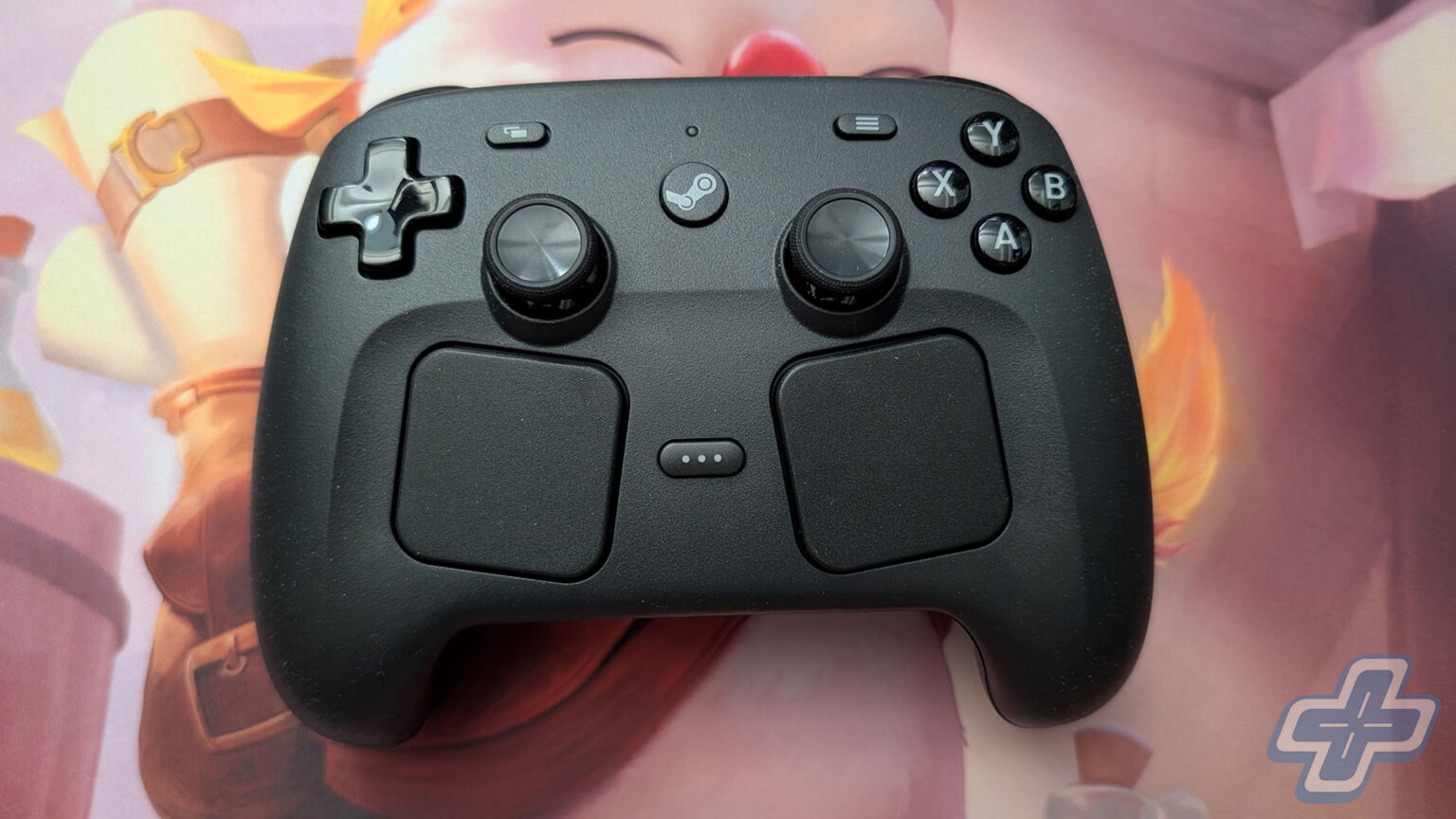
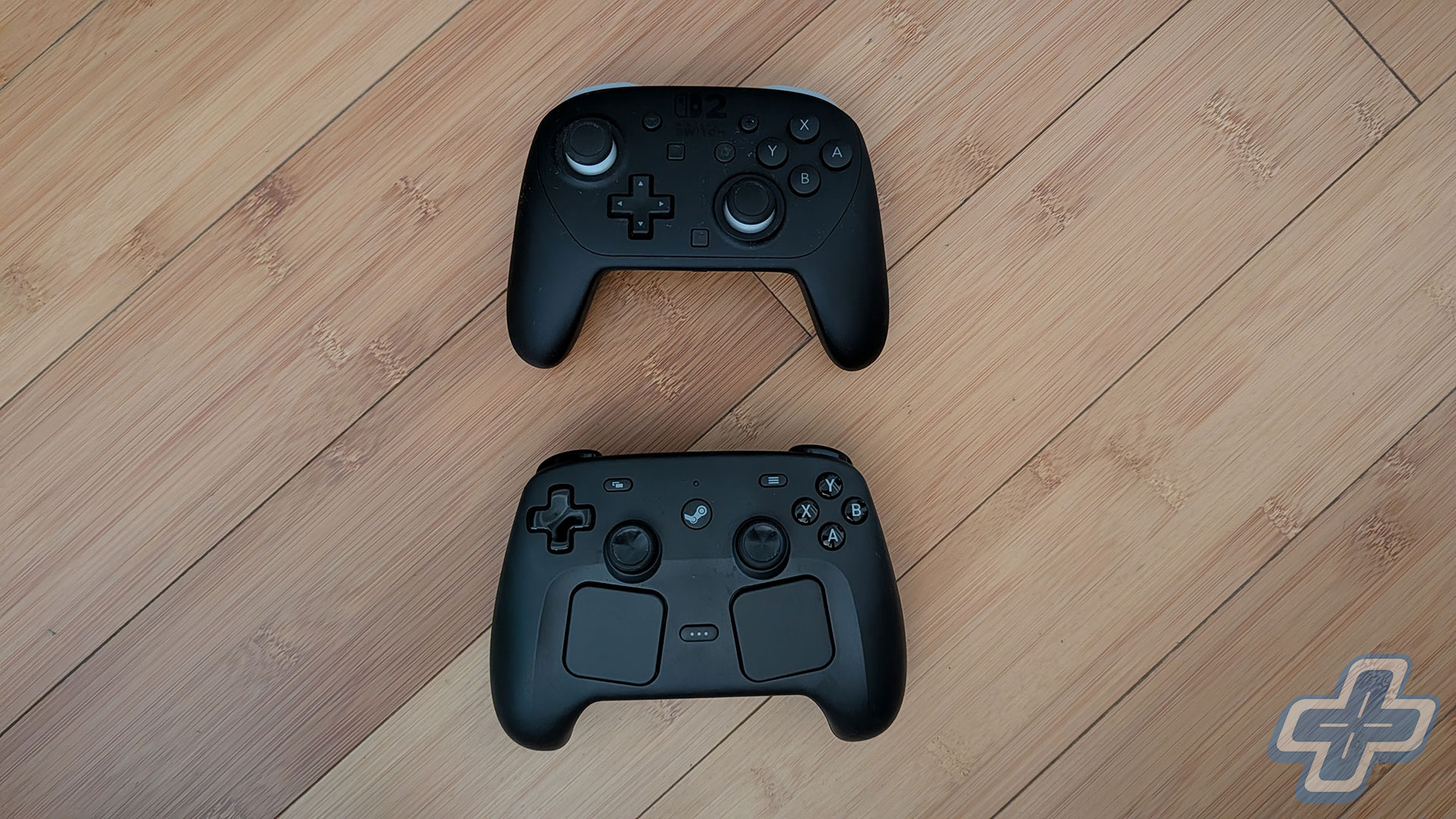
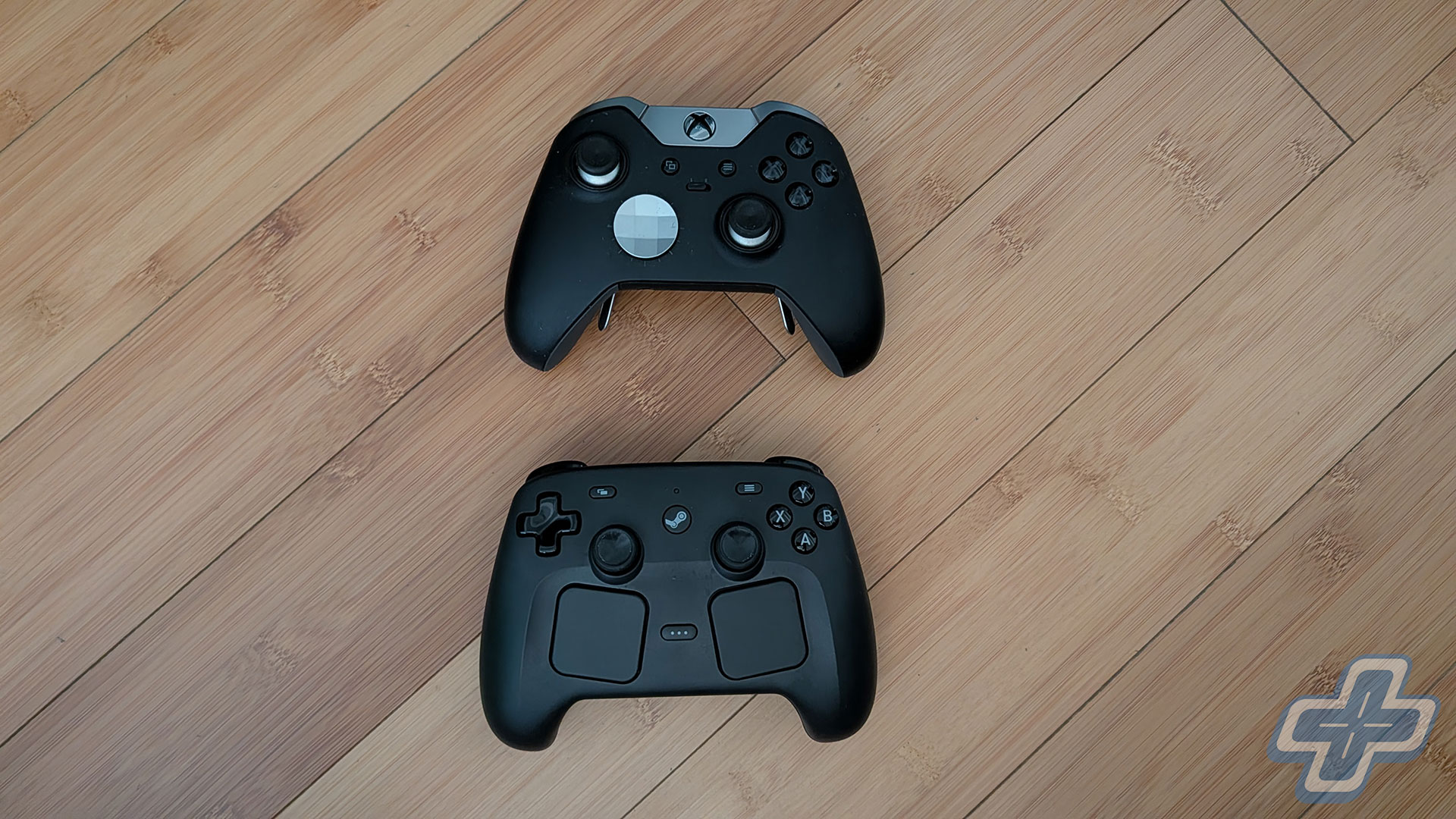
Like others, I found the Steam Controller’s overall shape and footprint a little awkward at first, but it turned out to be surprisingly comfortable once I’d settled into a longer session. The weight feels about neutral to me, not too heavy and not too light—it comes in at a confirmed 292 grams. That actually makes it slightly lighter than the roughly 325-gram DualSense Edge I’ve been using, which is worth knowing if controller weight is something you pay attention to. I personally tend to prefer a slightly heavier controller, so if you’re the same way, that’s probably the one knock I’d give it, though it never really got in the way over a full evening of racing or sneaking around.
When it comes down to it, I think the Steam Controller is the best $99 you can spend on a PC controller, as long as you go in knowing the one big string attached, which is that you should really be playing your games on Steam. For that kind of player, and like I said, there are a lot of us, it’s an easy pick over just about anything else at this price, and the trackpads and the puck only widen the gap. If your games are scattered across a bunch of different launchers, things change, and you’d probably be better off with something that doesn’t ask you to settle into one storefront. For what I play and how I play it, though, it’s what I reach for now, and I don’t see myself switching back to the DualSense Edge any time soon, at least not on Steam.
The Steam Controller was released on May 4, 2026, exclusively on the Steam Store. This review is based on a purchased retail unit and tested on PC. While FullCleared does have affiliate partnerships, they do not influence our editorial content. We may, however, earn commissions for products purchased via affiliate links.
Steam Controller Review Gallery
Continue?
Like our content?
Subscribe to our newsletter and get video game news, reviews, features, and deals straight to your inbox.
You're subscribed!
Thanks for signing up. Look for an email from Substack at .
No email after a few minutes? Subscribe on Substack.
This newsletter may contain advertising, deals, or affiliate links. Subscribing to the newsletter indicates your consent to our Privacy Policy. You may unsubscribe from the newsletter at any time.