Microsoft has rolled out the April 2026 Xbox Update, bringing a wide range of customization improvements across console, PC, and mobile. The biggest changes are on the console side, where players can now pin up to ten groups on Home, create custom colors, disable Quick Resume on a per-game basis, and access streaming improvements. PC users get manual game library additions, three pinnable favorite games, and a new Gamepad Cursor feature, while the Xbox mobile app finally adds wishlist alerts.
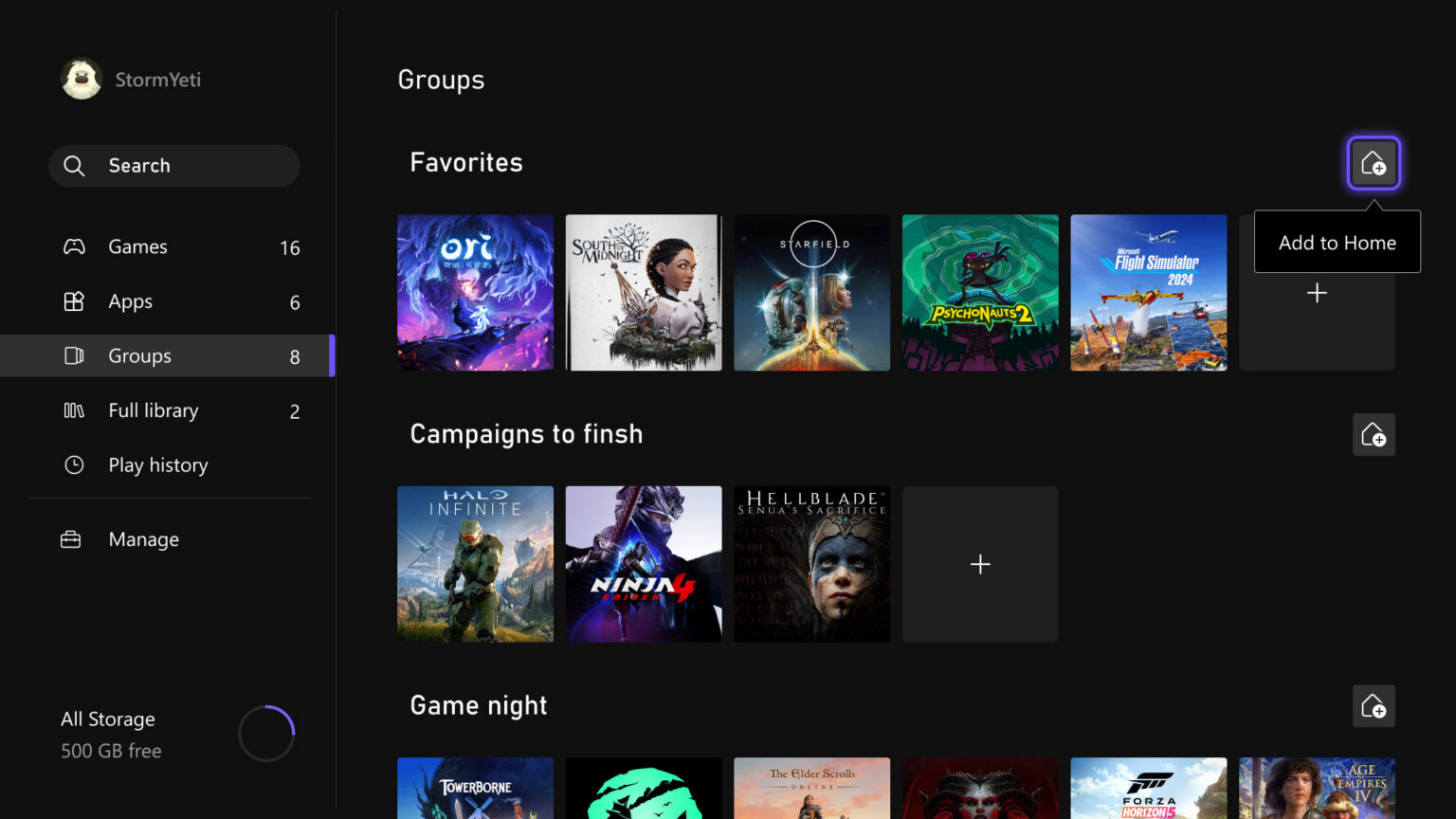
On console, the Home customization update is one of the more meaningful additions. Players can now pin up to ten groups on Home, up from two, and the reordering and pinning experience has been streamlined to match how games are moved around. The new custom color feature lets players use sliders to pick any hue and shade they want, with subtle accents appearing throughout the console interface, including a light tint in the Guide. The latter can be turned off in Settings if you’d rather keep things clean.
Quick Resume gets a useful new option as well. Players can now disable Quick Resume on a per-game basis, which is a welcome change for games that rely heavily on online connections or get buggy after sitting in a suspended state for a while. The setting is accessible through the More options menu on any Quick Resume tile or under Manage game and add-ons. Play History also gets a refresh, with a new dedicated tab in My games & apps and a horizontal layout that groups recent gameplay by recency.
For Xbox Cloud Gaming users, two new options improve transparency around streaming. User Selected Resolution lets players manually choose their preferred streaming resolution before starting a session, while a new Network Quality Indicator provides real-time visibility into network health during gameplay. Both are accessible through Console Settings.
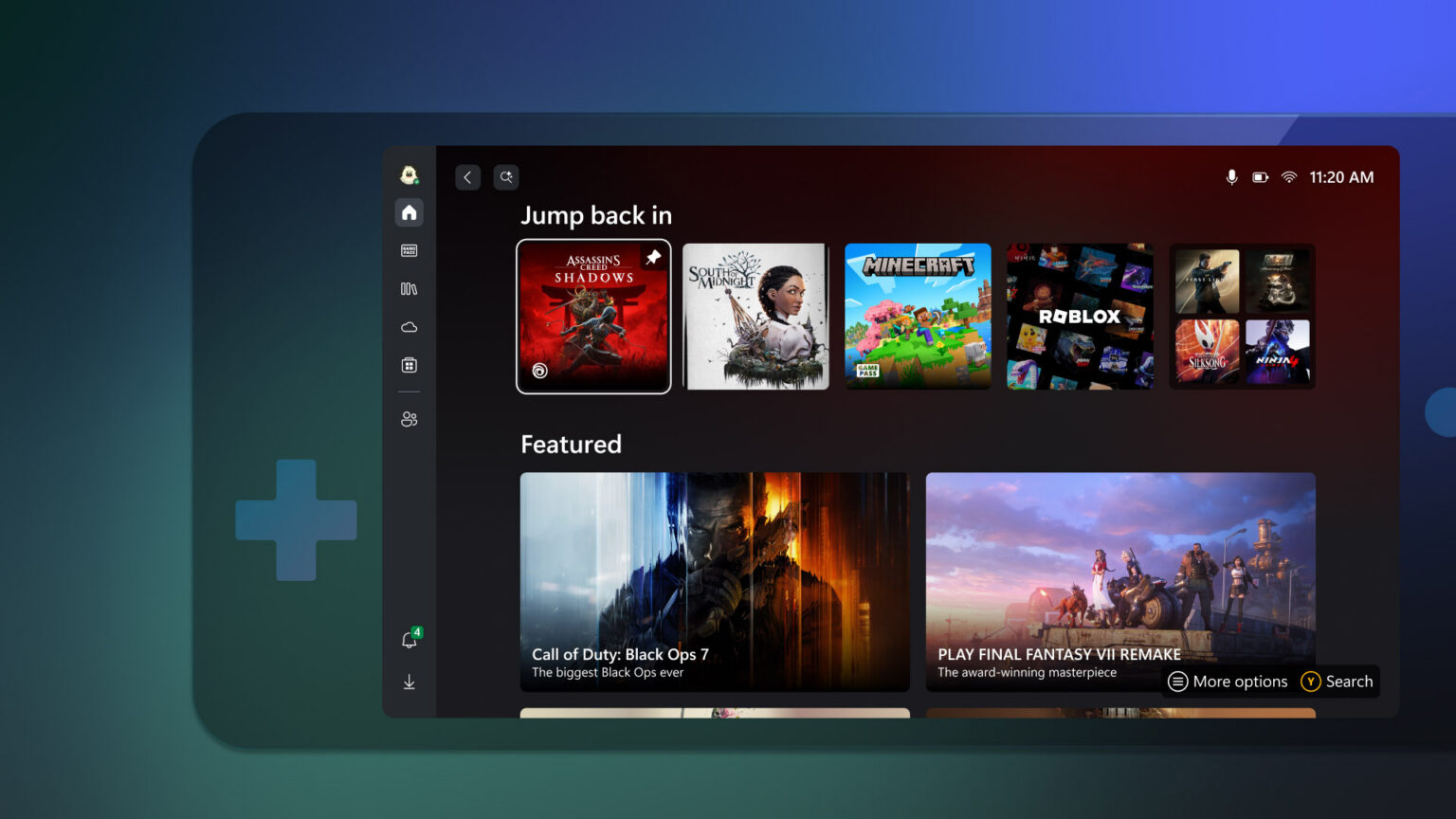
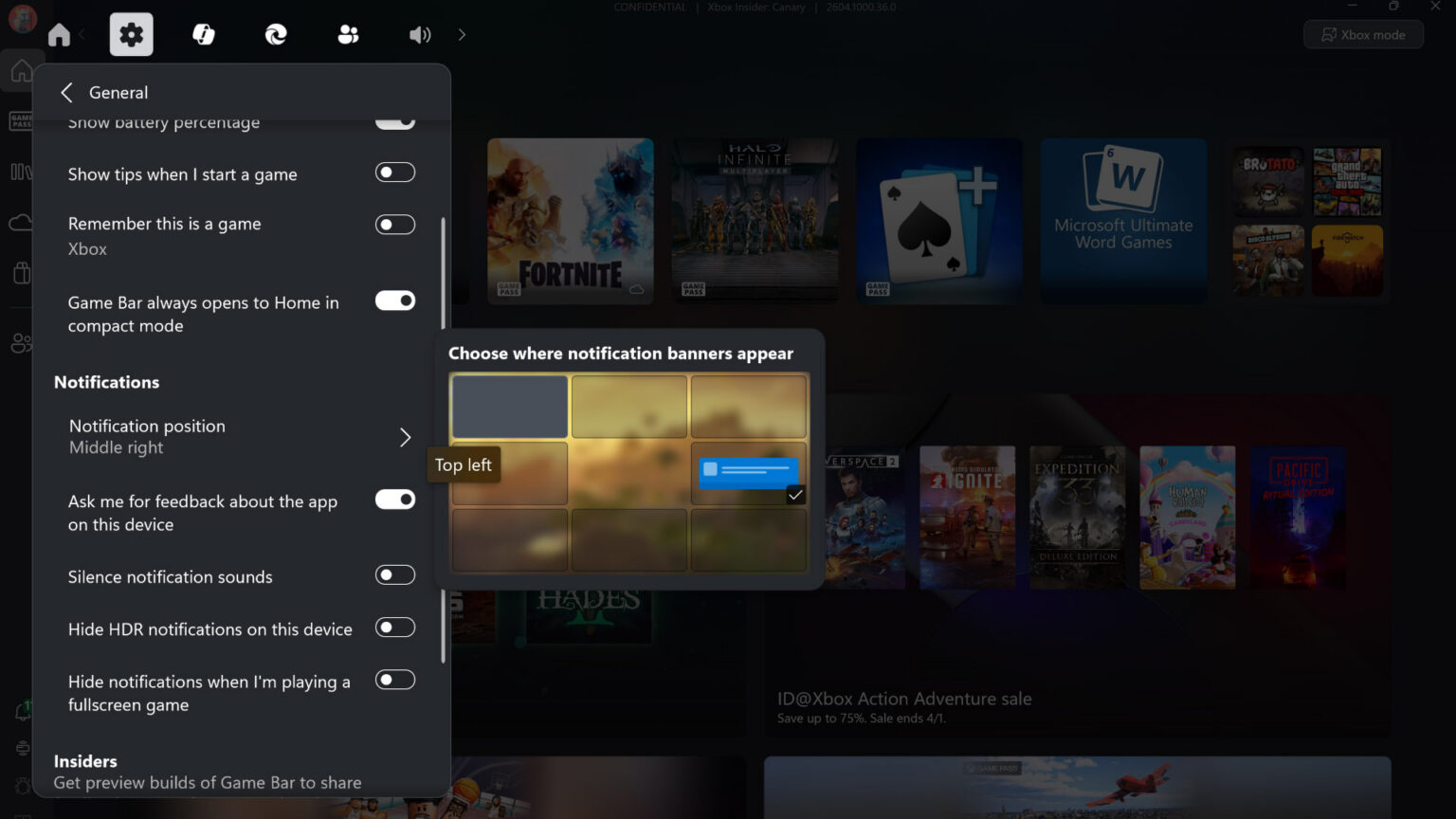
On PC, the Xbox app now lets players manually add any installed game or app to their Xbox library through the new “+” button, regardless of which storefront it came from. Customization options include names, icons, launch parameters, and even mod commands for advanced setups. Up to three games can be pinned to the Jump back in or Most Recent list on Windows 11 PCs and gaming handhelds, and the new Gamepad Cursor feature turns any controller into a virtual mouse for navigating apps that don’t support controller input natively, like Spotify or Discord. Notification placement on Game Bar is also now customizable.
The Xbox mobile app finally addresses one of the more requested features with wishlist alerts. The app will now send notifications when a game on your wishlist goes on sale, enters Game Pass, or becomes available for preorder, with a single tap taking you to the product page to act on it.
The full ROG Xbox Ally update was covered separately, but the highlights include significant docking improvements, super wideband stereo voice for Bluetooth LE Audio headsets, Enhanced Vibration, and an Auto Super Resolution preview for Xbox Insiders on the ROG Xbox Ally X. The Ally and Ally X also pick up the manual library additions and Gamepad Cursor features described above.
Microsoft also highlighted recent additions to the Handheld Compatibility Program. Hades II is now classified as Handheld Optimized, alongside Kiln and Mouse: P.I. For Hire, while Invincible VS is rated Mostly Compatible. Diablo IV: Lord of Hatred, Invincible VS, Kiln, and Overwatch also got new dynamic backgrounds for Xbox Series X|S consoles earlier this month.
Continue?
Like our content?
Subscribe to our newsletter and get video game news, reviews, features, and deals straight to your inbox.
You're subscribed!
Thanks for signing up. Look for an email from Substack at .
No email after a few minutes? Subscribe on Substack.
This newsletter may contain advertising, deals, or affiliate links. Subscribing to the newsletter indicates your consent to our Privacy Policy. You may unsubscribe from the newsletter at any time.