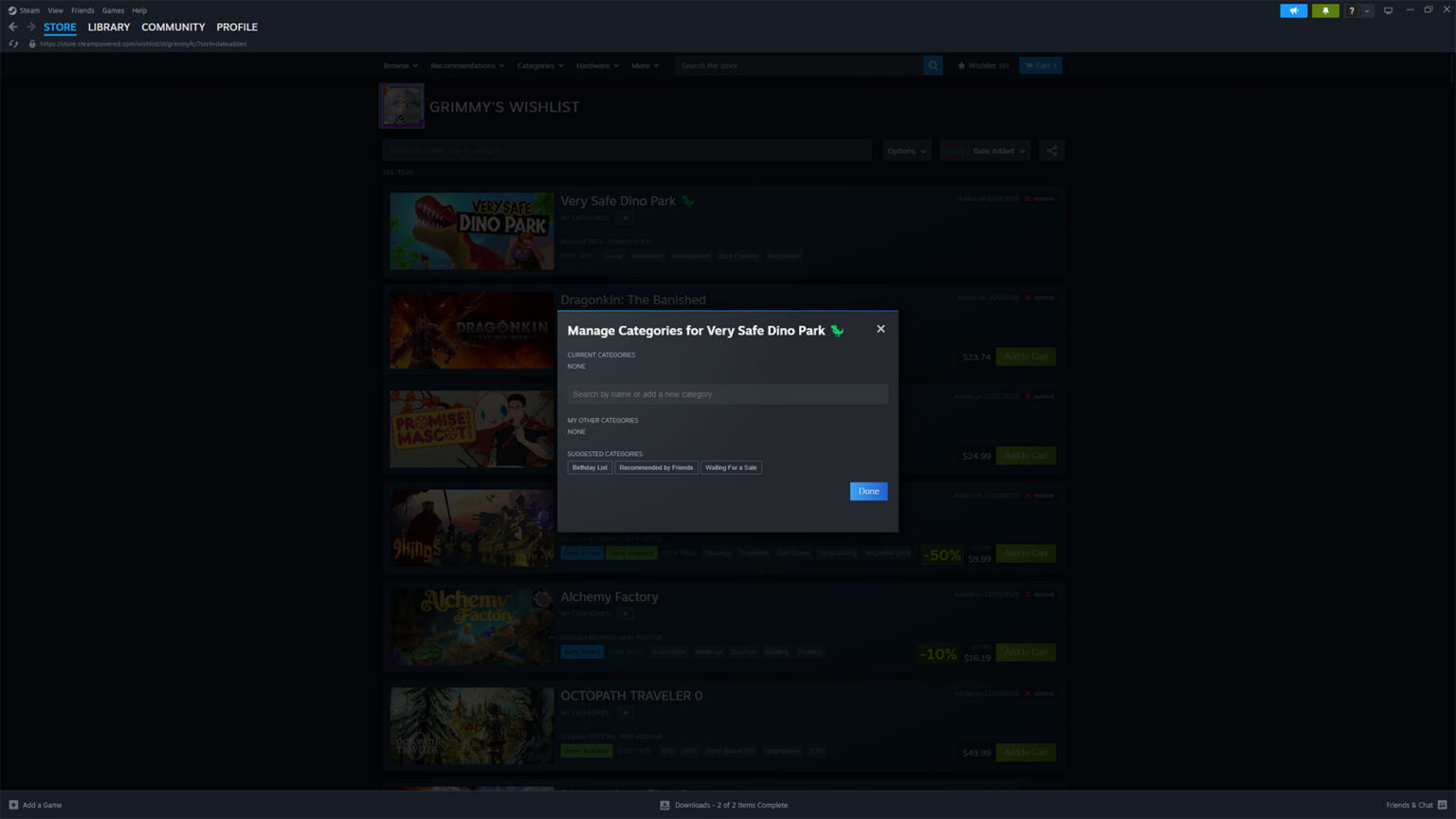
Custom categories headline a Steam wishlist update that’s rolling out today, joined by improved search, demo notifications, and new sharing options that work even for people without a Steam account. Valve says players have been asking for more ways to manage their growing wishlists beyond the existing ranking and filtering tools, and this update is the answer, with everything available to try on your own wishlist now.
The categories themselves are freeform, letting you create and assign custom groupings for things like games from a specific event, games best played with a controller, or gift ideas for someone else. Clicking a category name at the top of your wishlist filters straight to it, frequent categories can be added to directly from the “On Wishlist” dropdown on store pages, and wishlist notifications can be customized to only fire for certain categories.
The rest of the update touches nearly every corner of the wishlist page, starting with a better search experience that now includes autocomplete. Games with a demo available are highlighted, you can opt into notifications for when a demo is released for a wishlisted game, and micro-trailers now play when hovering over each game’s capsule image. Valve also improved how navigation works across browser, mobile, the Steam Client, and SteamOS, so jumping to and from your wishlist brings you back to where you left off, alongside some contrast and legibility tweaks.
For some, sharing might be the most interesting update, though. The share button at the top of your wishlist generates a unique URL that works even if your wishlist is set to private, and the link only shows whatever filtered view you’re currently looking at, so sharing something like a “My Birthday List” category shows exactly that and nothing else. Links can also be revoked at any time. People who open a shared link can gift games directly to you without needing a Steam account of their own, which pairs with a larger update to gift purchasing Valve released alongside this one.
Continue?
Like our content?
Subscribe to our newsletter and get video game news, reviews, features, and deals straight to your inbox.
You're subscribed!
Thanks for signing up. Look for an email from Substack at .
No email after a few minutes? Subscribe on Substack.
This newsletter may contain advertising, deals, or affiliate links. Subscribing to the newsletter indicates your consent to our Privacy Policy. You may unsubscribe from the newsletter at any time.