Quick Verdict
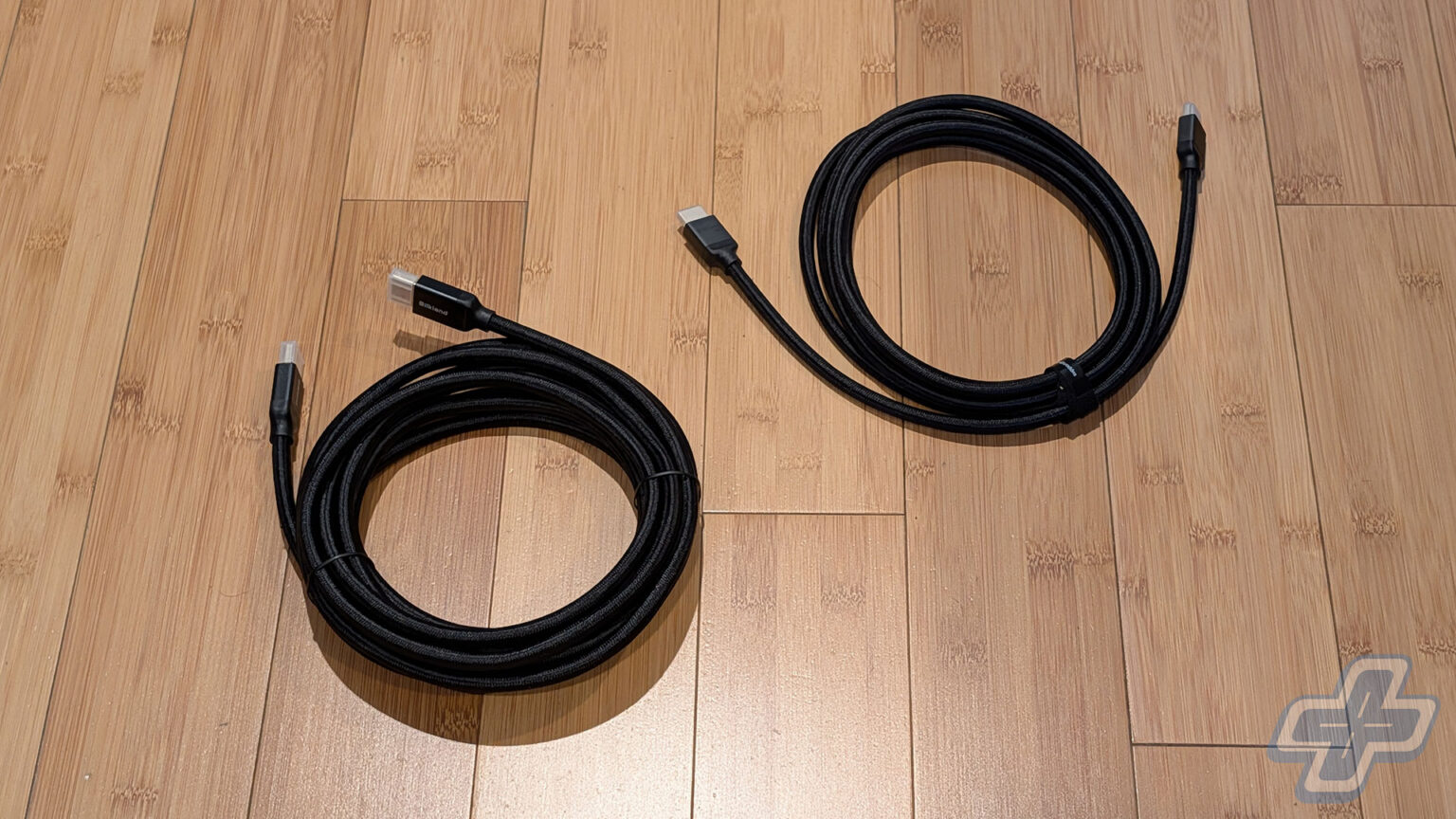
Cables are about the least exciting thing we cover at FullCleared, and I’ll be honest that when Silkland sent over a 16.5-foot DisplayPort 2.1 cable and a 10-foot HDMI 2.2 cable, my first reaction was that there wouldn’t be much to say. The short version is that both cables did their job, which sounds like faint praise until you’ve dealt with a long cable that didn’t. When a cheap 16-foot DisplayPort cable fails, it isn’t a slightly worse picture. You get a monitor that won’t offer its highest refresh rate or a screen that randomly goes black. Both cables are rated for more bandwidth than my current setups can use, so what I was really testing was whether long passive cables could handle demanding settings without complaint.
On that front, I have nothing negative to report about either cable. The DisplayPort cable ran my Alienware AW3225QF at 4K 240Hz with HDR and G-Sync enabled across its entire 16.5-foot length, and the HDMI cable carried 4K 120Hz with HDR and VRR from my PlayStation 5 Pro to my LG C1, both directly and through my Denon AVR-X1700H receiver. The build quality on both cables is really nice, which I’ll get into below. The one caveat worth knowing before you buy is that Silkland’s 16.5-foot DisplayPort cable doesn’t carry VESA certification, and neither does the 10-foot DP80 version. The 10-foot HDMI cable, meanwhile, is one of the first Ultra96-certified cables you can actually buy.
Going the Distance
High-bandwidth display cables are harder to certify at longer lengths, since signal integrity becomes a bigger concern as the run gets longer. For DisplayPort, a connection problem can show up as a 240Hz monitor that will only offer 120Hz or 144Hz, and for HDMI, it might be a console that refuses to enable 120Hz output or VRR, or a picture that flickers and blacks out. Cheaper long cables often can’t deliver the full spec at all, which is exactly why I wanted to test these two at their advertised lengths rather than assume they would perform as well as shorter versions.
For the DisplayPort cable, I ran it from the RTX 5090 in my gaming PC to the AW3225QF, a 32-inch 4K QD-OLED that tops out at 240Hz, and then to my two 1440p side monitors at their maximum refresh rates. For the HDMI cable, I connected my PlayStation 5 Pro directly to the LG C1 first, then moved it over to one of the Denon’s three HDMI 2.1 inputs, which is how the console is normally wired in my room. In both cases, the goal was to confirm the full resolution, refresh rate, HDR, and variable refresh rate were all active, and then see whether any of it dropped out in use.
Port Authority
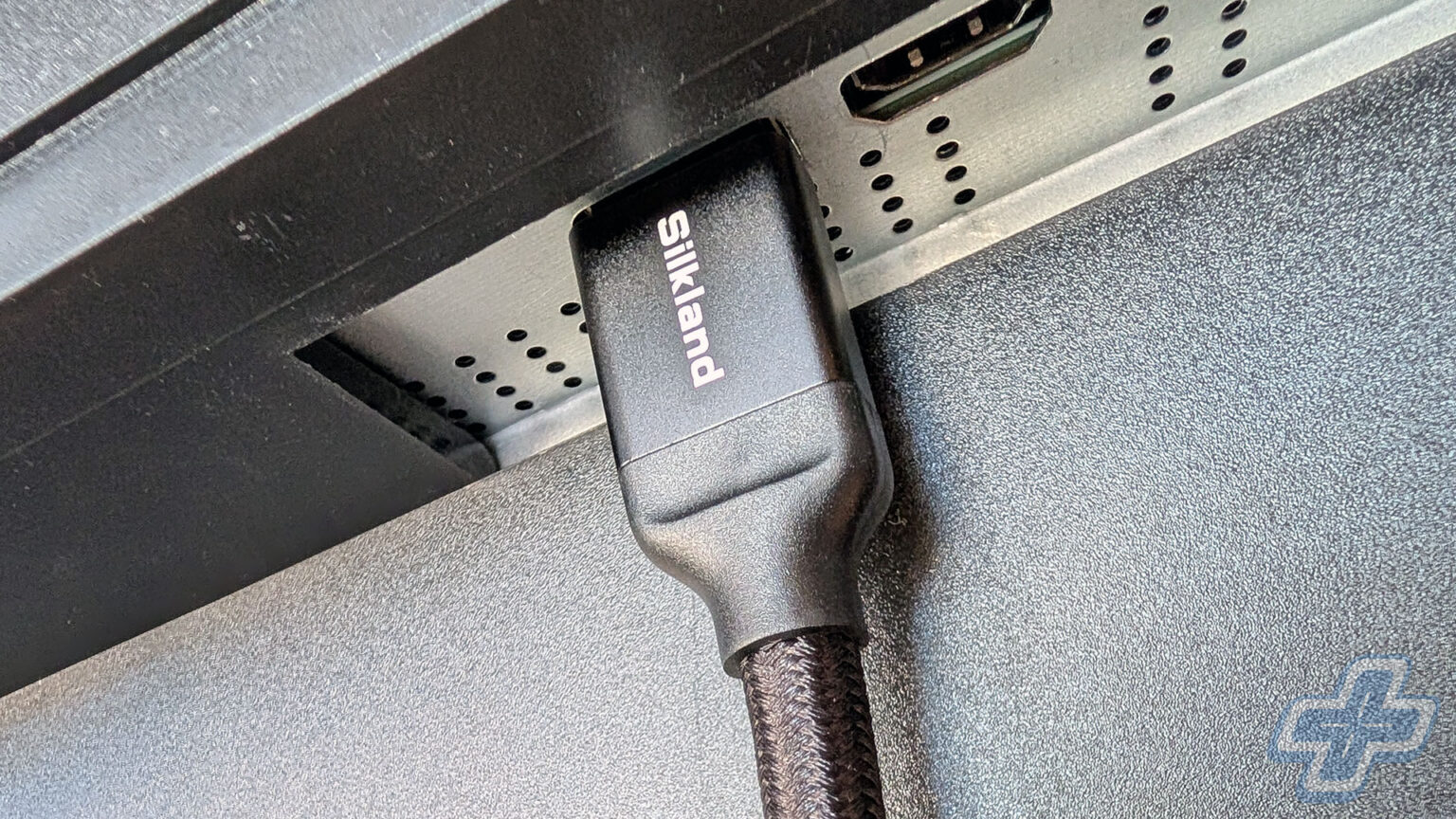
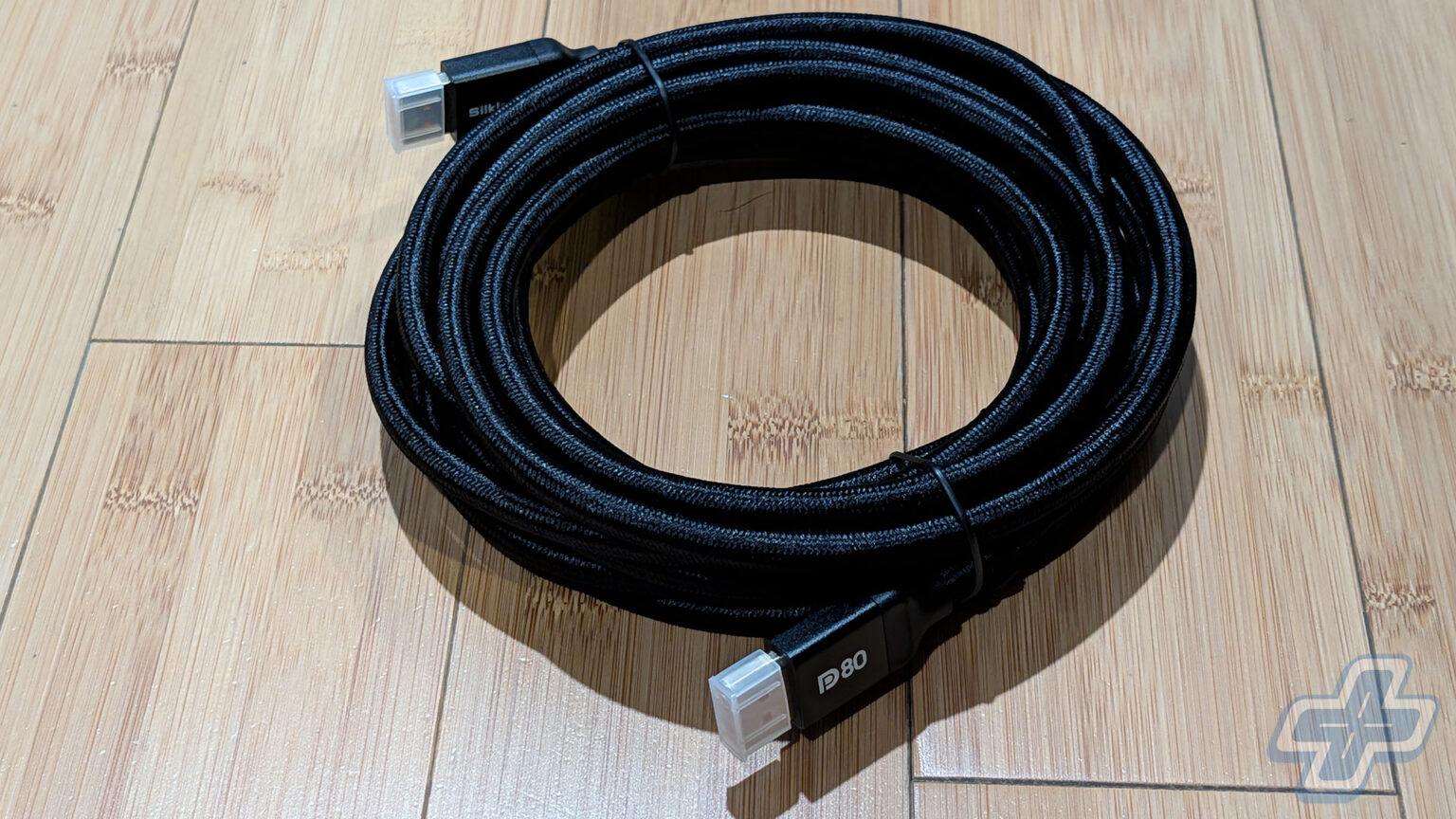
Silkland rates the 16.5-foot DisplayPort cable as a DP80 cable, which means it’s built for DisplayPort 2.1’s UHBR20 link rate and a full 80Gbps of bandwidth, enough for uncompressed 4K at 240Hz or 8K at 60Hz. The RTX 5090 supports UHBR20, but the AW3225QF’s single DisplayPort input is DisplayPort 1.4 with Display Stream Compression, so 4K 240Hz on this monitor runs over DisplayPort 1.4 bandwidth with compression no matter which cable you use. In other words, the cable has more than twice the bandwidth my monitor can use, and the same goes for the 1440p side monitors. That’s not a knock on the cable, it’s just the reality of a DisplayPort 2.1 cable in a world where many monitors, including a QD-OLED that launched at $1,200, are still DisplayPort 1.4.
That doesn’t make the test meaningless, because running 4K at 240Hz with DSC over 16.5 feet of passive copper is still a demanding connection, and it’s the exact scenario where generic long cables can fail. The AW3225QF held 4K at 240Hz with HDR on and G-Sync active across the whole run, with none of the flicker or black screens that usually mean a cable isn’t keeping up, and the 1440p side monitors behaved the same way at their full refresh rates. What I can’t tell you is how the cable performs at an actual 80Gbps. My RTX 5090 supports UHBR20, but none of my monitors do, and that’s also where the certification gap matters. Silkland’s DP80 cables are VESA certified at 1.6, 3.3, 5, and 6.6 feet, but the 10-foot and 16.5-foot versions aren’t, so at this length you’re trusting Silkland’s rating rather than VESA’s stamp.
Receiving End
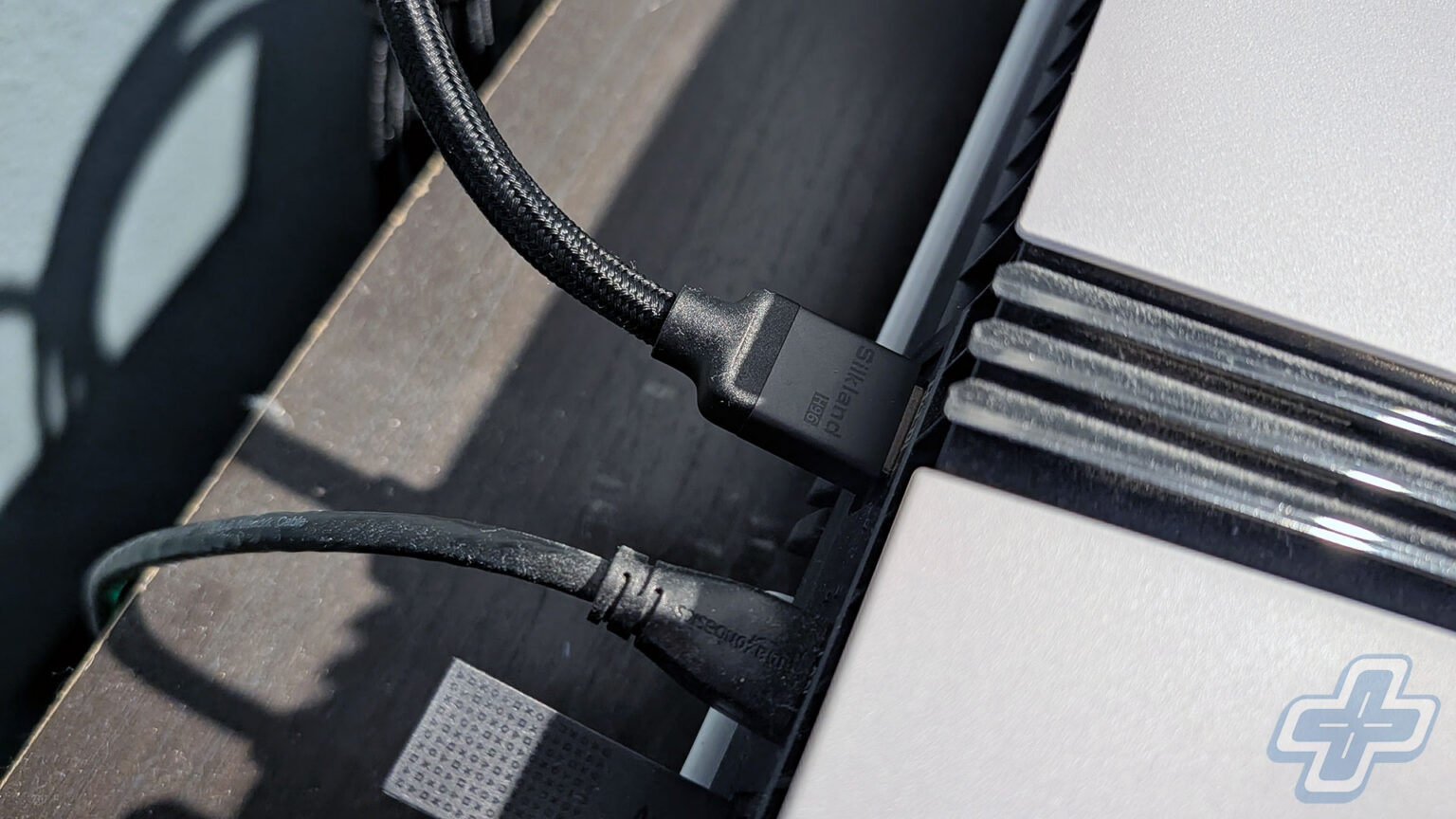
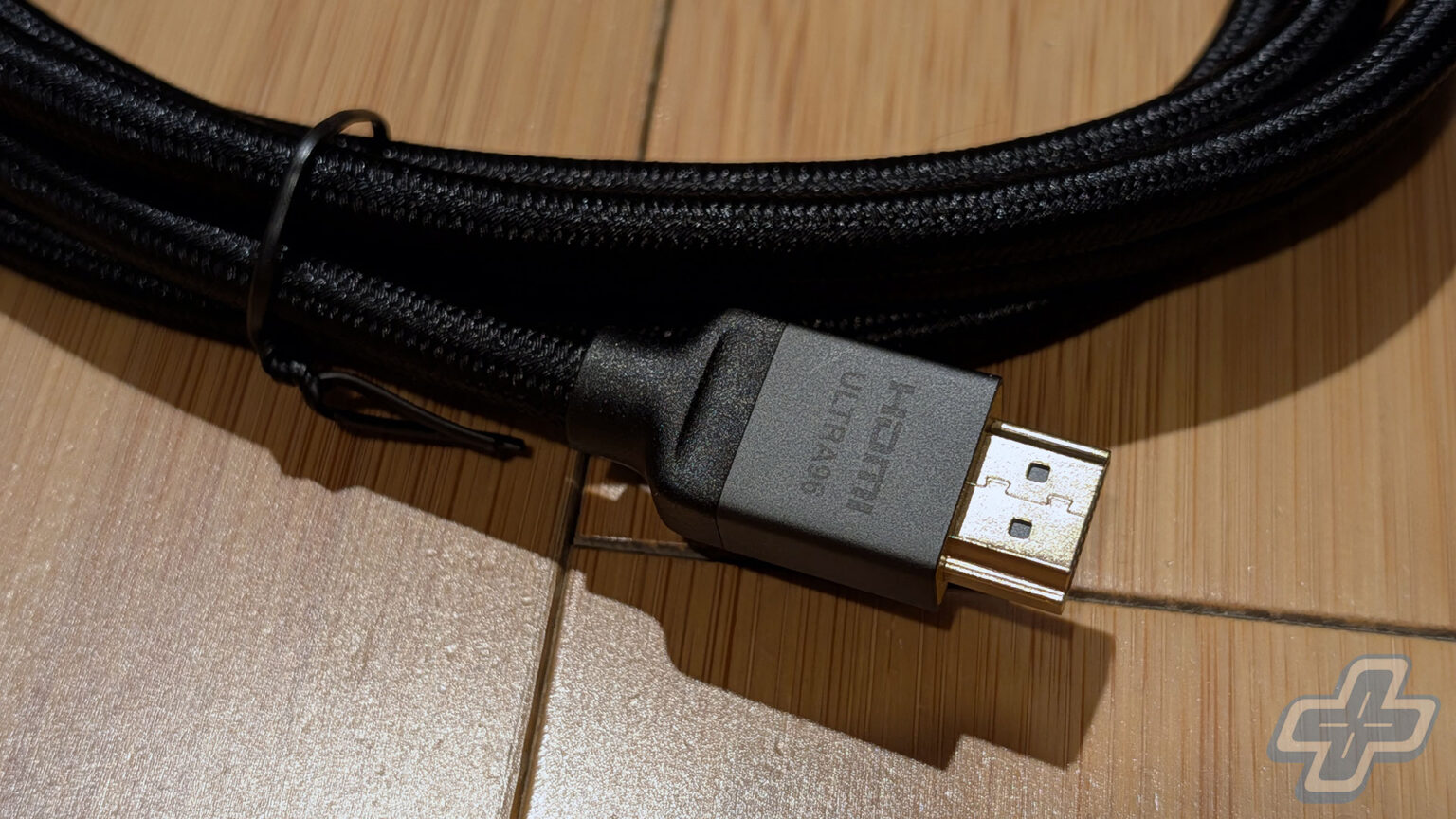
The H96 is a more interesting product on paper, because it’s one of the first HDMI 2.2 cables anyone can buy. HDMI 2.2 was finalized in June 2025 and doubles the maximum bandwidth of HDMI 2.1 from 48Gbps to 96Gbps, enough for uncompressed 4K at 240Hz or 8K at 60Hz. The new Ultra96 label is reserved for cables that pass the official certification program at each individual length. Silkland opened orders for the 2-meter and 3-meter H96 in September as what it says were the first certified Ultra96 cables available to consumers, with 1-meter and 1.5-meter versions following later that month. The 10-foot version I tested carries the Ultra96 label with a QR code you can verify on hdmi.org. It’s a passive cable with no active electronics, and it supports the HDMI feature set, including VRR, ALLM, QMS, QFT, eARC, and the new Latency Indication Protocol when used with compatible devices.
The catch, and it’s a big one, is that there is nothing to plug it into at full speed. The HDMI Licensing Administrator said at Computex 2026 that the first consumer devices capable of using HDMI 2.2’s full 96Gbps bandwidth aren’t expected until 2027, so on a PlayStation 5 Pro, an LG C1, and a Denon receiver, the H96 runs at HDMI 2.1 speeds. That’s still a worthwhile test at 10 feet, and the PlayStation 5 Pro’s Video Output Information screen reported 4K at 120Hz with HDR and VRR active both directly into the C1 and when routed through the Denon’s 4K 120Hz passthrough, which adds another handshake to the chain. For me, that’s the practical case for this cable right now: it’s an HDMI 2.1 cable that works at a length where plenty of them don’t, with HDMI 2.2 headroom for whenever the hardware catches up.
Label Conscious
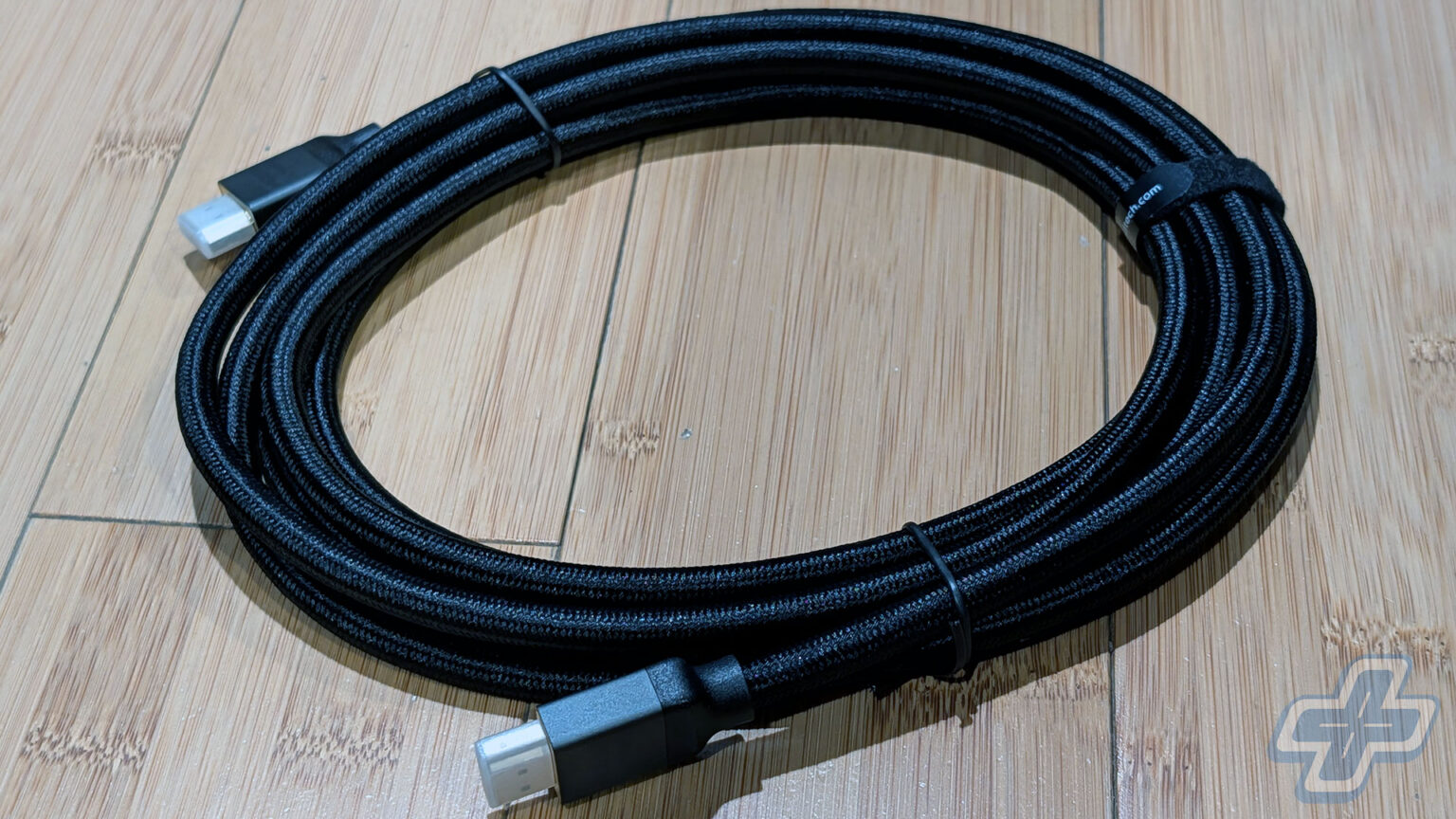
Both cables come wrapped in a braided nylon jacket, and the quality of the cable itself is really nice on both. The DisplayPort cable uses 28AWG tinned copper conductors with triple shielding and 24K gold-plated connectors. There’s no latch on the plug, with a grooved connector housing instead so it’s easier to pull out of a crowded I/O panel. The H96 has an aluminum alloy housing, a double-braided nylon jacket, copper conductors, triple shielding, and 24K gold-plated connectors, so both cables are built along the same lines.
The certification labels are worth understanding, especially since only one of the two cables I tested has one. Both VESA’s DP80 program and the Ultra HDMI Cable Certification Program require each individual cable length to be tested at an authorized center before it can carry the respective logo, and the HDMI program also buys certified cables back from retail shelves to retest them. That gives the H96 an advantage on paper, since its 10-foot length has been independently tested for 96Gbps, while the 16.5-foot DisplayPort cable hasn’t been independently certified for 80Gbps. Silkland describes itself as a certification-first brand, and its list of firsts includes the 2-meter DP80 cable that became the first VESA-certified cable of its kind on Amazon in January 2025, along with the H96 series it started shipping in October.
Loose Ends
Pricing is where the extra length shows up on both cables, and the jump is pretty significant. On Silkland’s site, the 16.5-foot DisplayPort cable is $49.99, compared to $23.99 for the VESA-certified 6.6-foot version, and the 10-foot H96 is $55.99, compared to $32.99 for the 6.6-foot version. To be fair, another option for long runs is an active or fiber optic cable, which generally costs more and, in the case of fiber optic HDMI, typically only works in one direction. A PC that sits across the room from the monitor, or a console that routes through a receiver and then a wall, is the situation these two are built for.
Whether the HDMI 2.2 part of the H96 ever matters to you is a 2027 question at the earliest, since that’s when the first devices are expected to show up. What I can say is that both cables did exactly what my hardware asked of them at lengths where that isn’t a given, which is really all I want from a cable. The best thing I can say about either of them is that I stopped thinking about them the moment they were plugged in, and for a cable, that’s the entire job.
Silkland 80Gbps DisplayPort 2.1 Cable (16.5 ft)
Silkland H96 Certified Ultra96 HDMI 2.2 Cable (10 ft)
This review is based on a Silkland 80Gbps DisplayPort 2.1 Cable (16.5 ft) and a Silkland H96 Certified Ultra96 HDMI Cable (10 ft) provided by Silkland for review. Silkland did not preview or influence the content of this review. The DisplayPort cable was tested on a PC with an AMD Ryzen 7 9850X3D, TeamGroup T-Create Expert 96GB DDR5-6800 RAM, and an MSI GeForce RTX 5090 Gaming Trio OC, connected to an Alienware AW3225QF and two 1440p monitors. The HDMI cable was tested with a PlayStation 5 Pro connected to an LG C1 directly and through a Denon AVR-X1700H receiver. While FullCleared does have affiliate partnerships, they do not influence our editorial content. We may, however, earn commissions for products purchased via affiliate links.
Continue?
Like our content?
Subscribe to our newsletter and get video game news, reviews, features, and deals straight to your inbox.
You're subscribed!
Thanks for signing up. Look for an email from Substack at .
No email after a few minutes? Subscribe on Substack.
This newsletter may contain advertising, deals, or affiliate links. Subscribing to the newsletter indicates your consent to our Privacy Policy. You may unsubscribe from the newsletter at any time.
Rare · Updated daily
Today's Deals
-
NBA 2K27 - PlayStation 5
$50.23
Was $69.99-28% -
Ash of Gods: Fan Edition
$9.89
Was $65.94-85% -
Logitech G733 Lightspeed Wireless Gaming Headset - Black | Suspension Headband, Blue VO!CE Mic, PRO-G Audio, PC, PS5, PS4, Switch Compatible
$99.99
Was $129.99-23% -
Dell XPS 16 Laptop - Windows 11, Intel Core Ultra 7, 32 GB LPDDR5X, 1 TB SSD, 16" Touch OLED, Intel® Arc™ Graphics, AI PC
$2,569.99
Was $3,299.99-22%