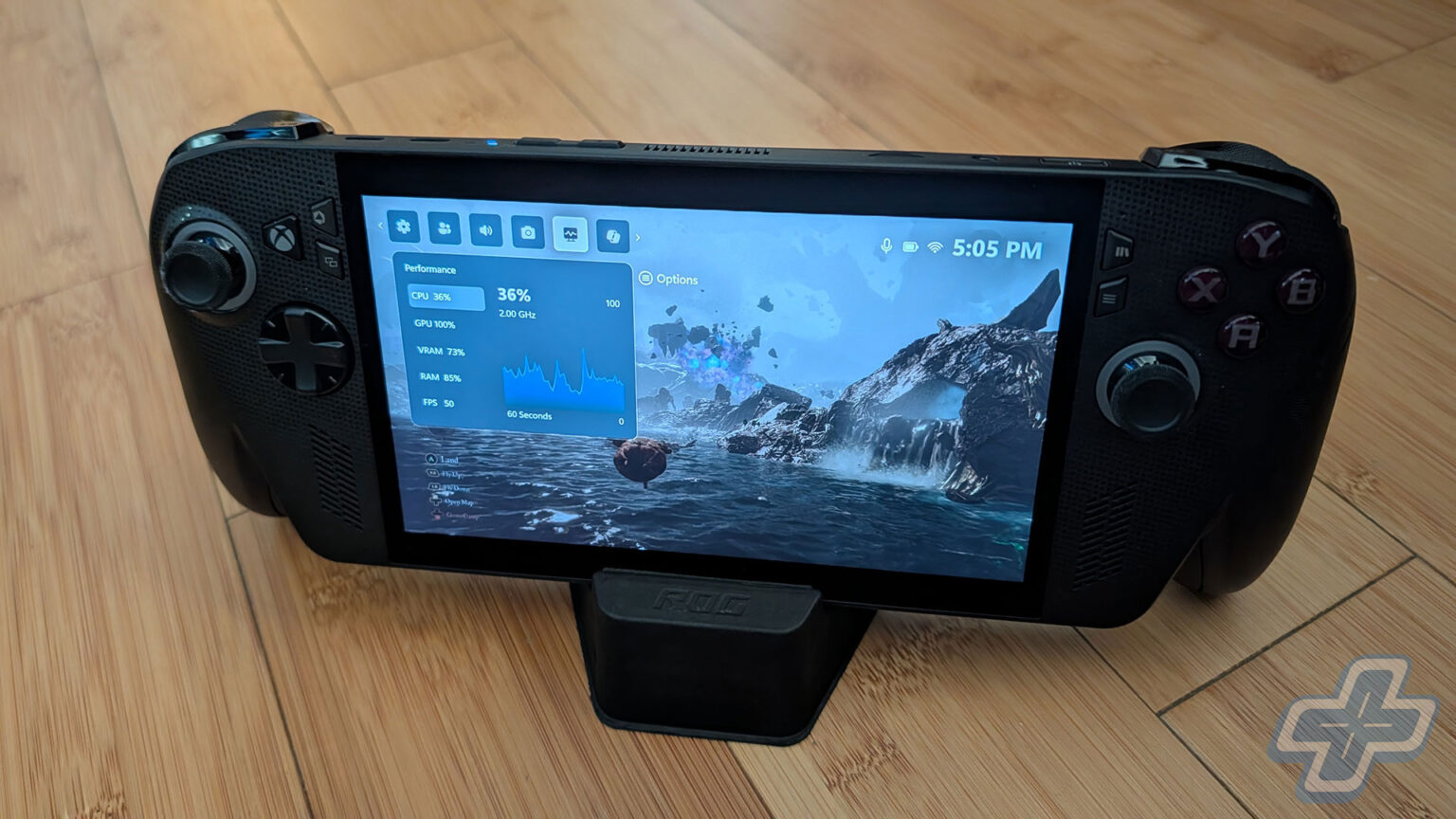
Quick Verdict
After spending nearly two weeks with the ROG Xbox Ally X, I’d say the main reason to consider this device is its comfort. The Xbox Full Screen Experience isn’t ready for general consumers, with numerous annoyances that remind me how far SteamOS has come since the Steam Deck’s initial launch. Both the Microsoft and Xbox teams really need to deliver on the promises they’ve set out for the Xbox Full Screen Experience because what it is right now is just not it. The device is still very much a Windows experience, and those expecting the same ease of use as a console will want to look elsewhere.
If you don’t mind a bit of tinkering and some minor annoyances that creep up here and there, the ROG Xbox Ally X is a great device. As a PC gamer and Steam Deck OLED owner, I find myself using the ROG Xbox Ally X more and more because it’s so comfortable to hold. The leap in power over the Steam Deck OLED allows me to enjoy a wider variety of games, from Cyberpunk 2077 to Final Fantasy VII Rebirth. Getting into a game may require some extra steps, but once you’re gaming, it’s a fantastic experience. Whether it’s a $1,000 experience depends on what you value and how often you plan to use this device.
Ally-Oop
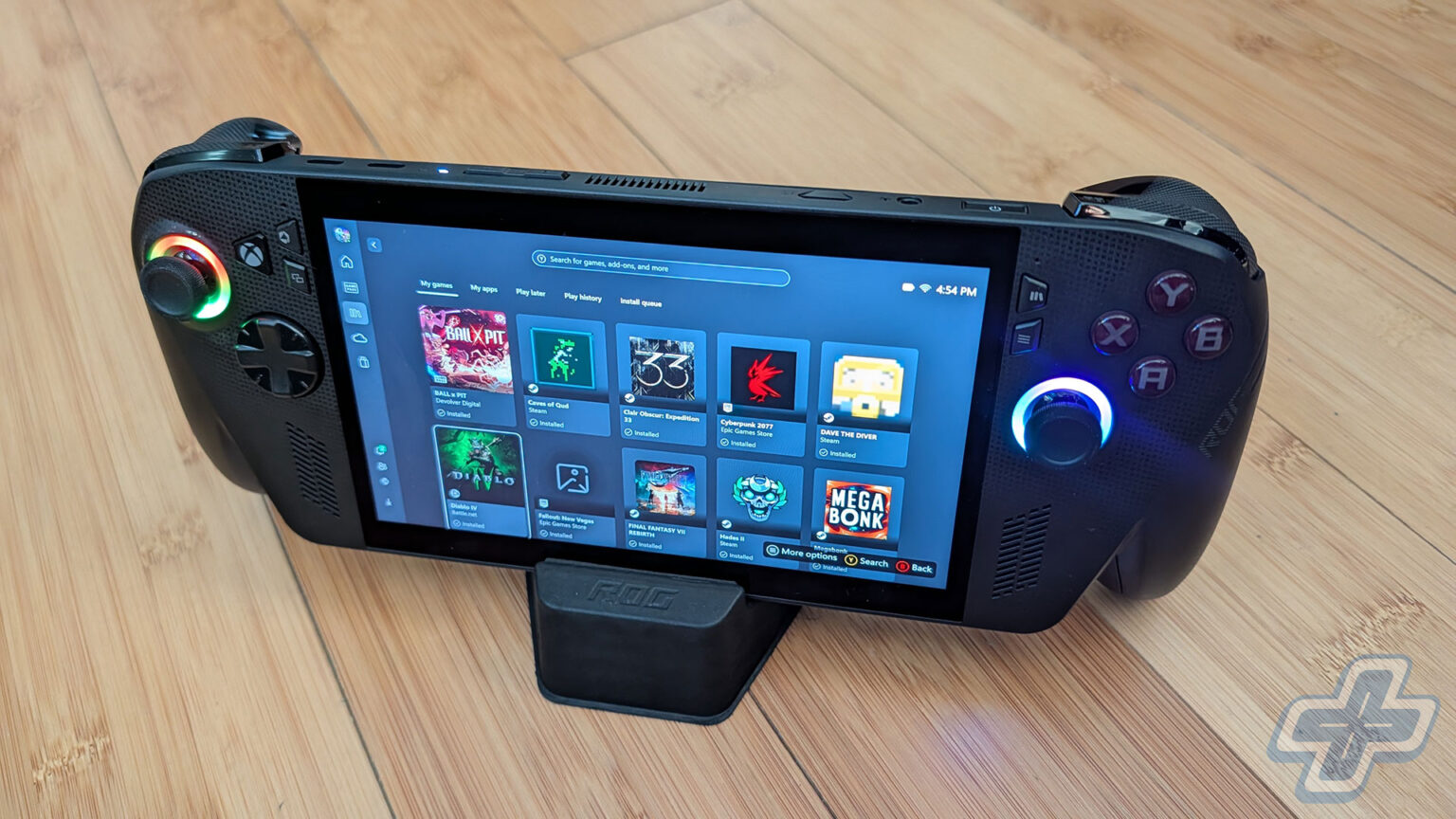
As someone who has mainly gamed on PC since the days of Intel 386 processors, I’ve found it fascinating to see the PC handheld market grow following the success of the Steam Deck. I purchased the original Steam Deck when it launched and upgraded to the Steam Deck OLED as soon as it was announced, and I’ve tested both the original Lenovo Legion Go and the ASUS ROG Ally. While the vast majority of my gaming library is on Steam, I take advantage of all the Epic Games Store giveaways, as well as random ones on GOG and other sites. I also spend time playing games on other launchers, like Battle.net, and titles such as Teamfight Tactics and Final Fantasy XIV. While it’s possible to get all those working on the Steam Deck, it’s not always straightforward.
Then there’s the topic of Game Pass, which before its recent price hike, I believed was one of the best deals in gaming. With numerous day one releases available, variety gamers really got their money’s worth each month. With Game Pass Ultimate now costing $29.99, that’s a bit debatable. Fortunately, a device like the ROG Xbox Ally X only requires PC Game Pass, which is currently $16.49 a month. With the Steam Deck, you’re only able to use Xbox Cloud Gaming, as there’s no native Game Pass app that works with SteamOS.
Up until now, I’ve avoided buying a Windows handheld device, mainly because the Windows experience on a handheld is cumbersome. Unlike the Steam Deck, which you can just turn on and start playing, Windows handhelds aren’t as intuitive. I’ve always wanted one, even just for native Game Pass, and if there were ever a device designed for Game Pass, you’d think it’d be the ROG Xbox Ally X. The Xbox Full Screen Experience wants to bring a console-like experience to a PC handheld, but right now it needs more time in the oven.
Win-D’ohs
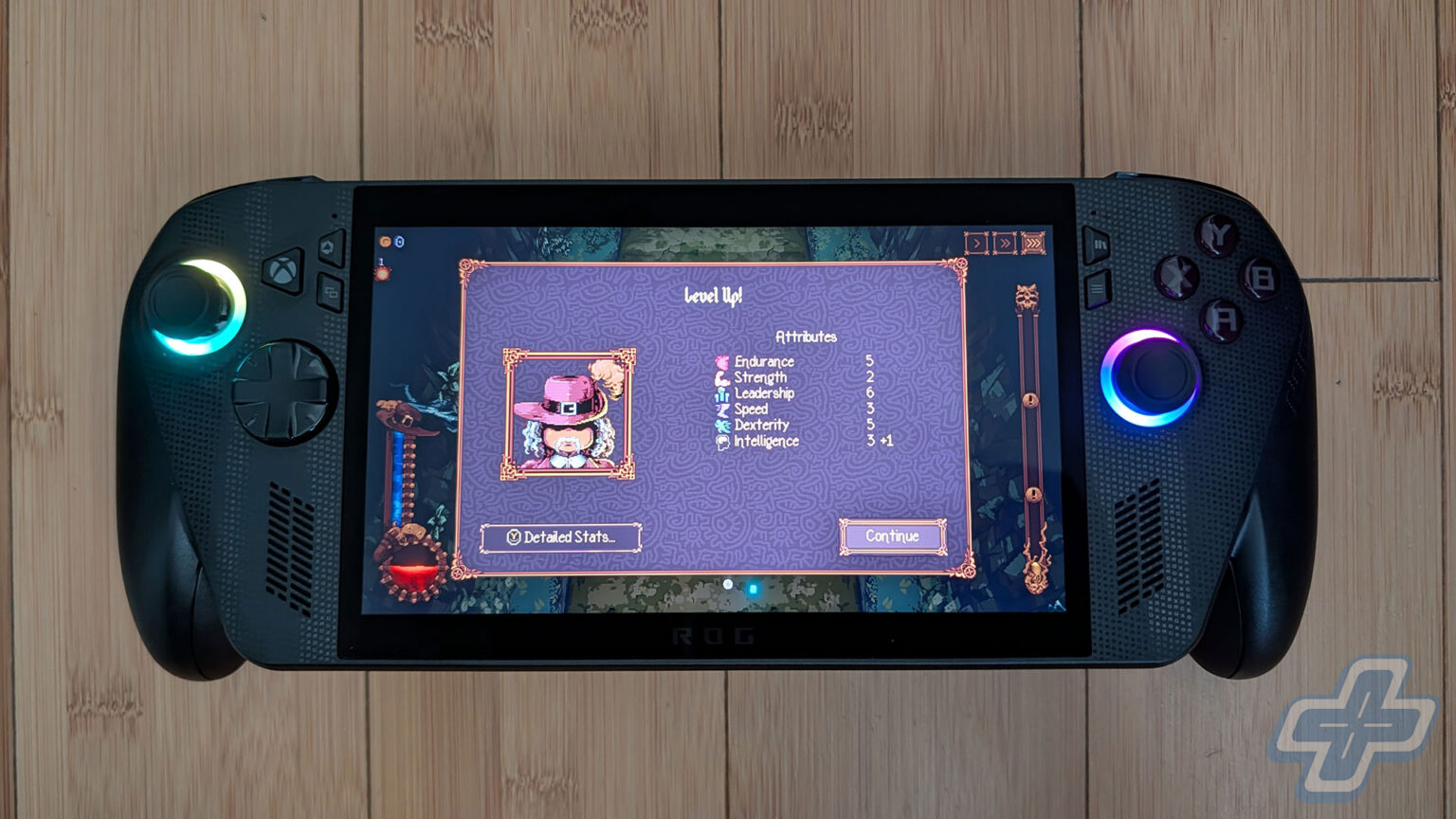
Let’s get this out of the way. This isn’t going to be a very technical review covering frame rates and performance across various games. There are numerous outlets and YouTubers who do a much better job of benchmarking and testing these devices than I ever can. I’m more focused on general use, how it feels as a casual user to own a ROG Xbox Ally X, and whom it may or may not appeal to. I also think it’s hard to cover the wide range of games anyone might want to play on a device like the ROG Xbox Ally X, since there are literally hundreds of thousands of games on Steam.
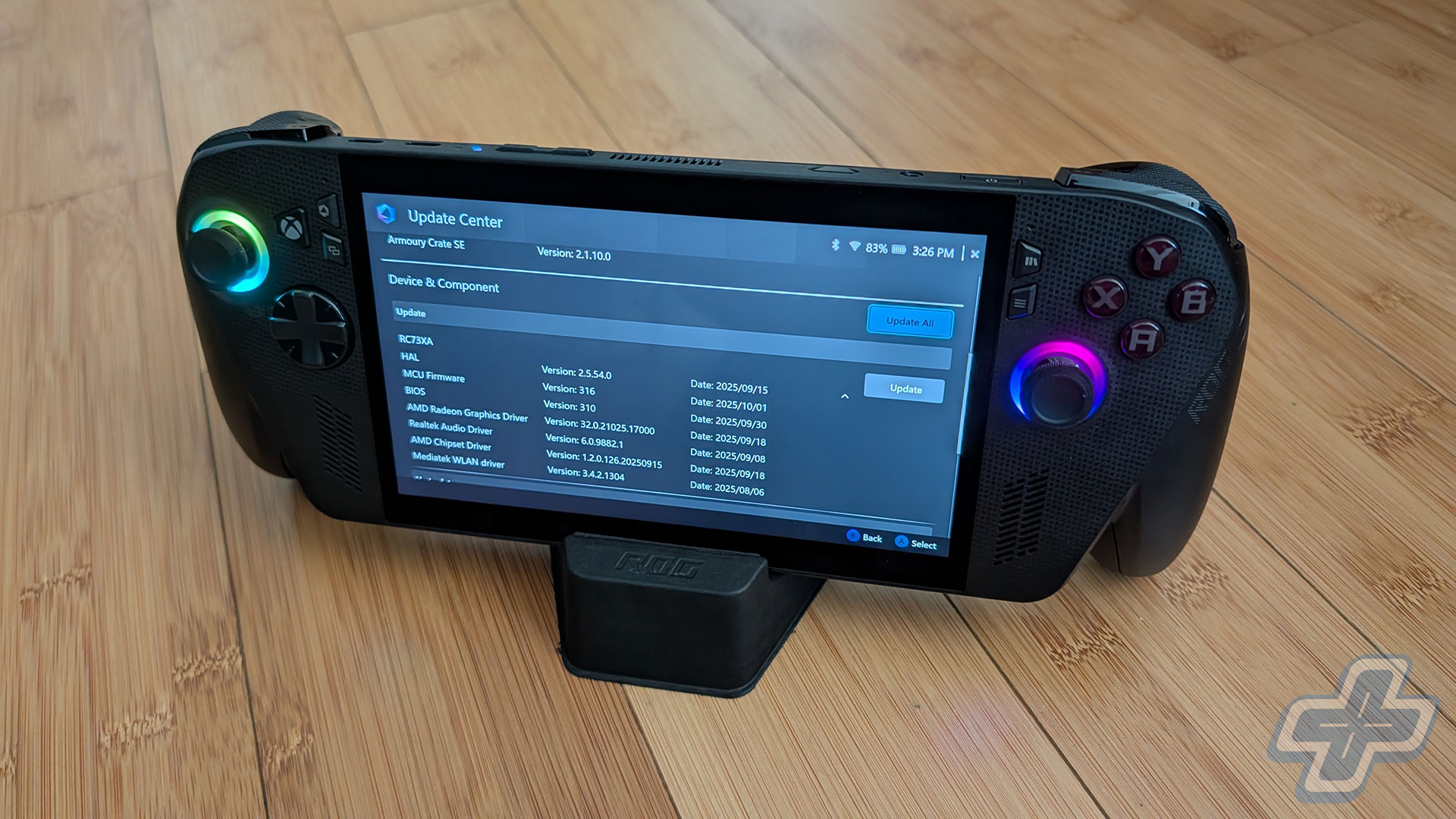
The ROG Xbox Ally X really wasted no time in disappointing me. The initial setup lives in Windows, and the Microsoft/Xbox teams didn’t even bother making the joysticks and buttons work with it, unless I missed something. It’s still very much a touch experience on the 7-inch screen, including typing on the virtual keyboard. Initially, it doesn’t seem like a long process to start using the device, but I soon discovered that wasn’t the case. Even though it runs a series of updates during the first setup, you still have to manually perform updates through ASUS ROG’s Armoury Crate, then the MyASUS app in Windows, then Windows Update, and finally all the Windows apps through the Microsoft Store. I was honestly a bit surprised that the initial updates in the setup process didn’t handle all of this for you. Nor does the device tell you that you should update the drivers through Armoury Crate. It’s a strange process because these are steps someone can easily miss. I actually didn’t realize my video driver was out of date until I went to launch Cyberpunk 2077 and it told me so.
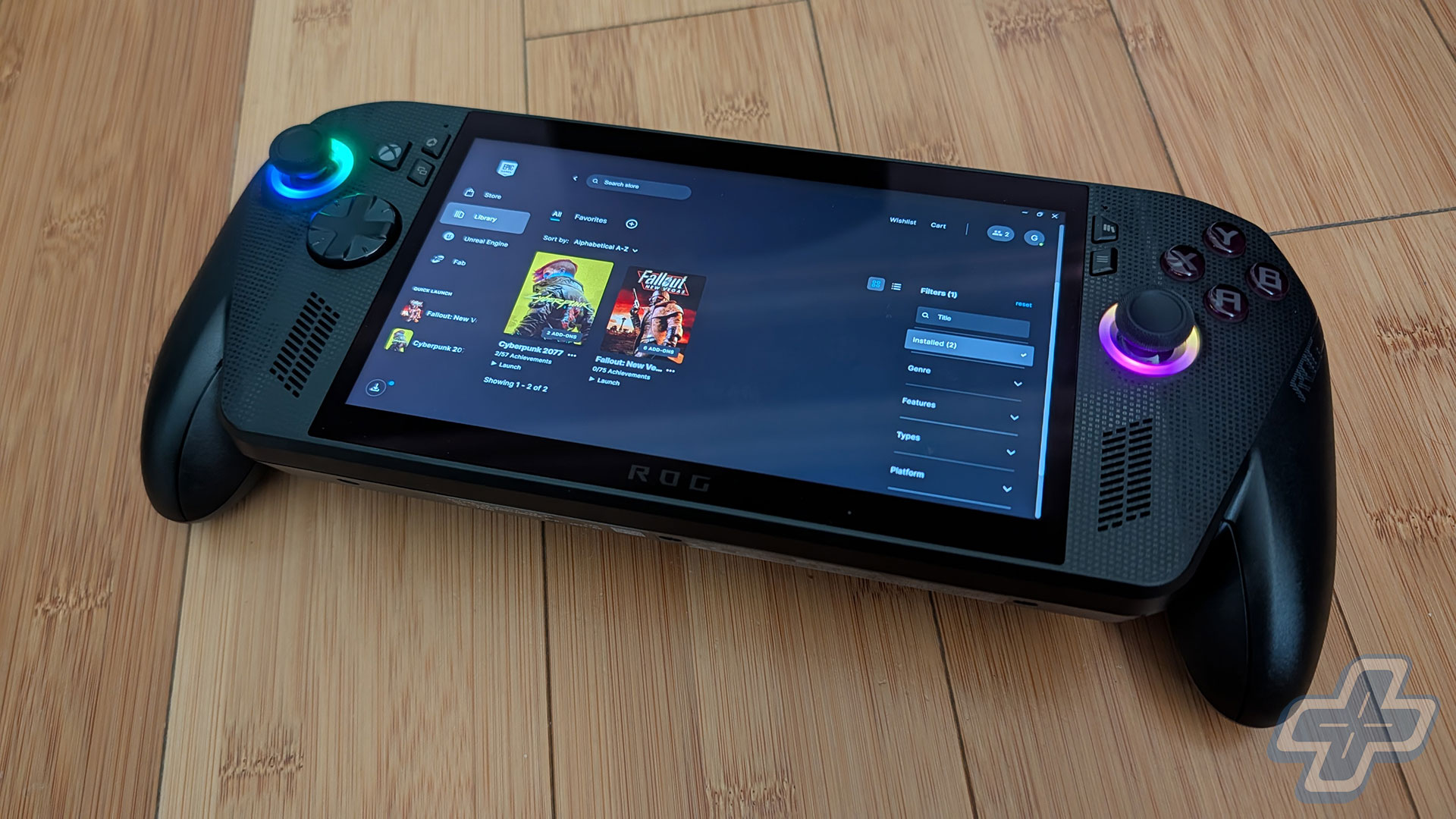
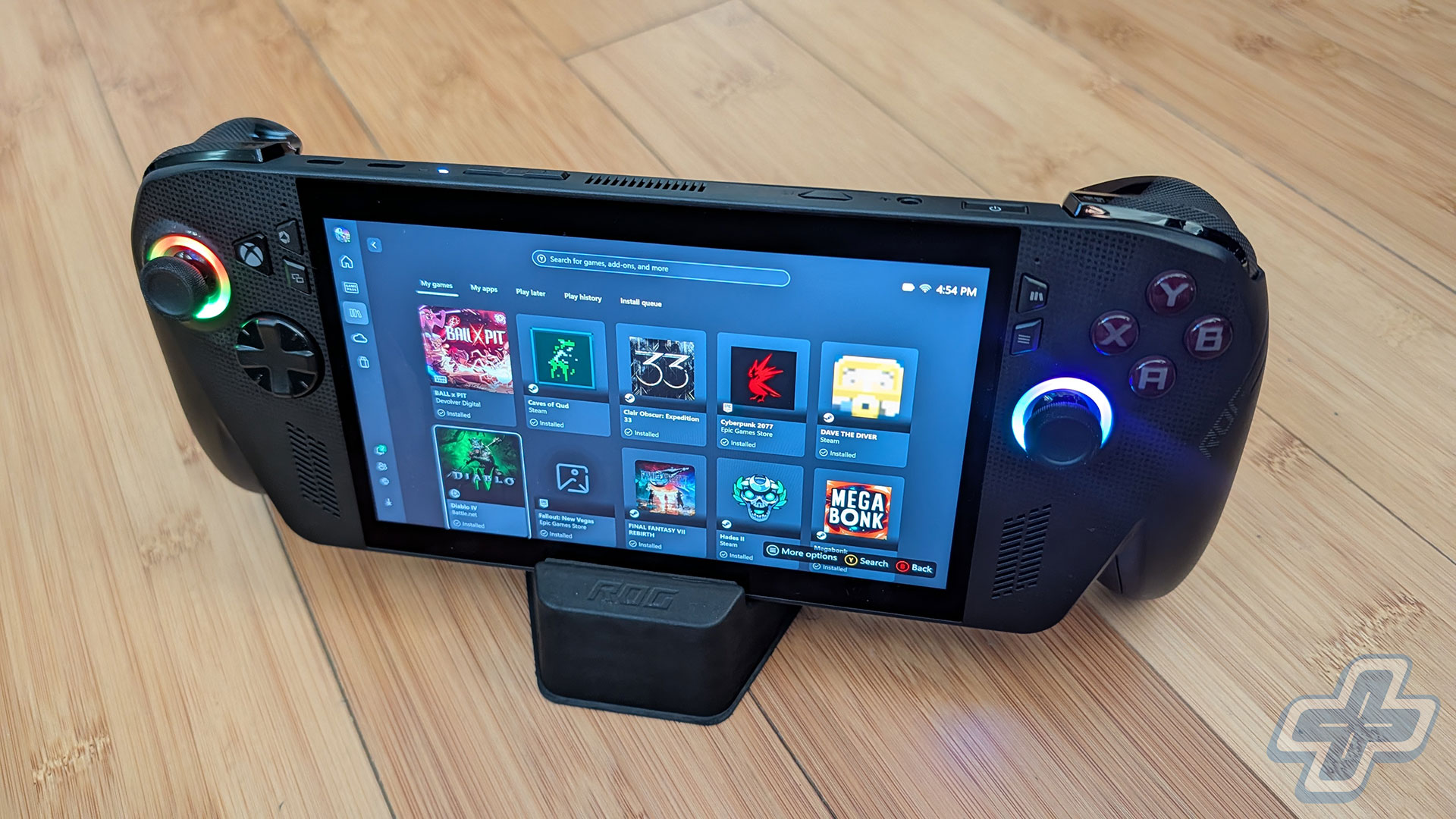
It took me well over two hours to get the ROG Xbox Ally X completely up to date before I started downloading all the other launchers so I could get some games onto the device. This is where things continue to feel disjointed, because most of those apps is back to a touchscreen experience in Windows. I found it frustrating to scroll in certain launchers, while others flat-out didn’t acknowledge the thumbsticks or buttons at all. The Xbox Full Screen Experience had numerous syncing issues, and certain games I downloaded wouldn’t show up in my library. At times, if an app had a pop-up (like Steam showing you a sales promotion), the controls would lose focus, and you’d have to close the window by tapping the screen. The initial four hours with the device were pretty frustrating, and that’s coming from someone who builds their own PCs and doesn’t mind tinkering with things.
Cache and Carry
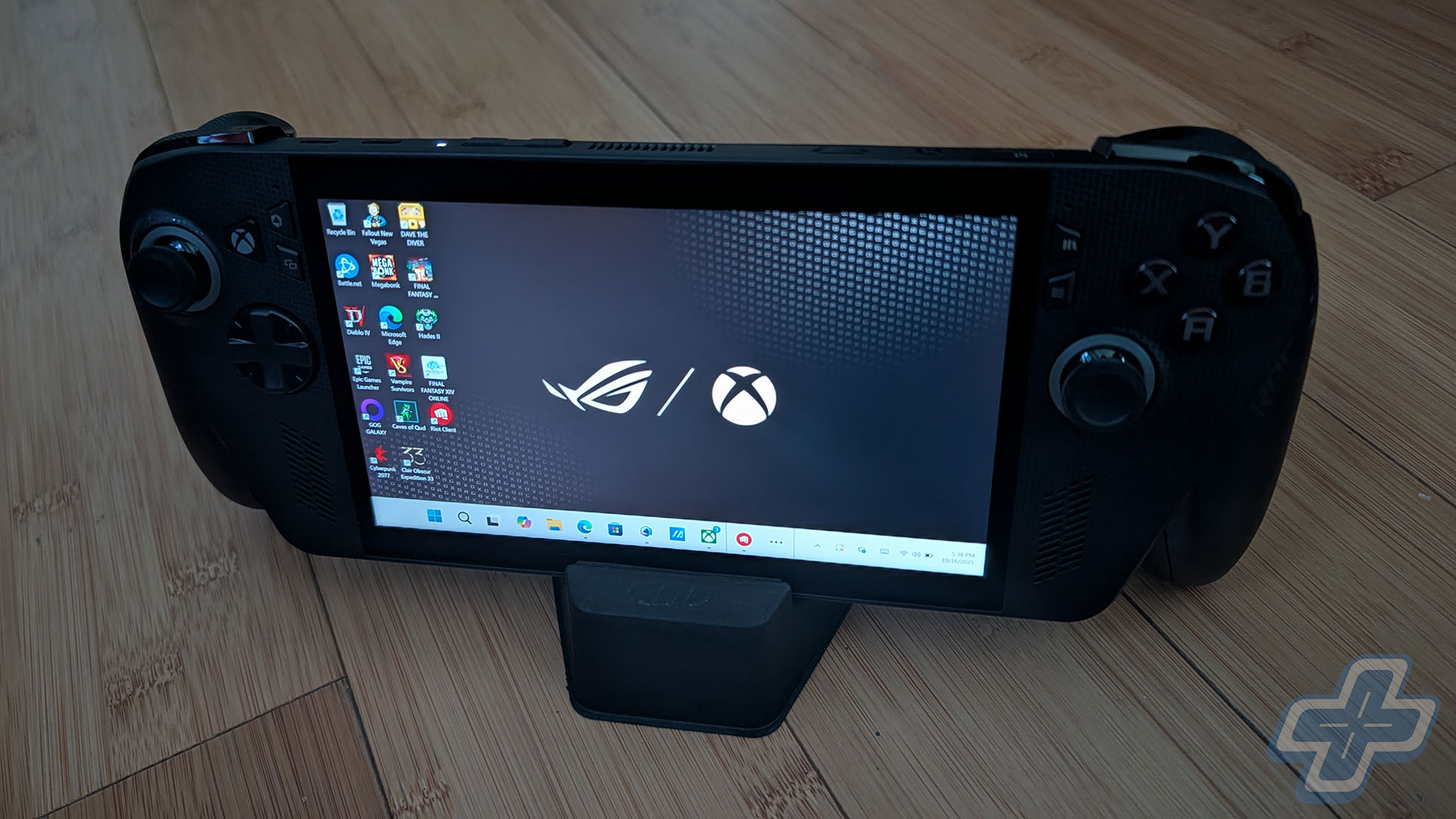
I think it’s really important to emphasize how frustrating it was to get everything up and running on the ROG Xbox Ally X. If you’re expecting a console-like experience with a few prompts before accessing the dashboard, the ROG Xbox Ally X will not deliver that. To be clear, the Xbox Full Screen Experience is just an app and not a replacement for the Windows operating system. It still runs on Windows, and all it does is remove some memory-hogging functionality the Windows desktop needs but gaming doesn’t. You can switch to the Windows desktop and back to the Xbox Full Screen Experience, but it’s recommended to reboot when doing so.
The short of it is that the Xbox Full Screen Experience doesn’t come close to the usability that SteamOS and Steam Big Picture mode offer. Another annoying issue I ran into with the Xbox app was syncing my save with the cloud. When I went to resume playing Ball x Pit on my desktop, it kept saying my cloud save was out of sync. It didn’t matter what I did on the ROG Xbox Ally X; I couldn’t get it to resync my save to the cloud. I tried restarting the device, loading the game, saving the game, doing a run, you name it. Still, to this day, I can’t get the save on my device to upload to the cloud so I can resume where I left off on my PC.
When it comes to adding software that isn’t native to the “My Apps” section of the Xbox app, there’s no way to make it appear in the Xbox app. For example, I installed Final Fantasy XIV through the Windows desktop, but I can’t find a way to manually add it to the Xbox app as a game. The annoying thing is that if you go under “All Games” in Armoury Crate, Final Fantasy XIV, the Riot Client, League of Legends, etc. all show up there. Somehow, the built-in ASUS ROG software does something the Xbox app doesn’t on a device that’s branded Xbox. Therein lie many of the issues with the device’s software experience. You have multiple programs trying to do the same thing, and sadly the Xbox app is the worst of them all. Some of this functionality is really basic too, considering Steam lets you add any application to your library.
Patch Me Outside
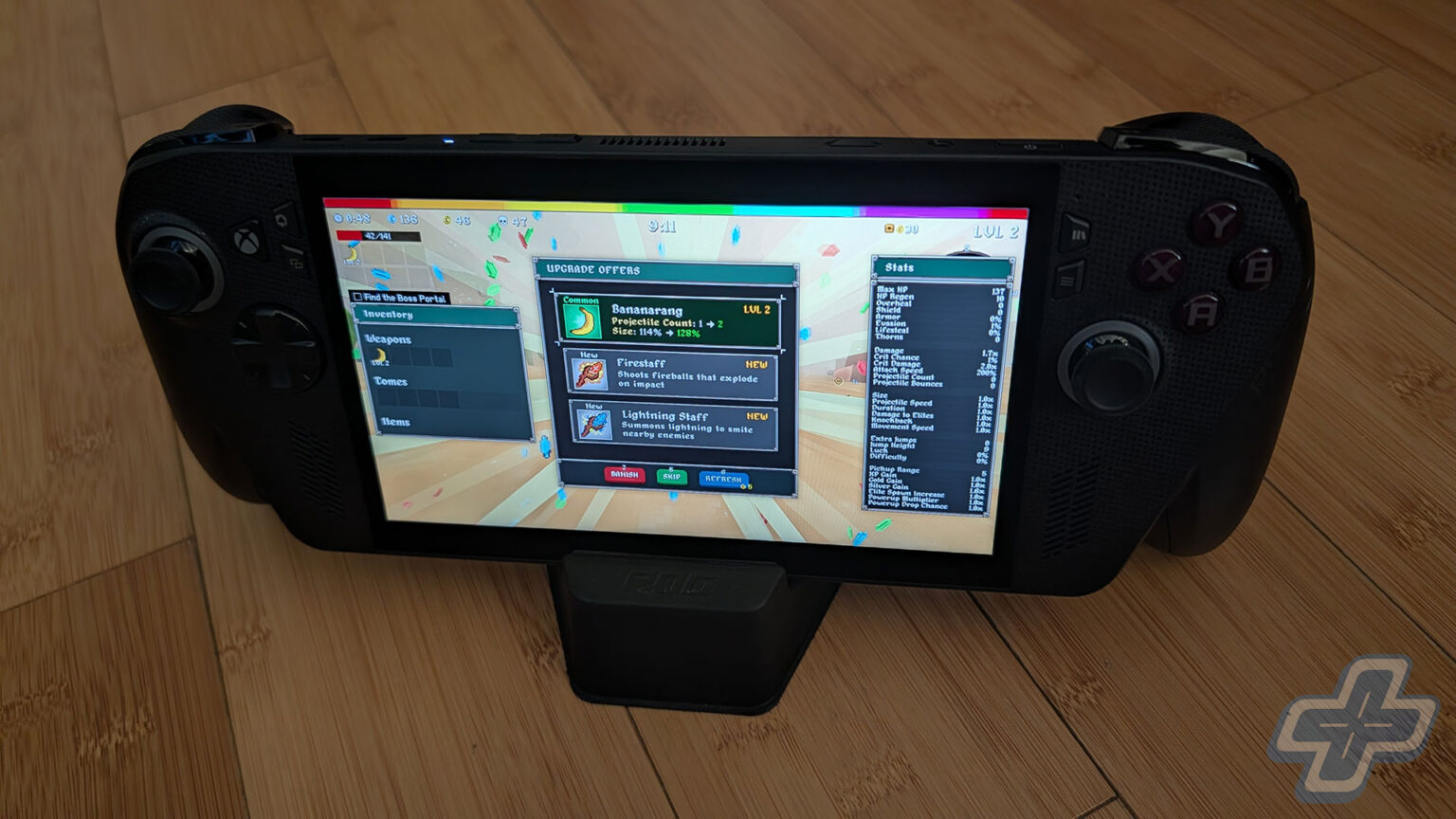
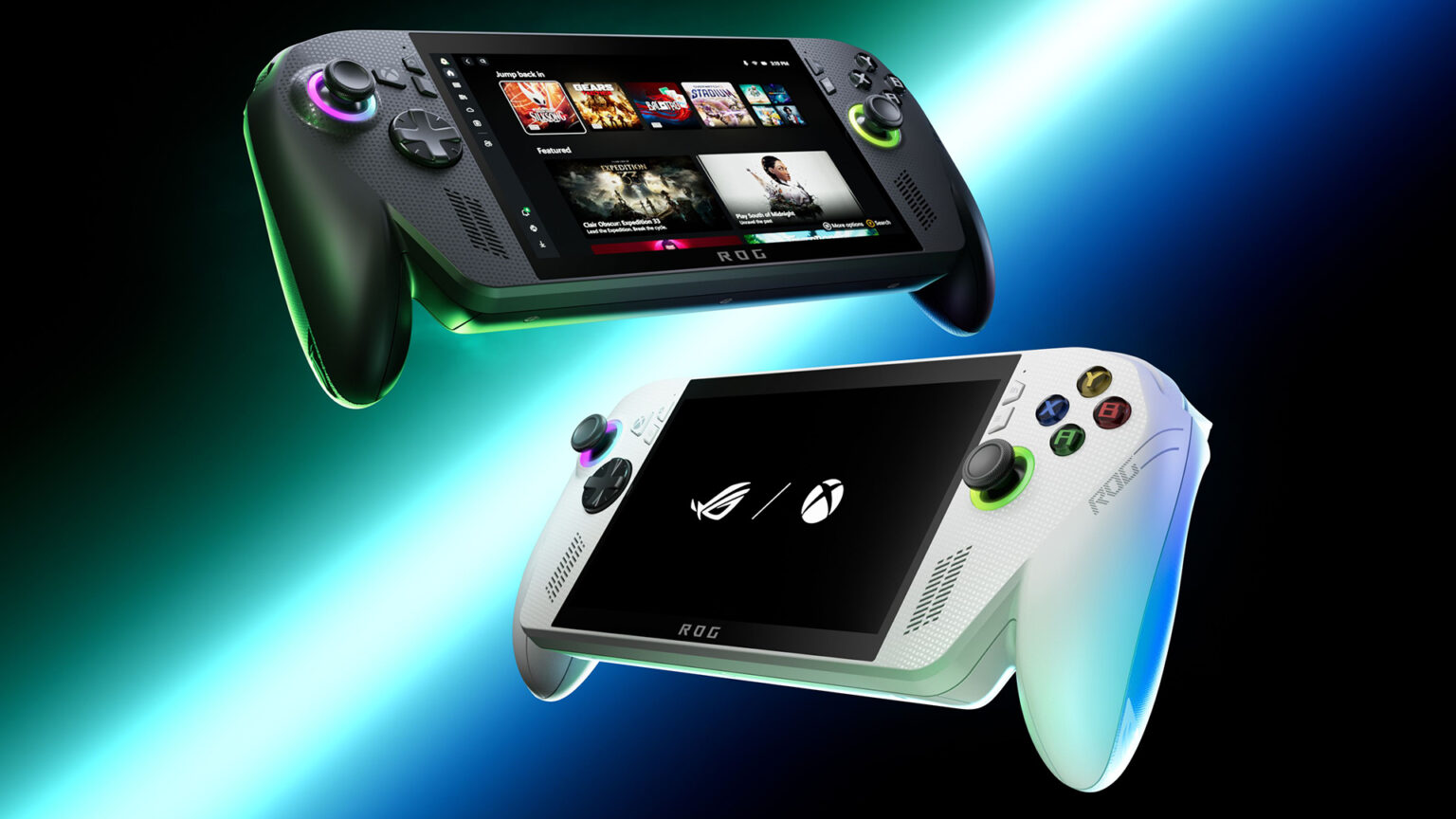
Now, when you finally get into a game, the ROG Xbox Ally X delivers a great experience. Specifications on these PC handhelds can be confusing, but I’ll try to break them down so they’re easy to follow. The ROG Xbox Ally X is powered by the AMD Ryzen AI Z2 Extreme, which is also found in the new Lenovo Legion Go 2 and MSI Claw A8 BZ2EM. For current mainstream devices, the AMD Ryzen AI Z2 Extreme is about as good as it gets, though it’s not the most powerful handheld processor. That honor goes to the AMD Ryzen AI Max+ 395 in the GPD Win 5, which costs well over $1,500. For the purposes of this review, though, the ROG Xbox Ally X can be cross-shopped against the Lenovo Legion Go 2, which has a larger OLED display and 32GB of RAM (versus 24GB in the ROG Xbox Ally X), and the MSI Claw A8 BZ2EM, which has an 8-inch IPS display and a design similar to the original ASUS ROG Ally.
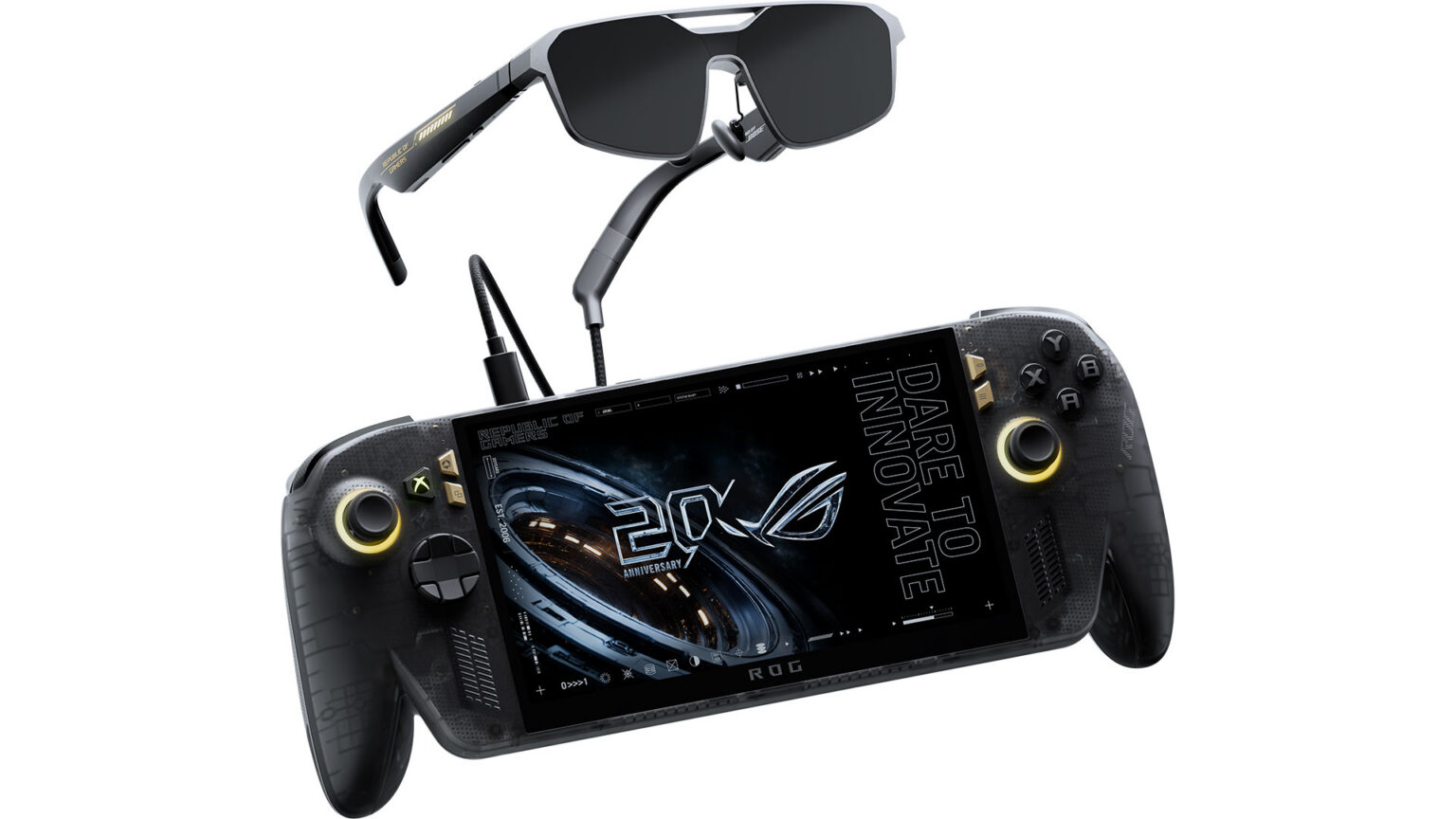
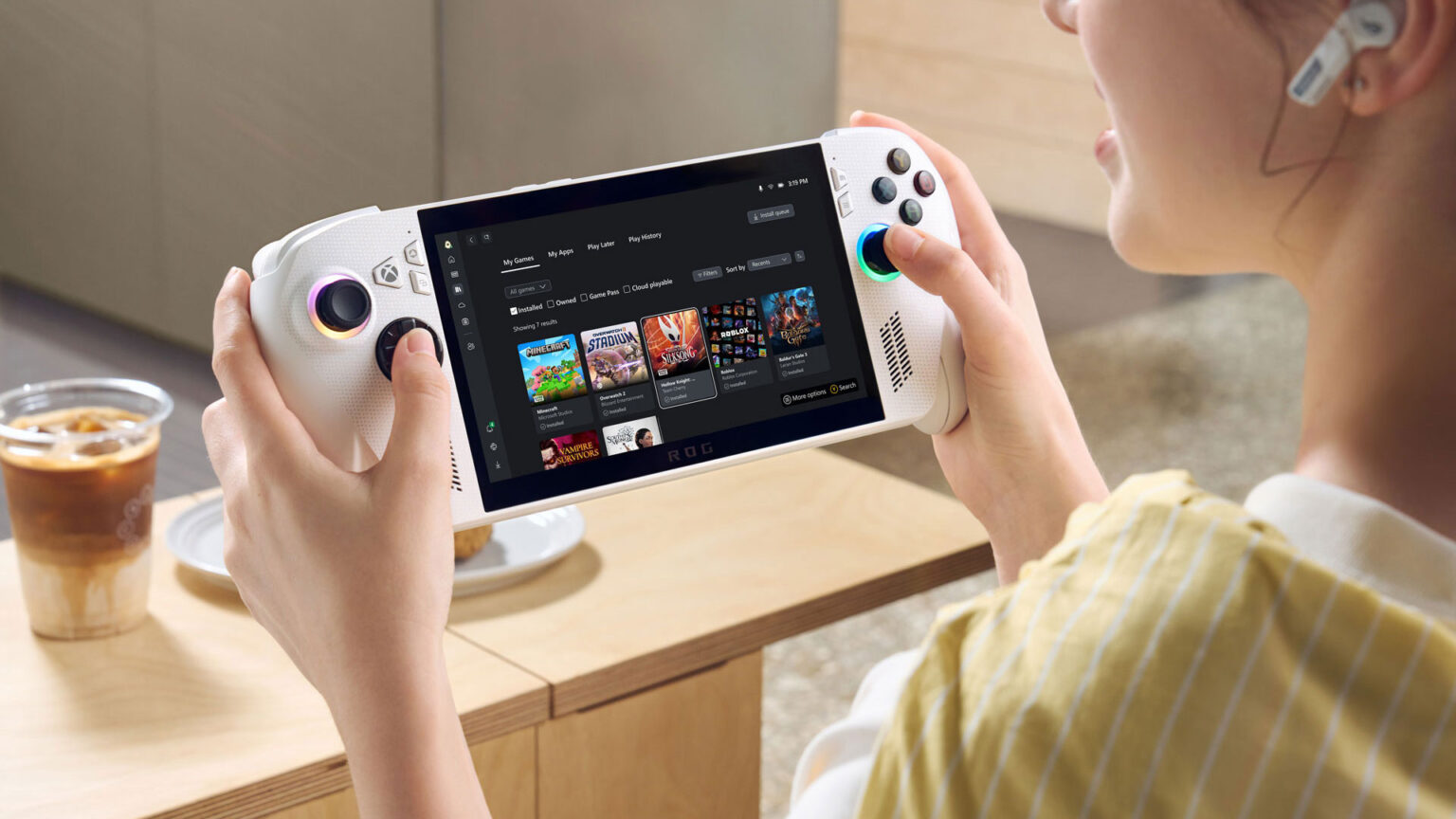
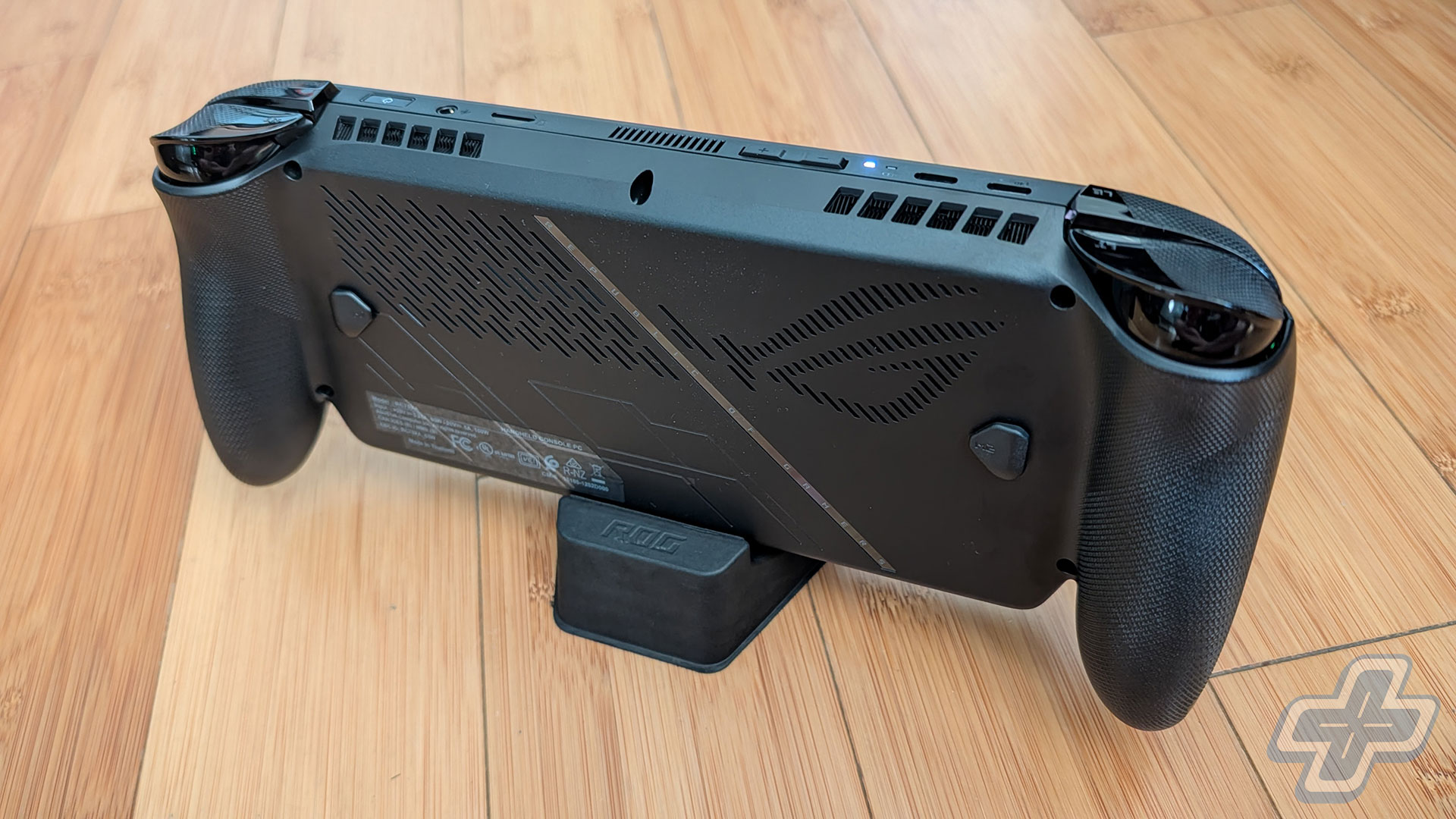
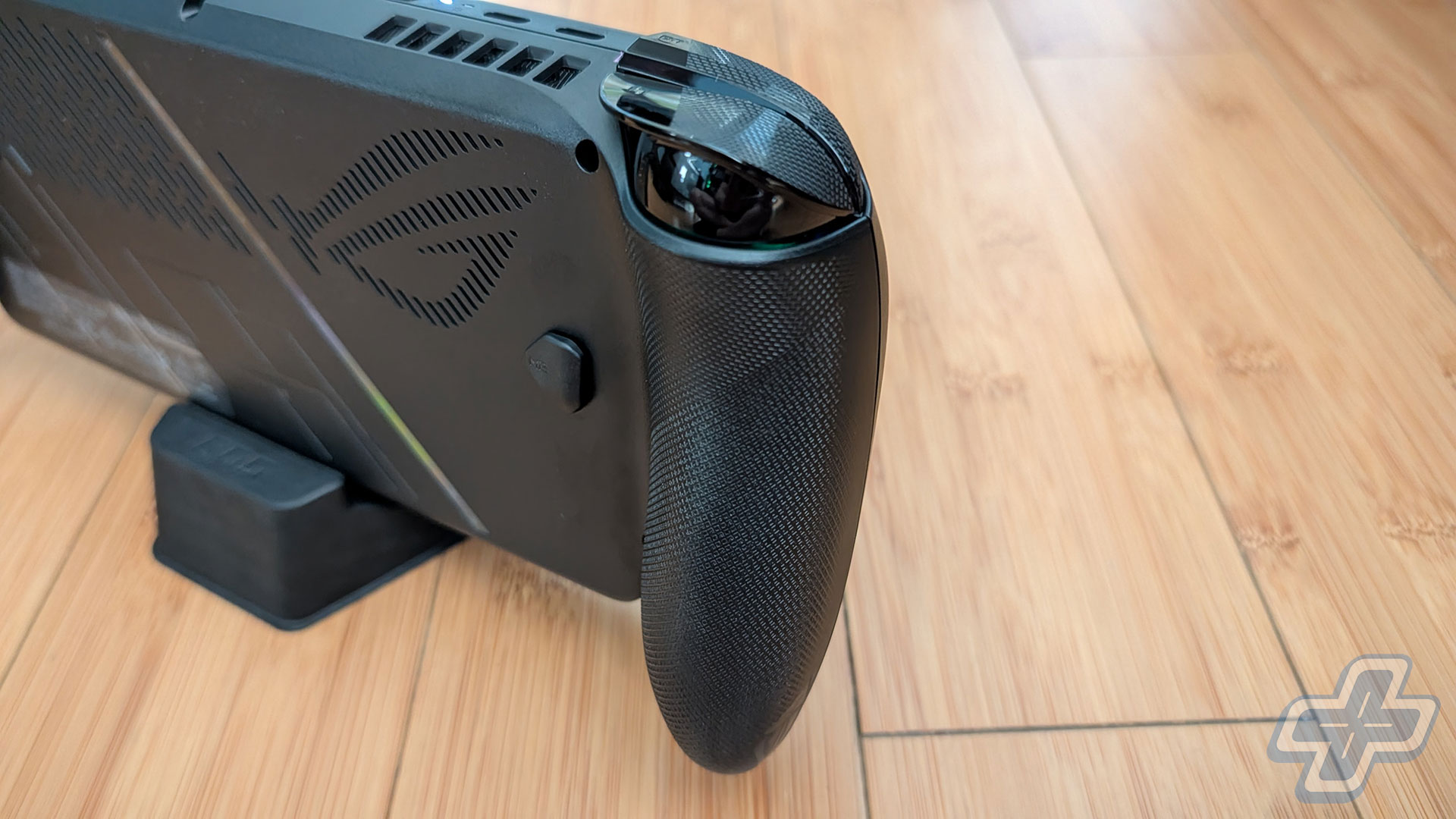
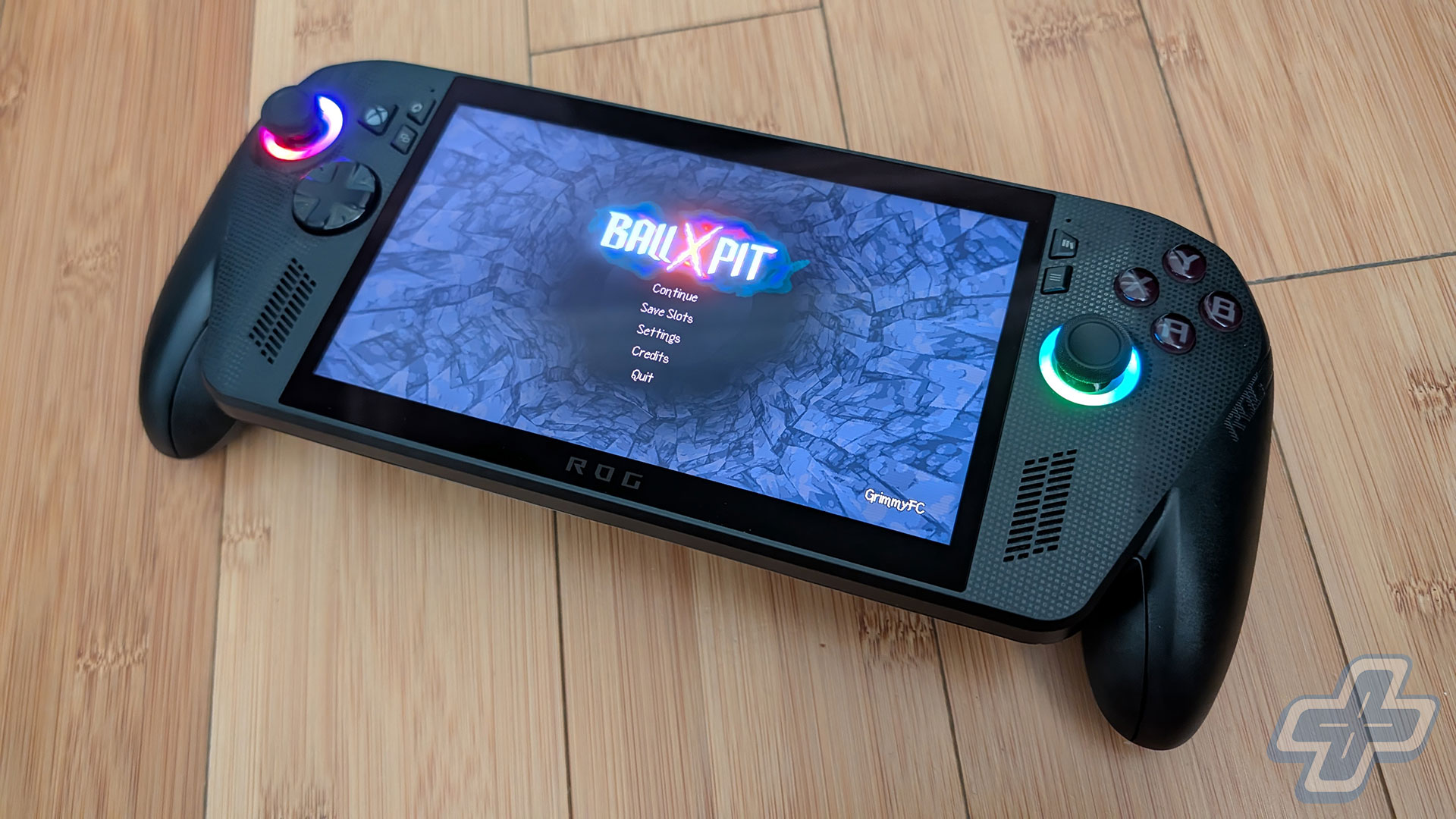
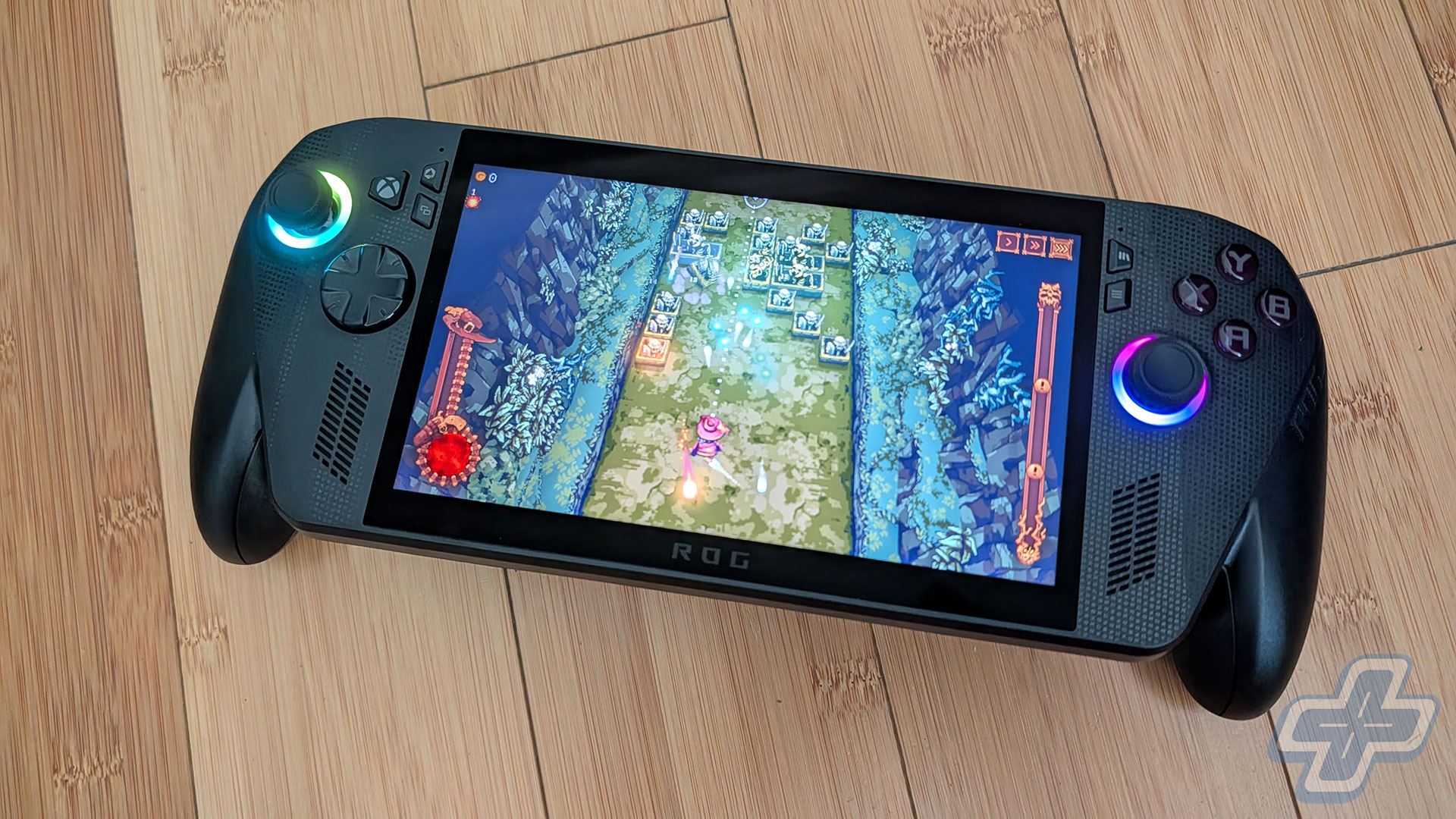
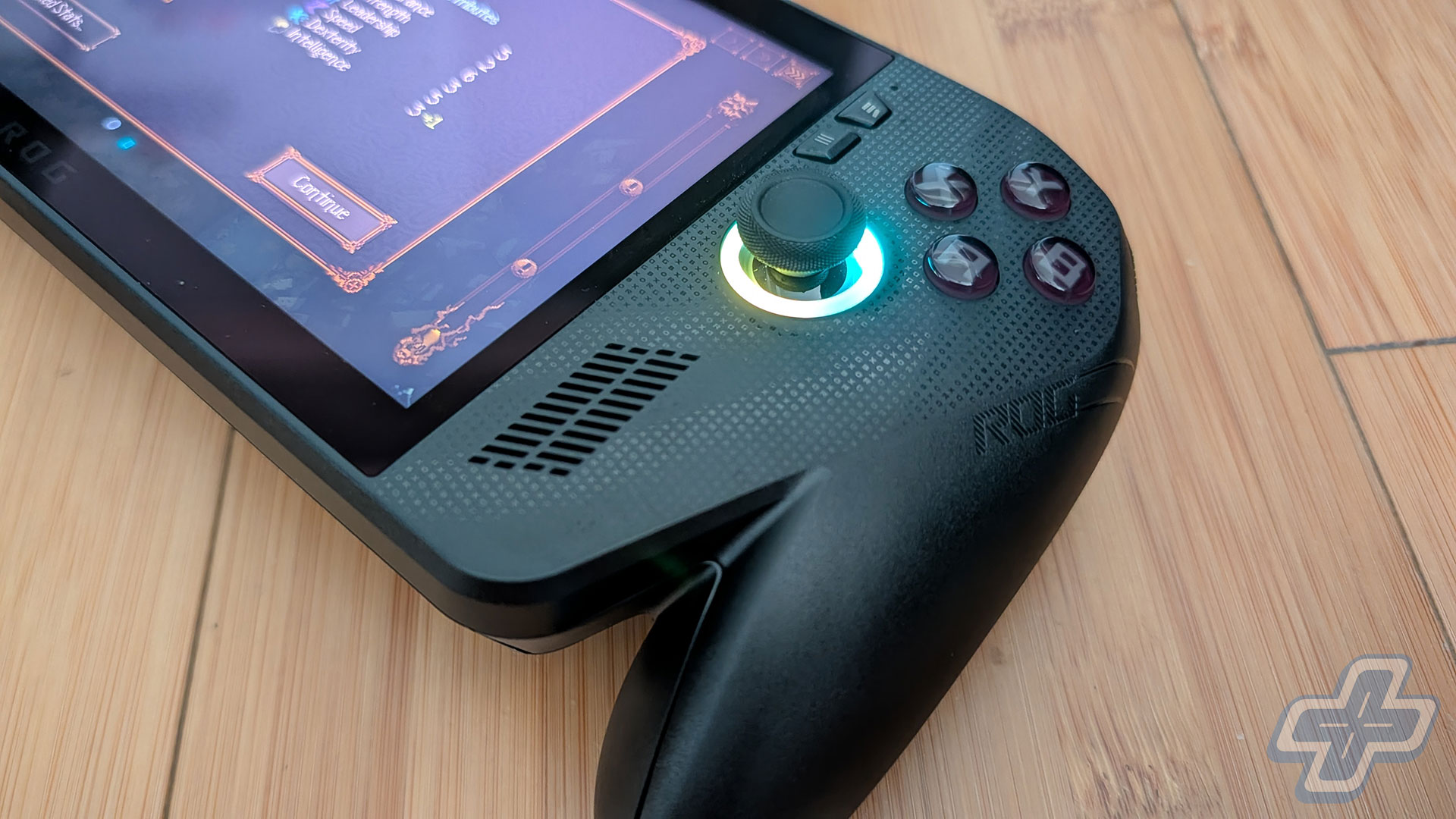
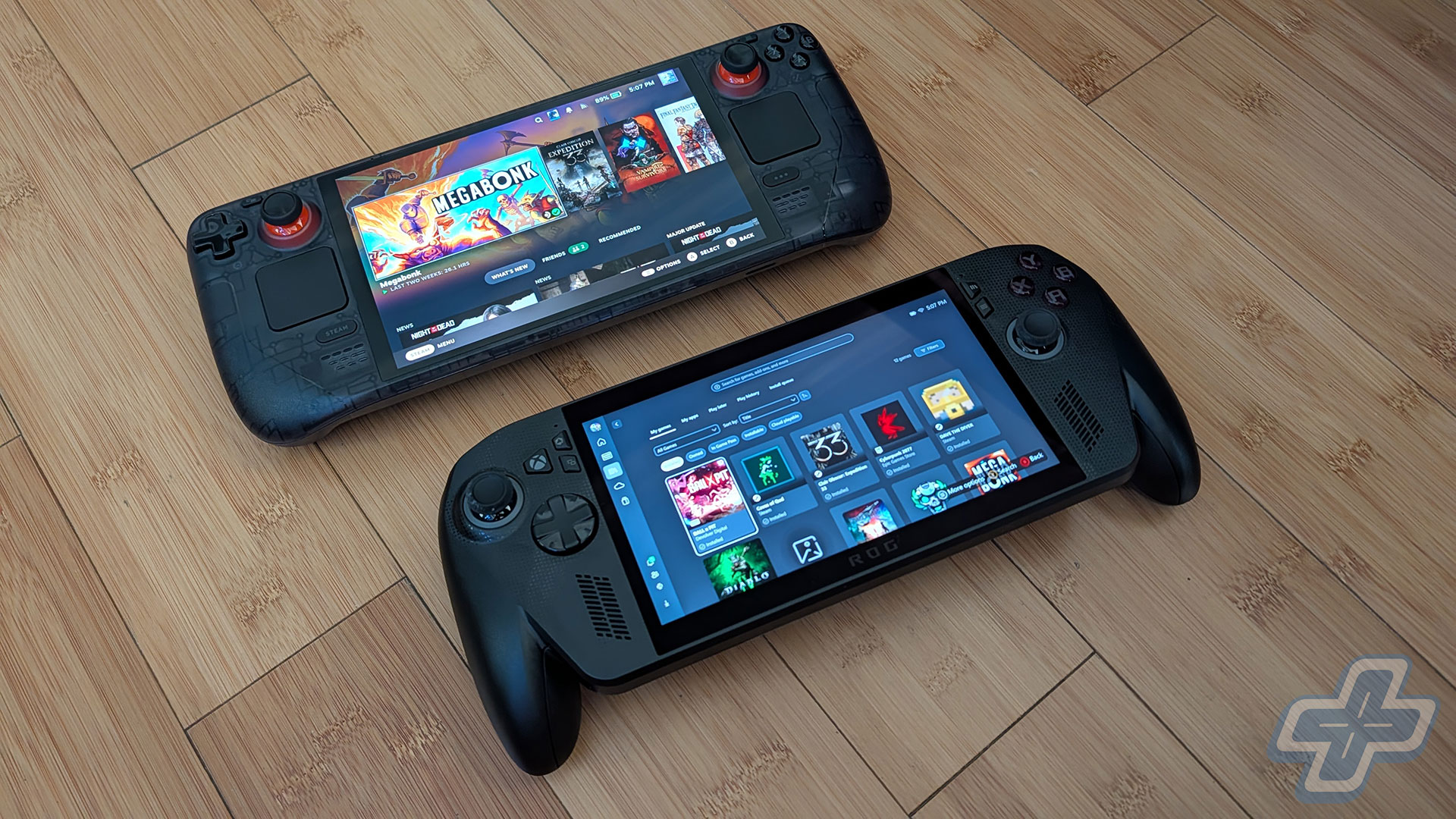
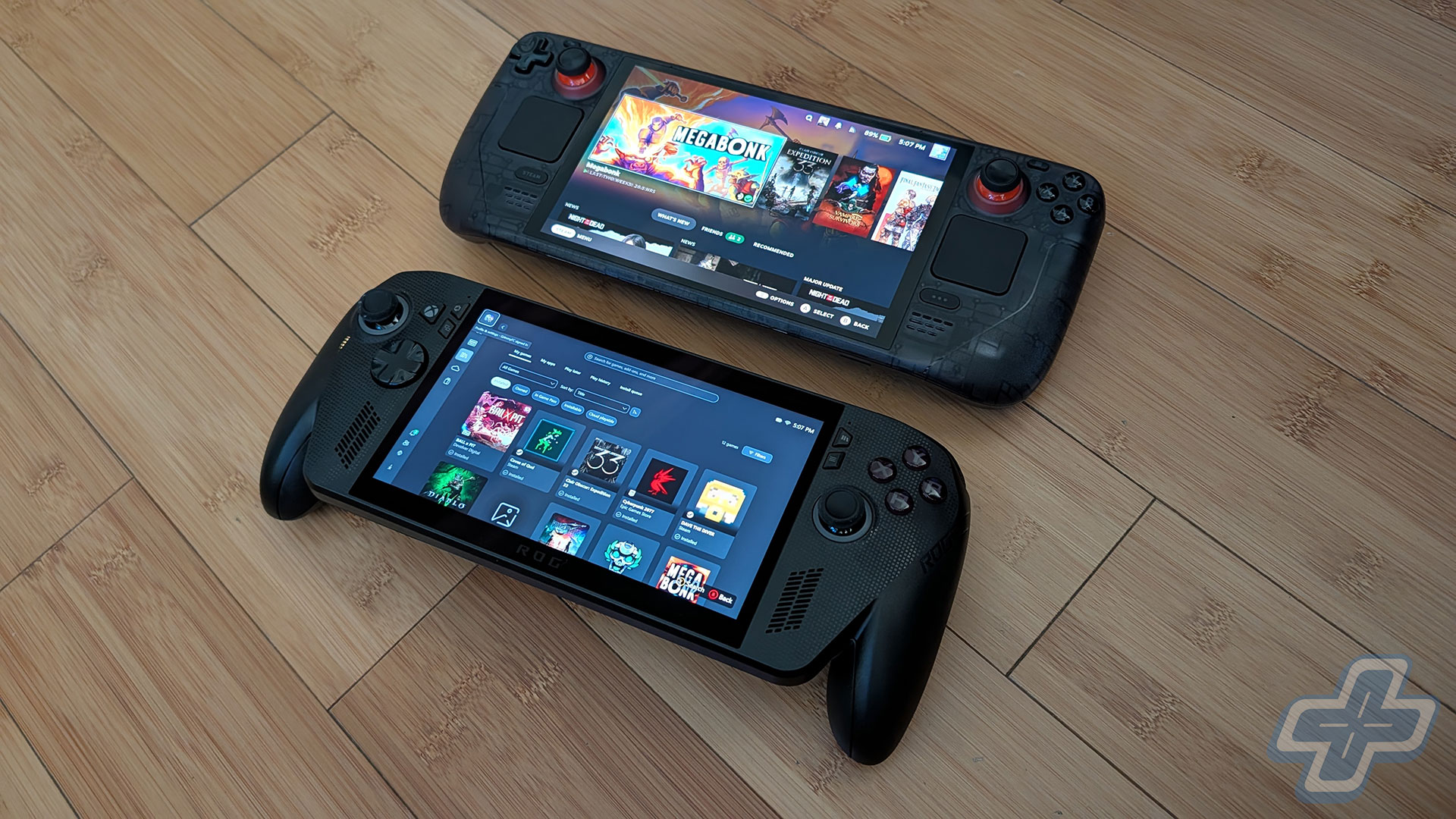
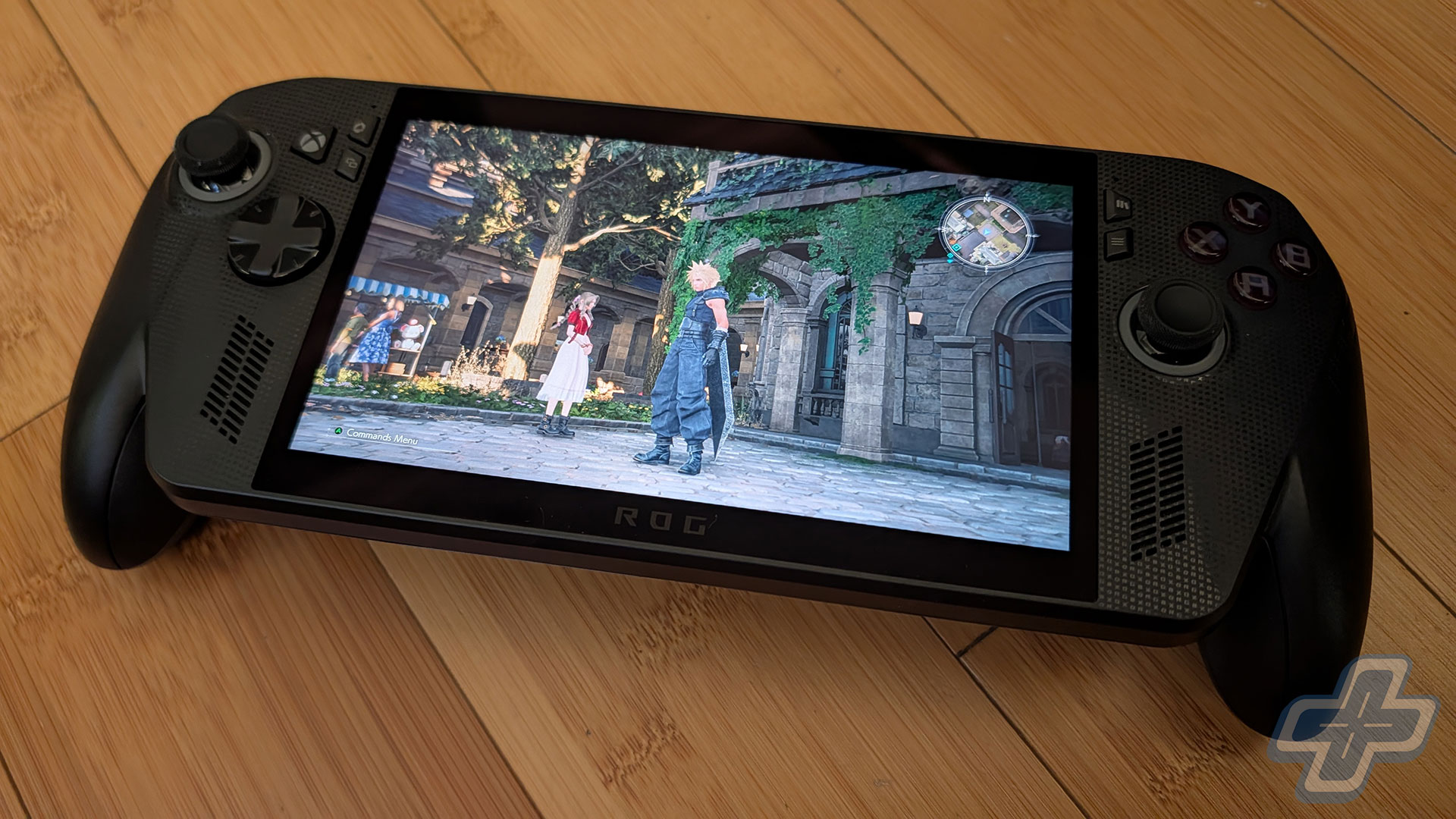
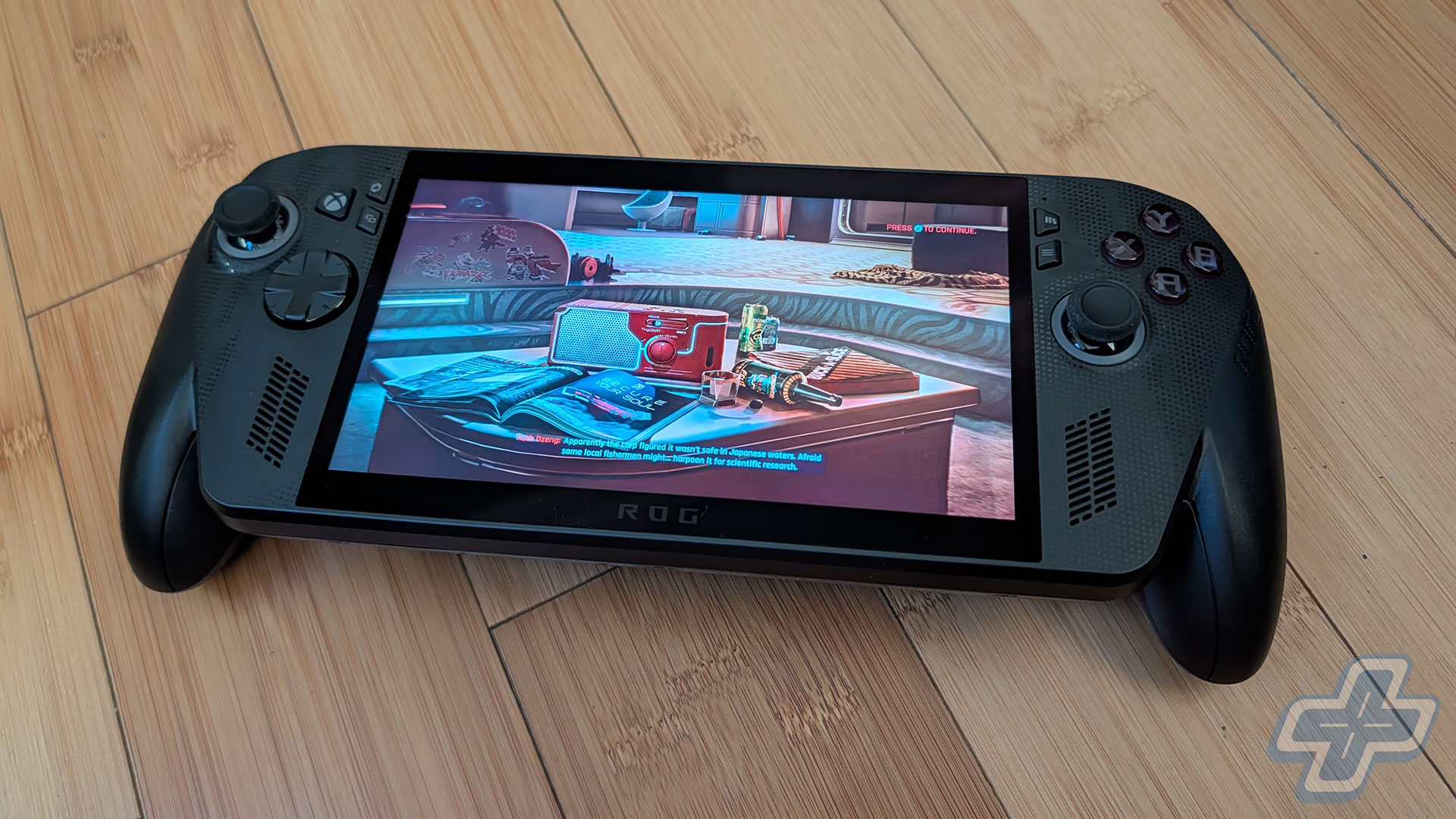
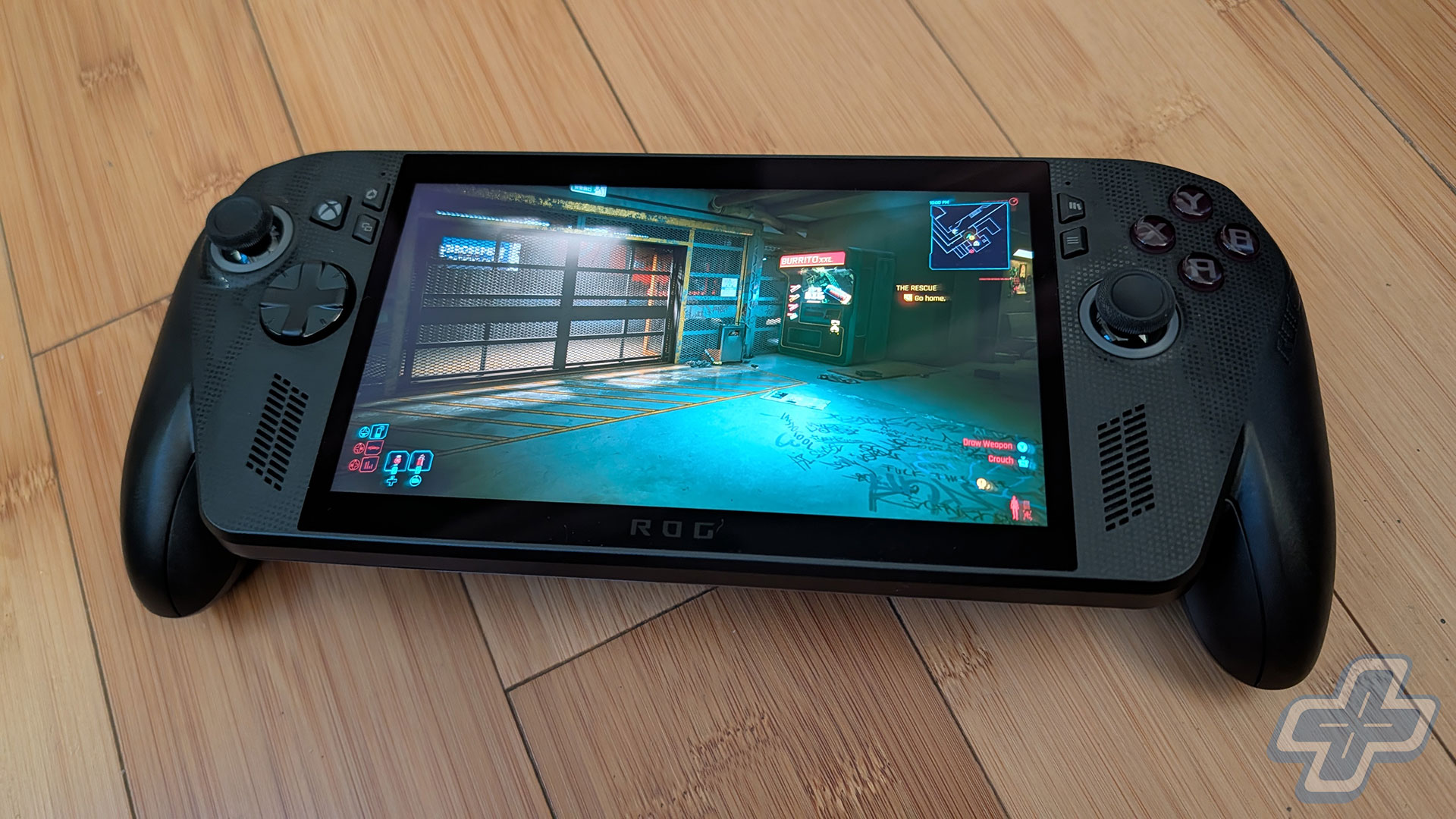
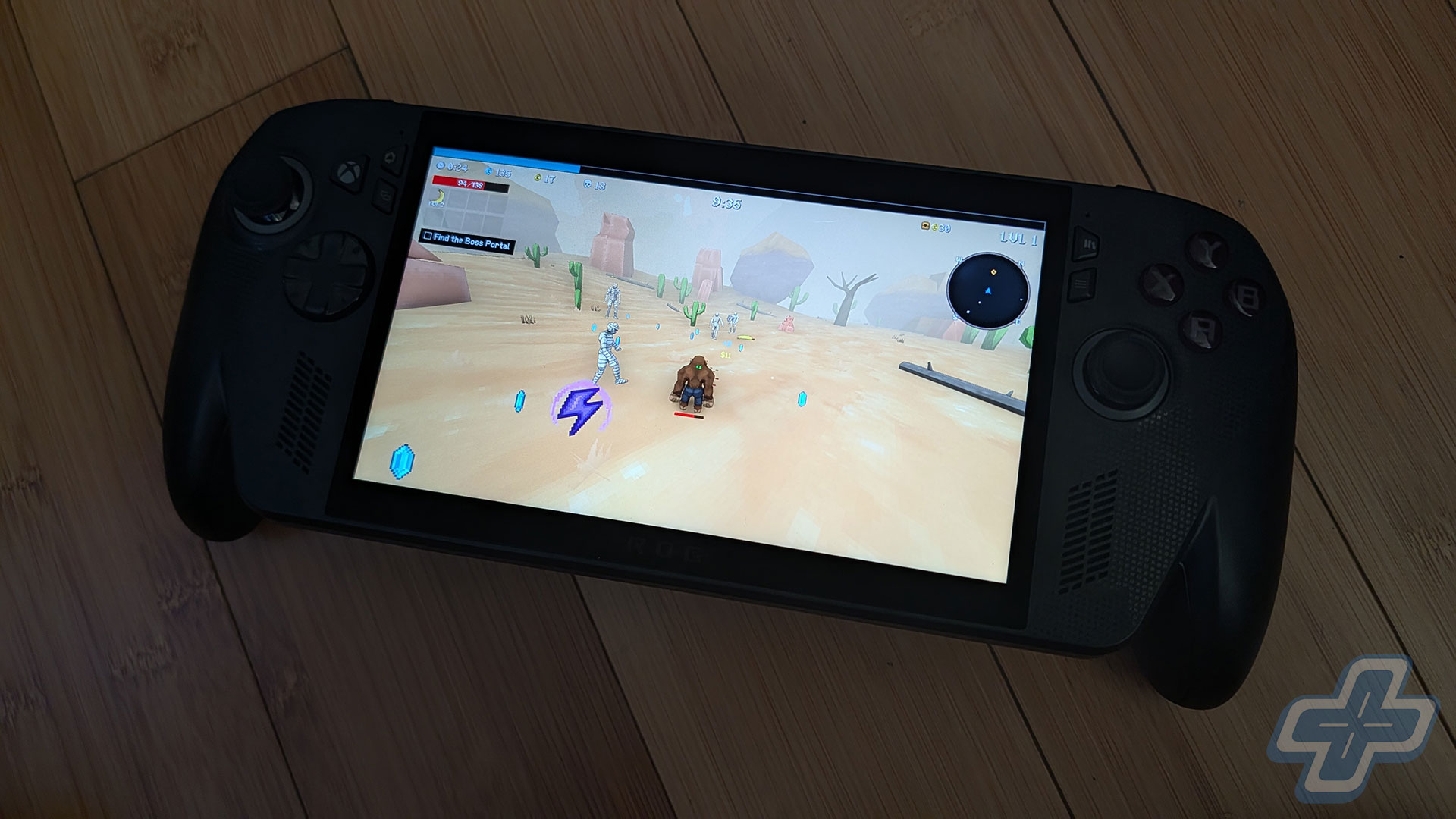
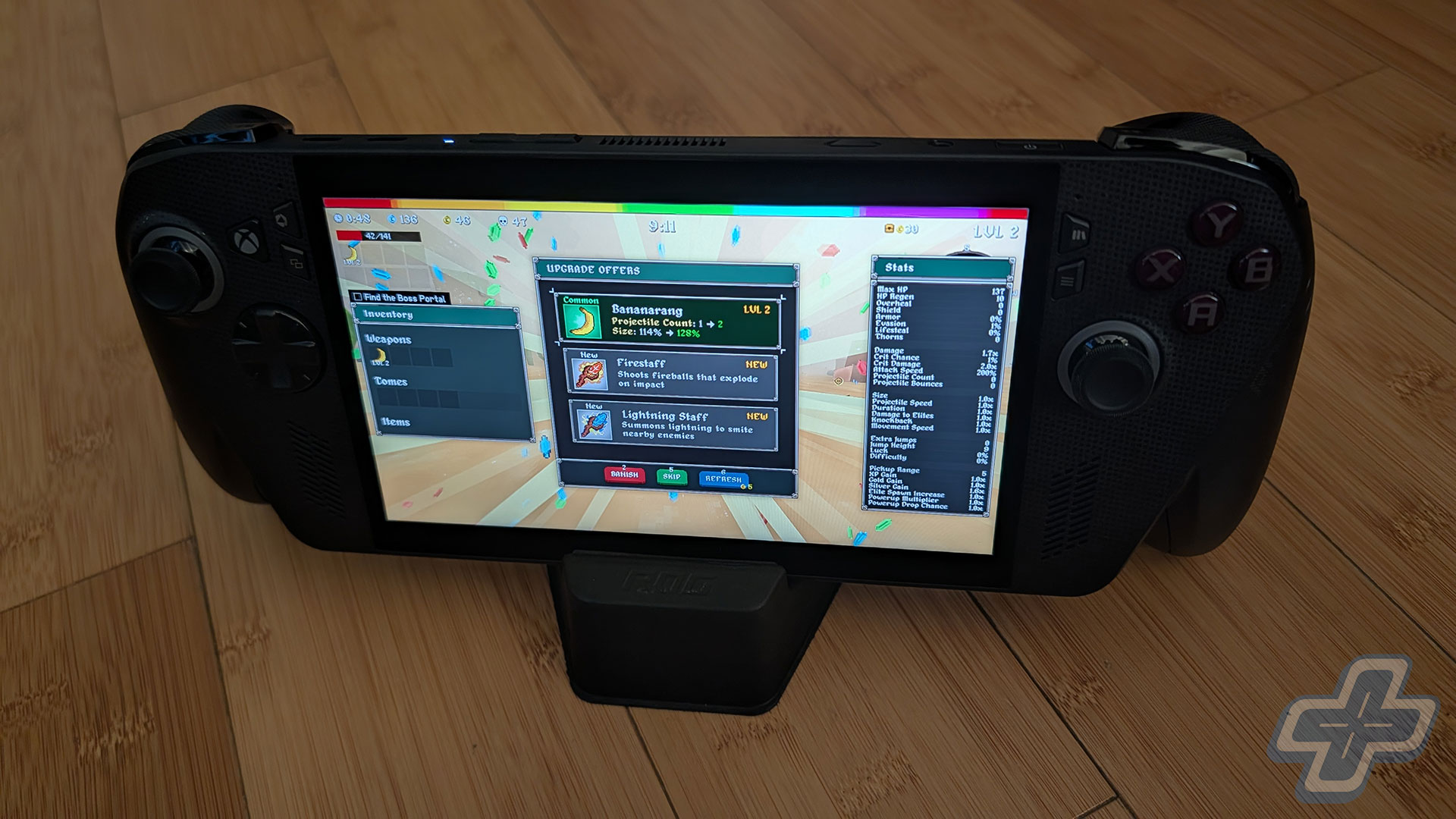
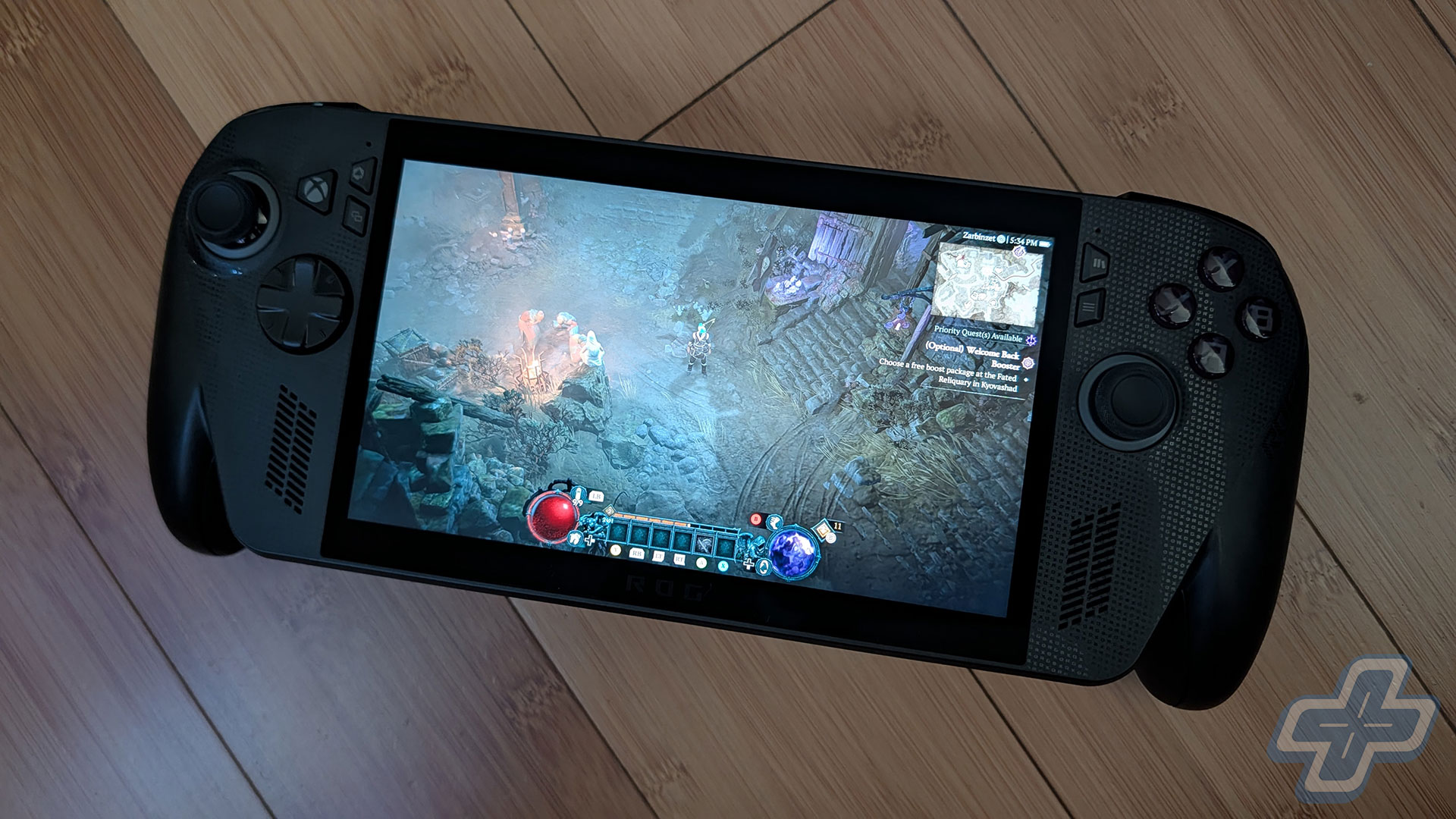
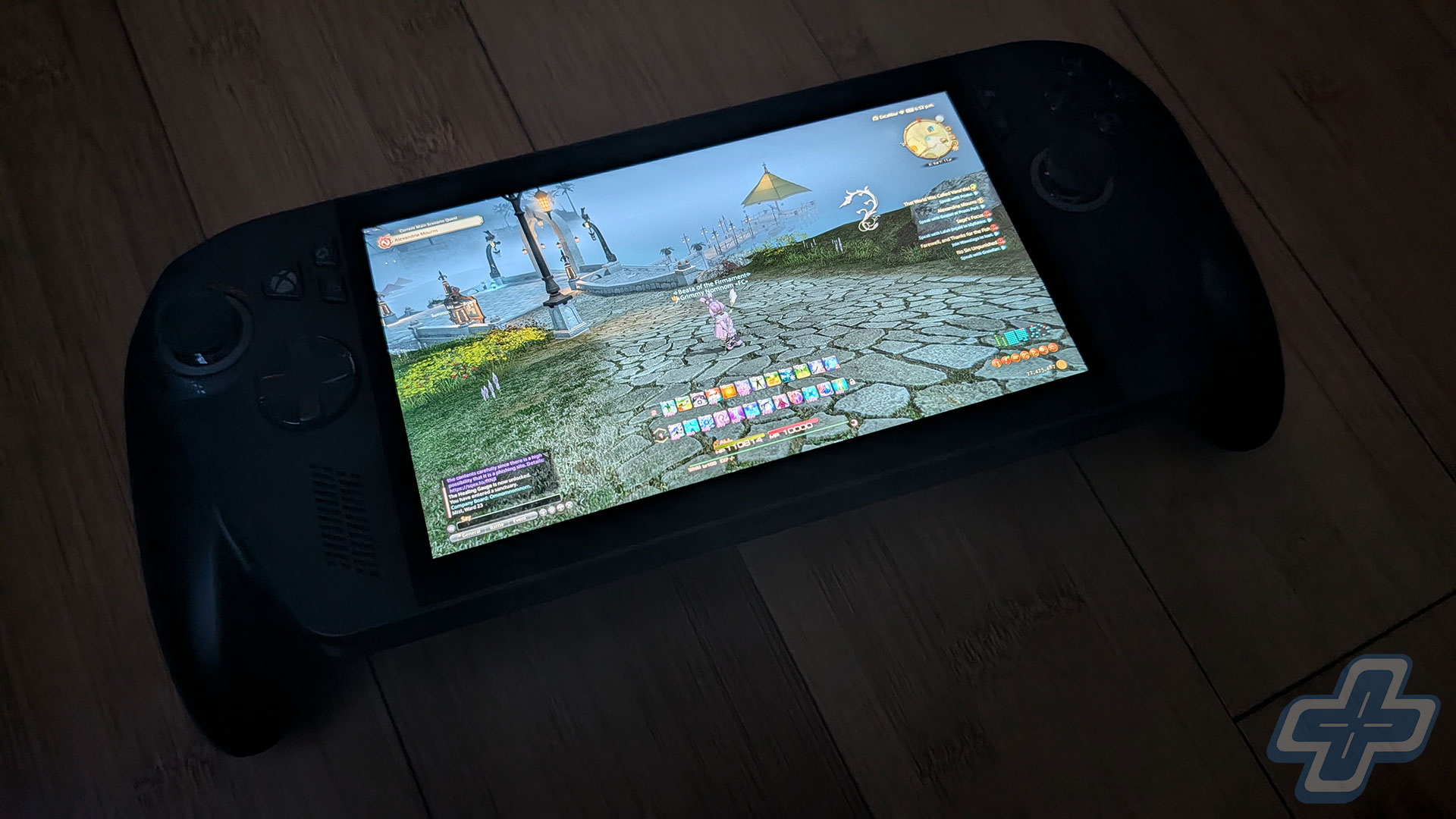
Assuming that every handheld PC will eventually get the Xbox Full Screen Experience through a Windows update, the biggest selling points of the ROG Xbox Ally X are the controller-inspired handles and the Impulse triggers. It has the smallest screen size of the three devices at 7 inches, which may actually be what you want. For those who absolutely need an OLED display, you’ll want the Lenovo Legion Go 2, but know that it’s a pretty big, heavy device. For me, though, these handles on the ROG Xbox Ally X make a world of difference for comfort and using the device for an extended period. After spending hours each evening playing Megabonk on the ROG Xbox Ally X, I picked up my Switch 2 for some Pokémon Legends: Z-A and was shocked by how uncomfortable the Switch 2 was in my hands. The ROG Xbox Ally X is by far the most comfortable handheld I own, delivering a very similar experience to the PlayStation Portal.
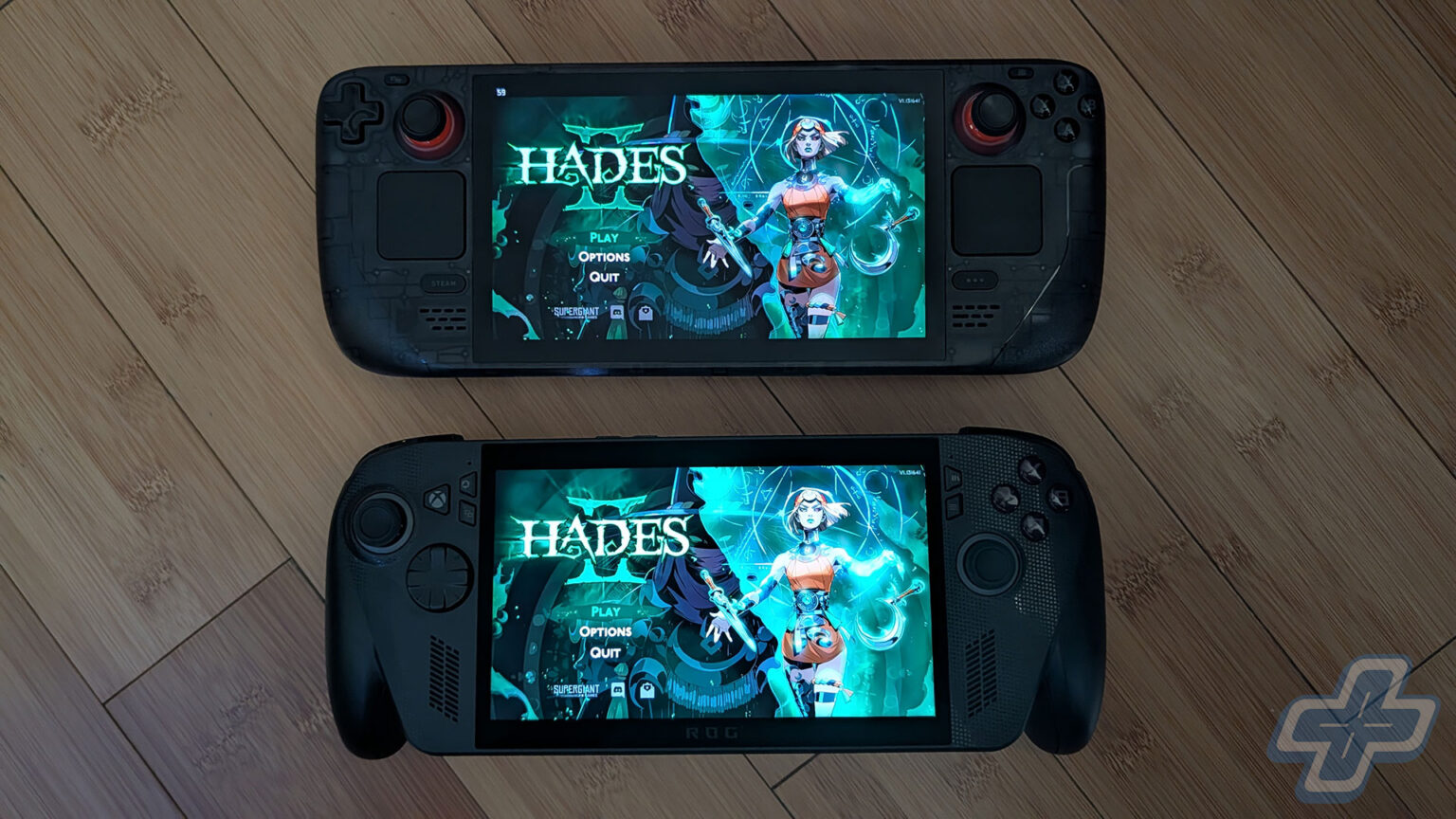
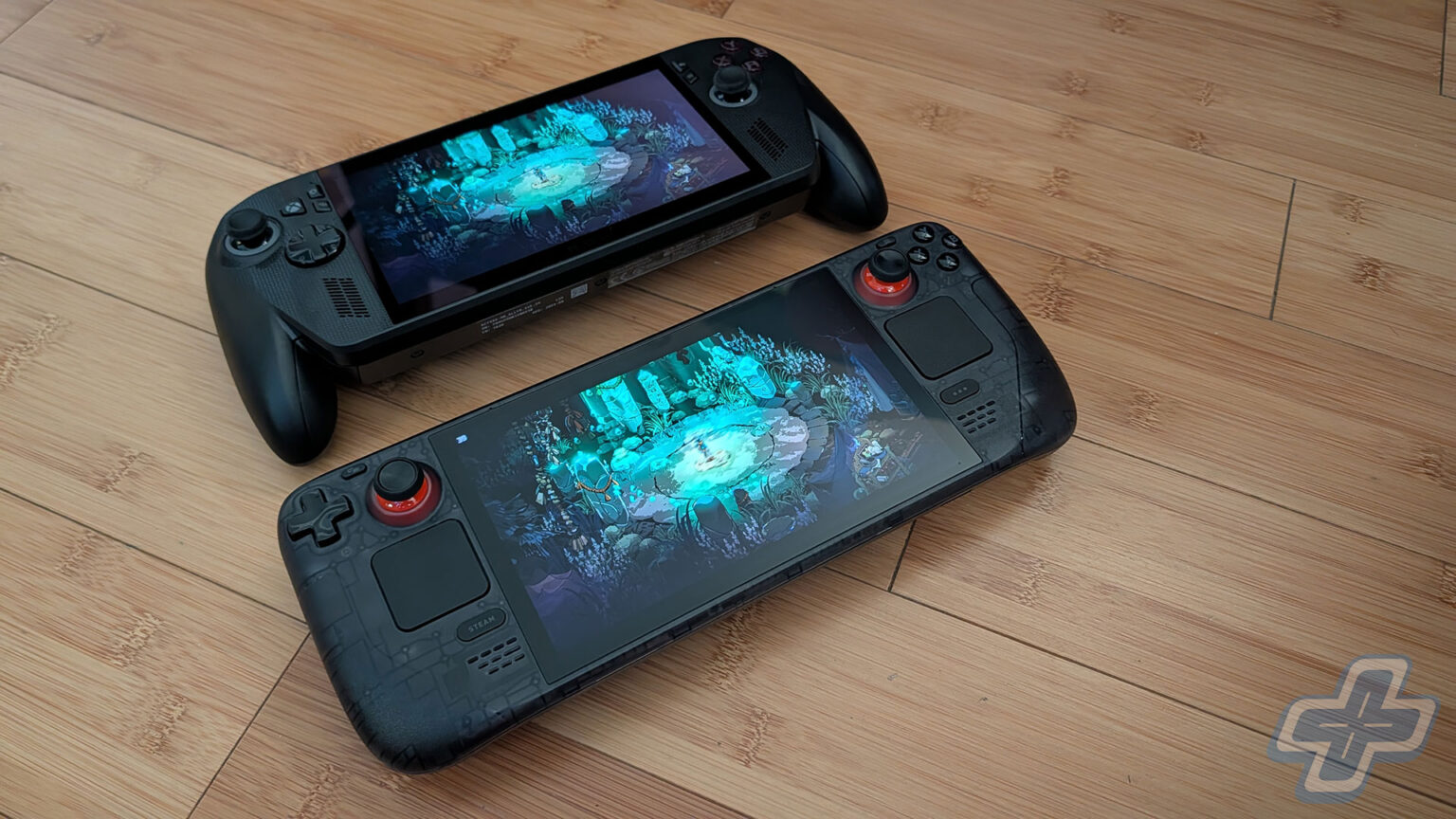
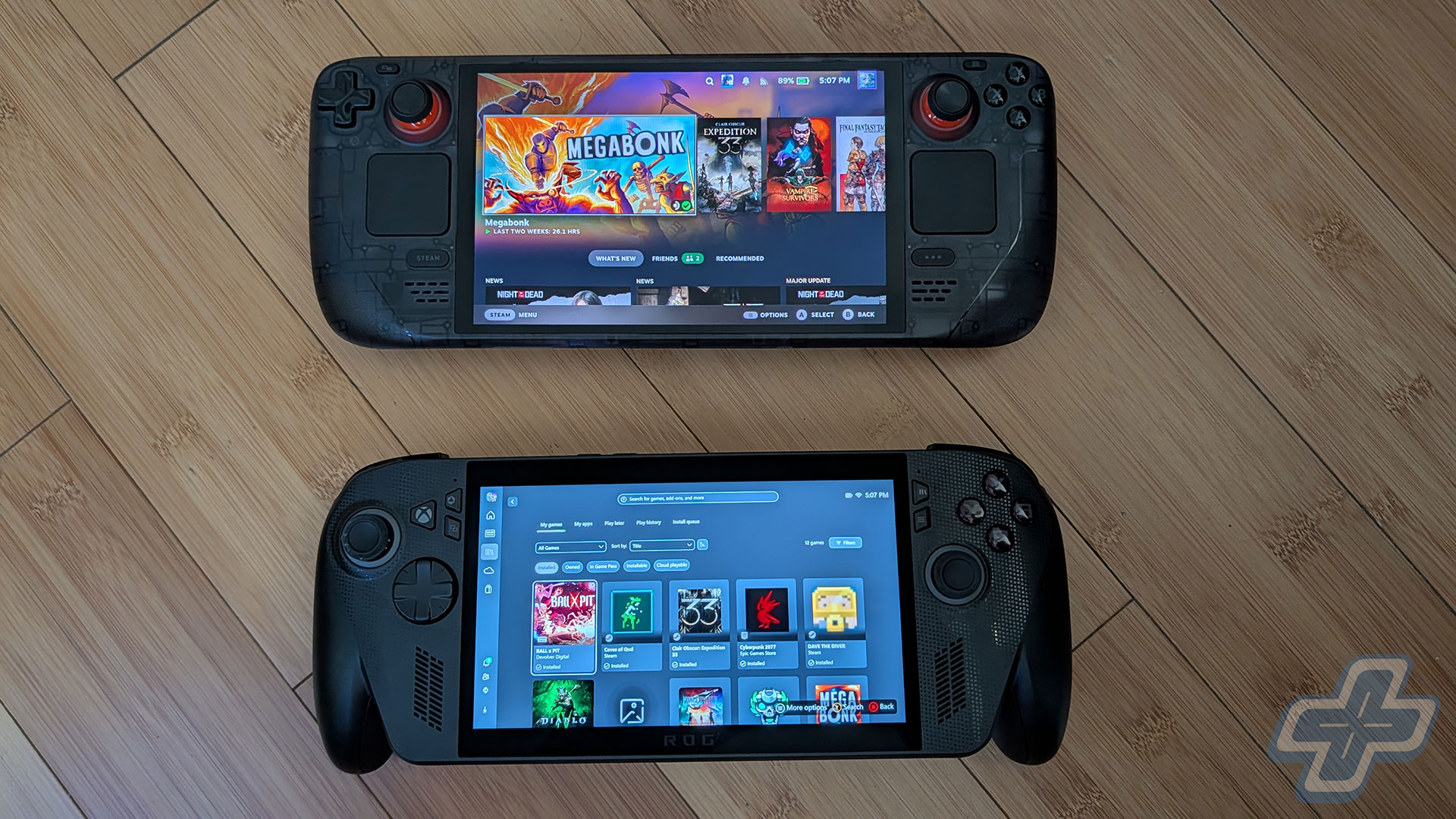
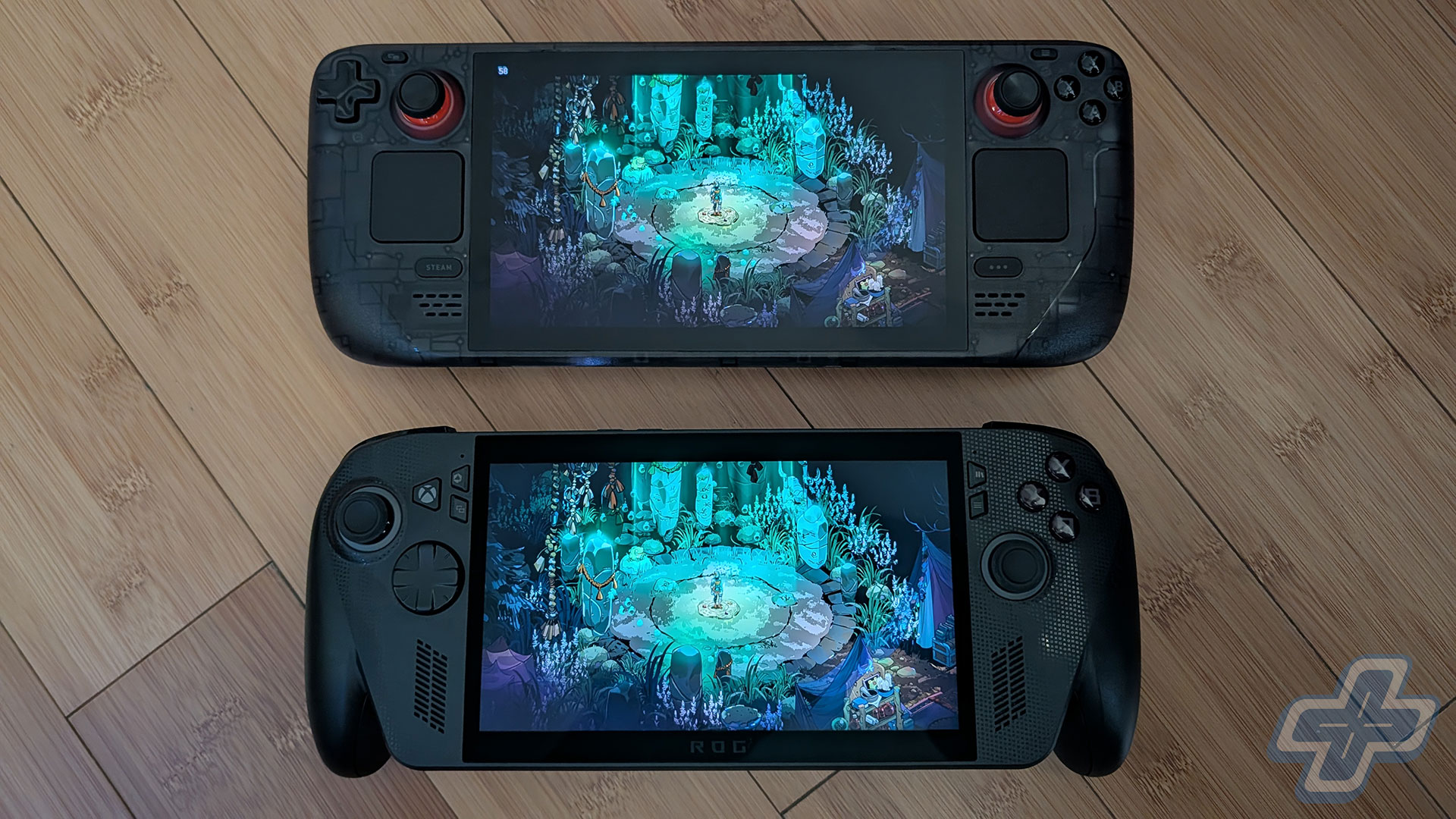
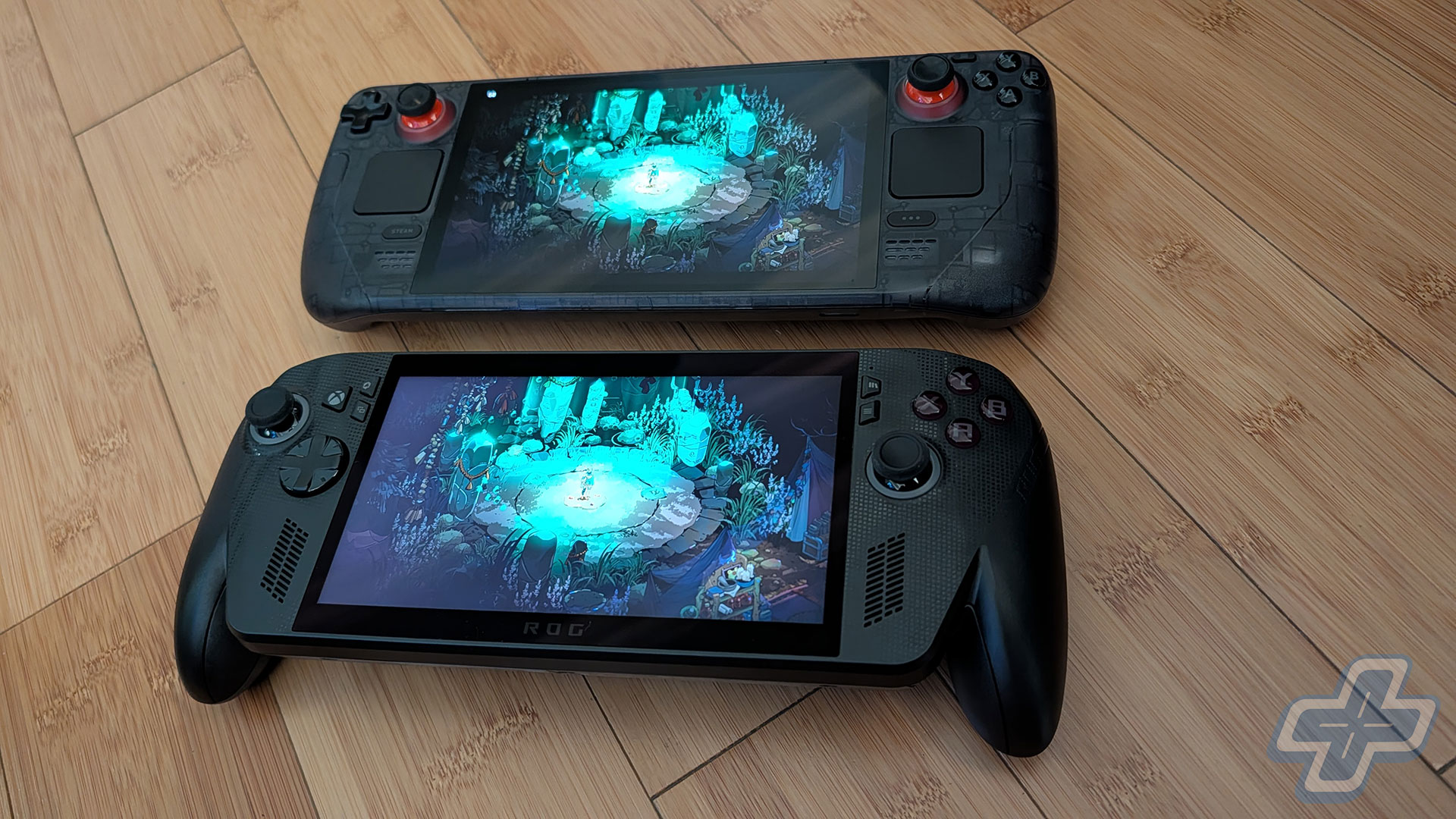
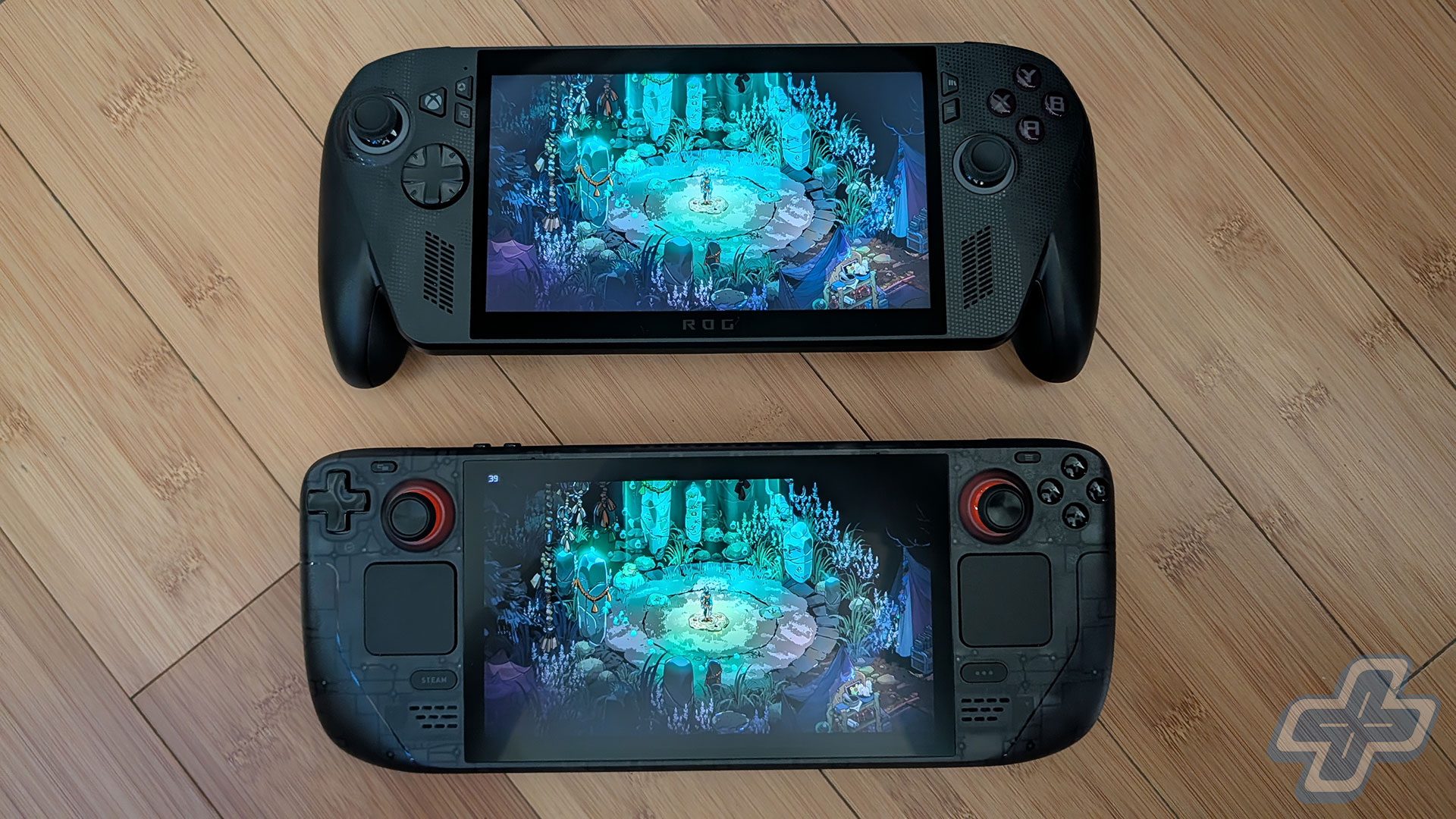
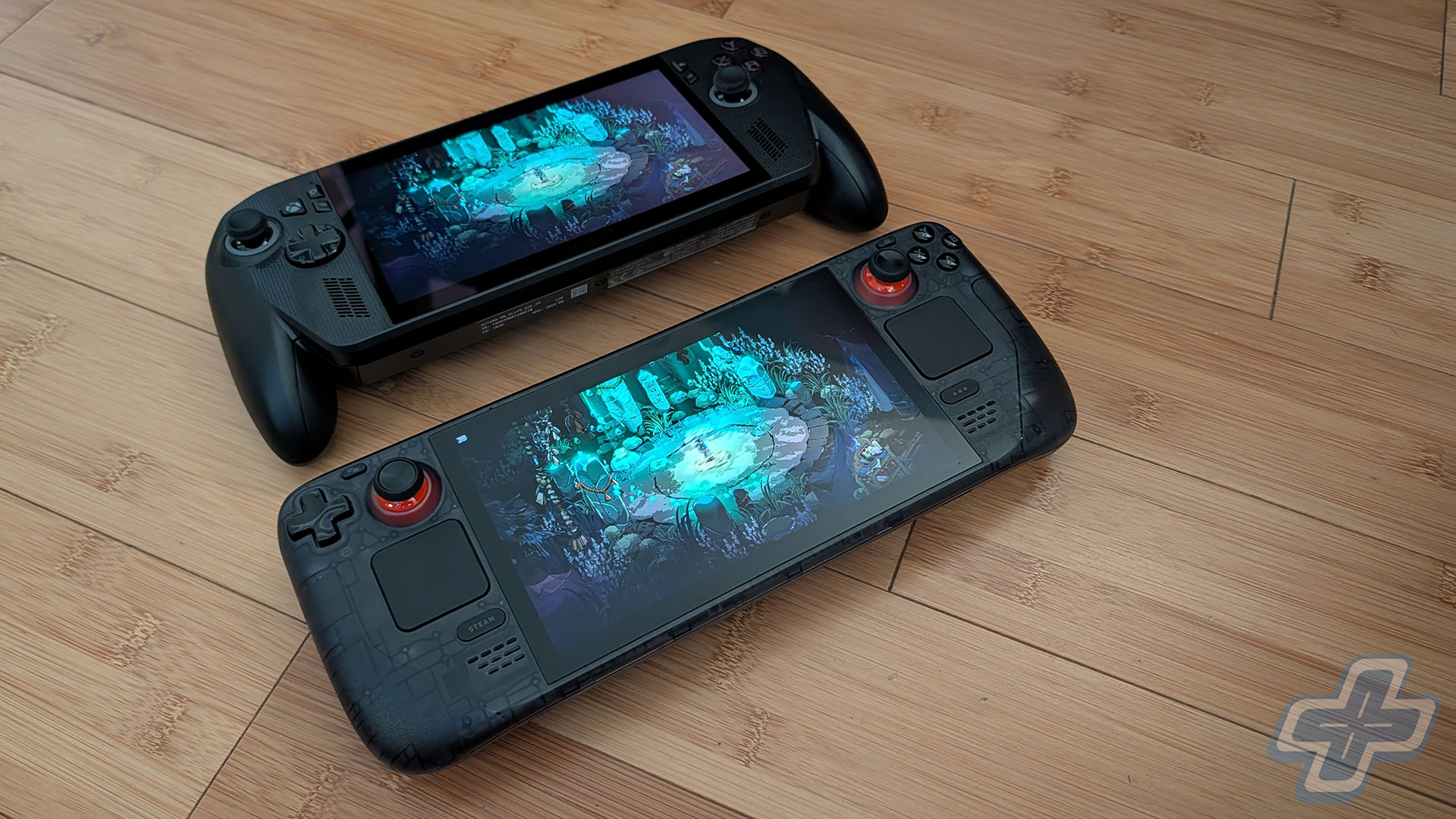
I know a lot of people are comparing the ROG Xbox Ally X to the Steam Deck and Steam Deck OLED, but I don’t really think it’s a fair comparison. You’re looking at products in two different price ranges, and the performance difference between the Steam Deck OLED and the ROG Xbox Ally X is noticeable. The Steam Deck OLED also has a lot of limitations because it doesn’t run Windows, which means only Xbox Cloud Gaming works (no native Game Pass), and you’ll have to jump through hoops to access your Epic Games Store or GOG library on the device. As I mentioned in my initial preview, if your entire library is on Steam, the Steam Deck is very likely the best option for you. If you want to enjoy some AAA games with better performance, though, you’ll want to consider a device with the AMD Ryzen AI Z2 Extreme. While some of those games are playable on the Steam Deck, it’s not a very enjoyable experience.
Bit Won, Bit Lost
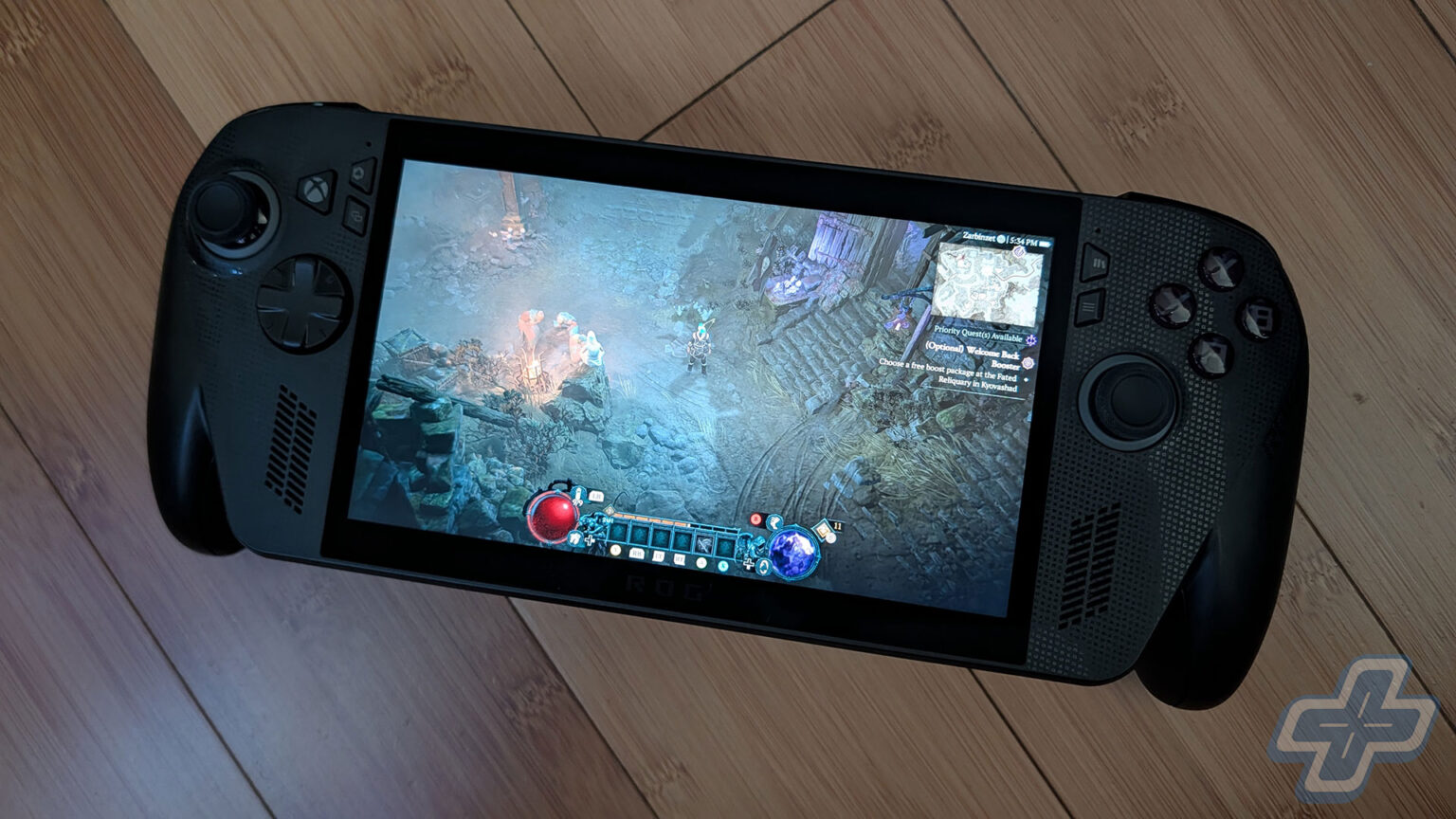
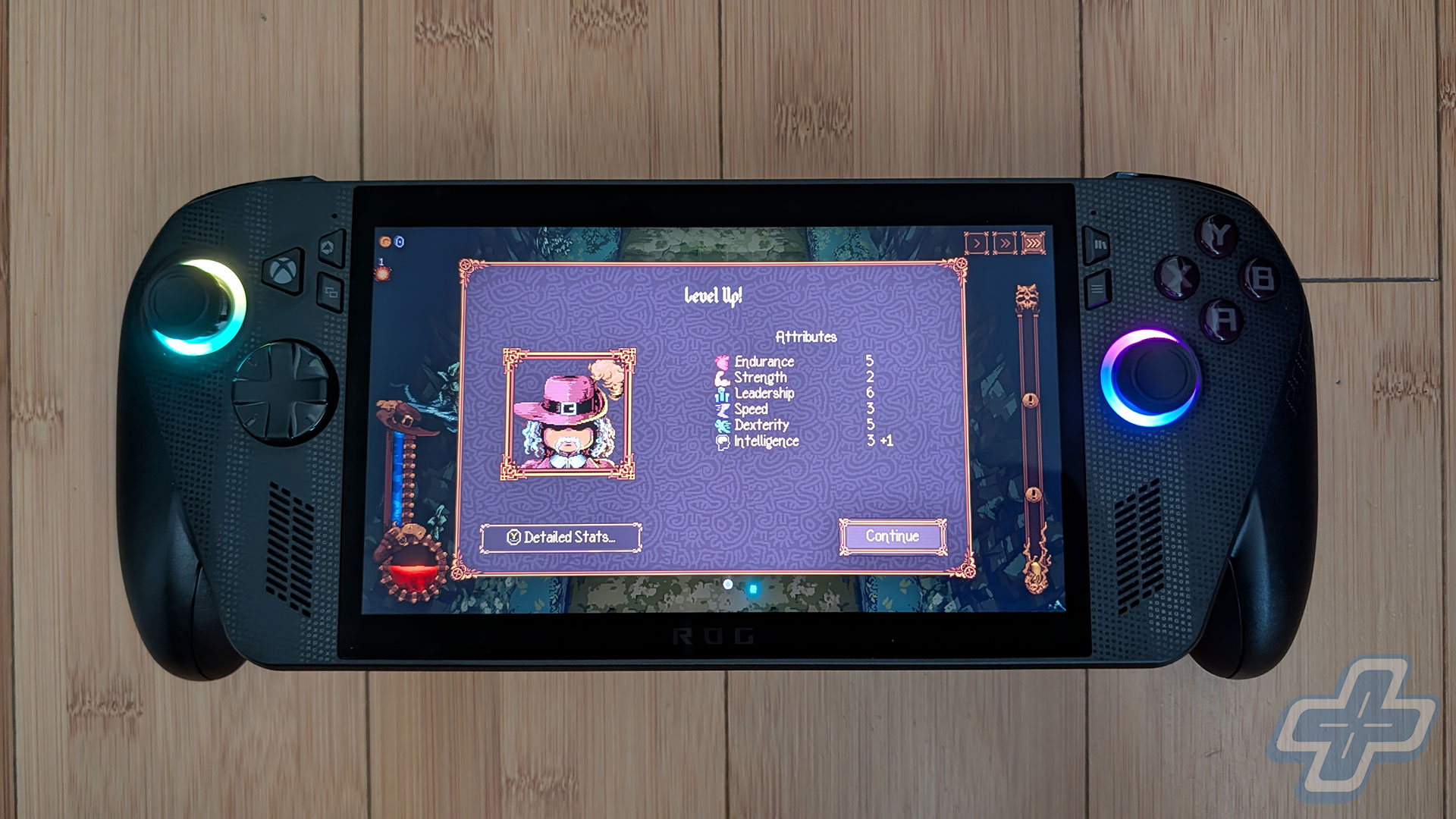
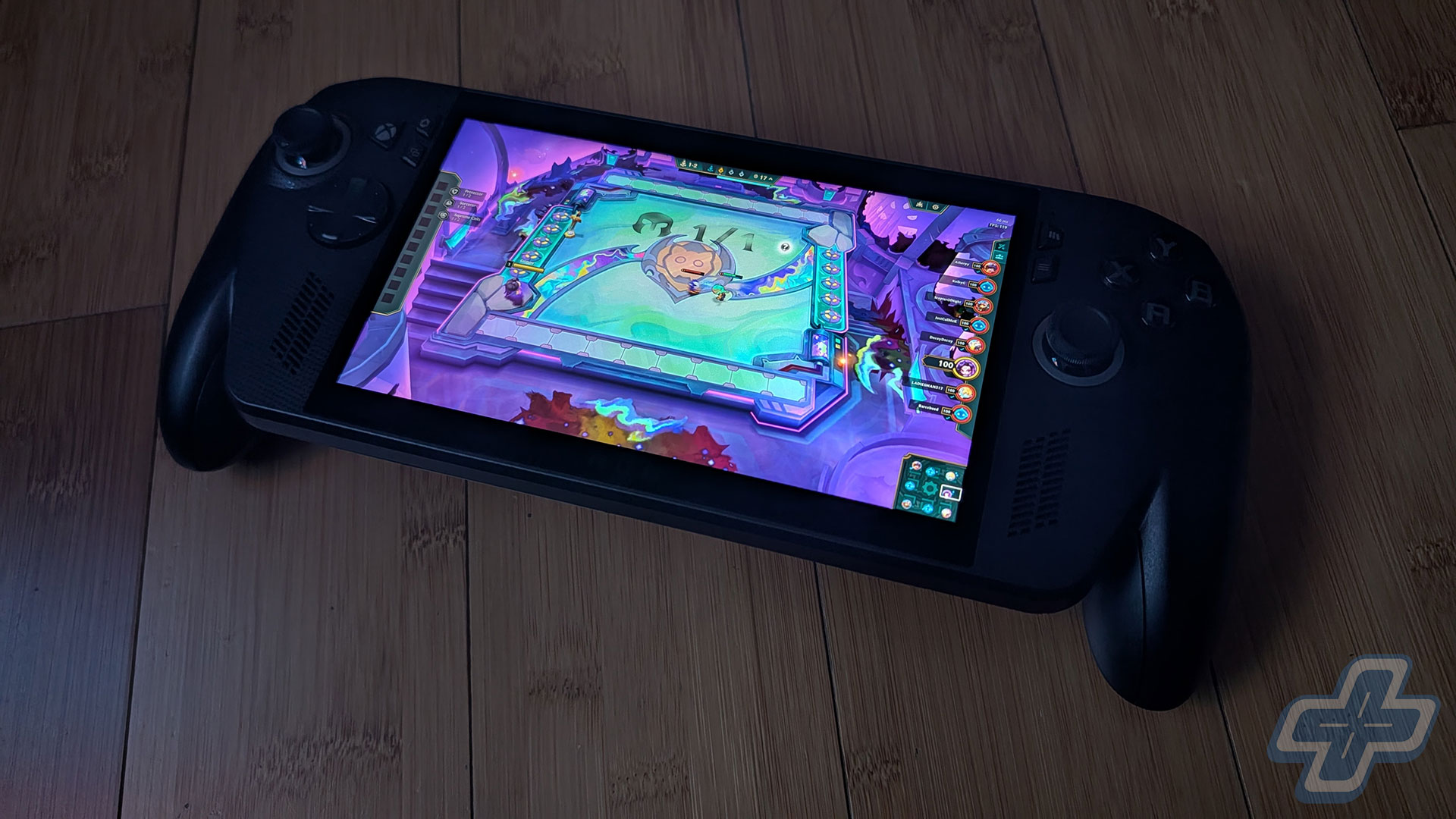
While the 7-inch display isn’t an OLED, it’s an excellent IPS display at 1080p resolution with a 120Hz refresh rate. It’s a bit dated at this point, especially since it’s the same display as the original ASUS ROG Ally, but it works well. As with the Switch 2, I assume an OLED variable-refresh-rate display would have made this device even more expensive, as indicated by the Lenovo Legion Go 2’s price. If the lack of OLED bothers you that much, at least there’s an alternative on the market. When compared to the Steam Deck OLED’s display, things are more debatable. As I mentioned in my preview, I prefer the higher resolution and faster refresh rate to the Steam Deck’s OLED. The difference between 1920×1080 on the ROG Xbox Ally X and 1280×800 on the Steam Deck OLED is very noticeable to me, even on a 7-inch display.
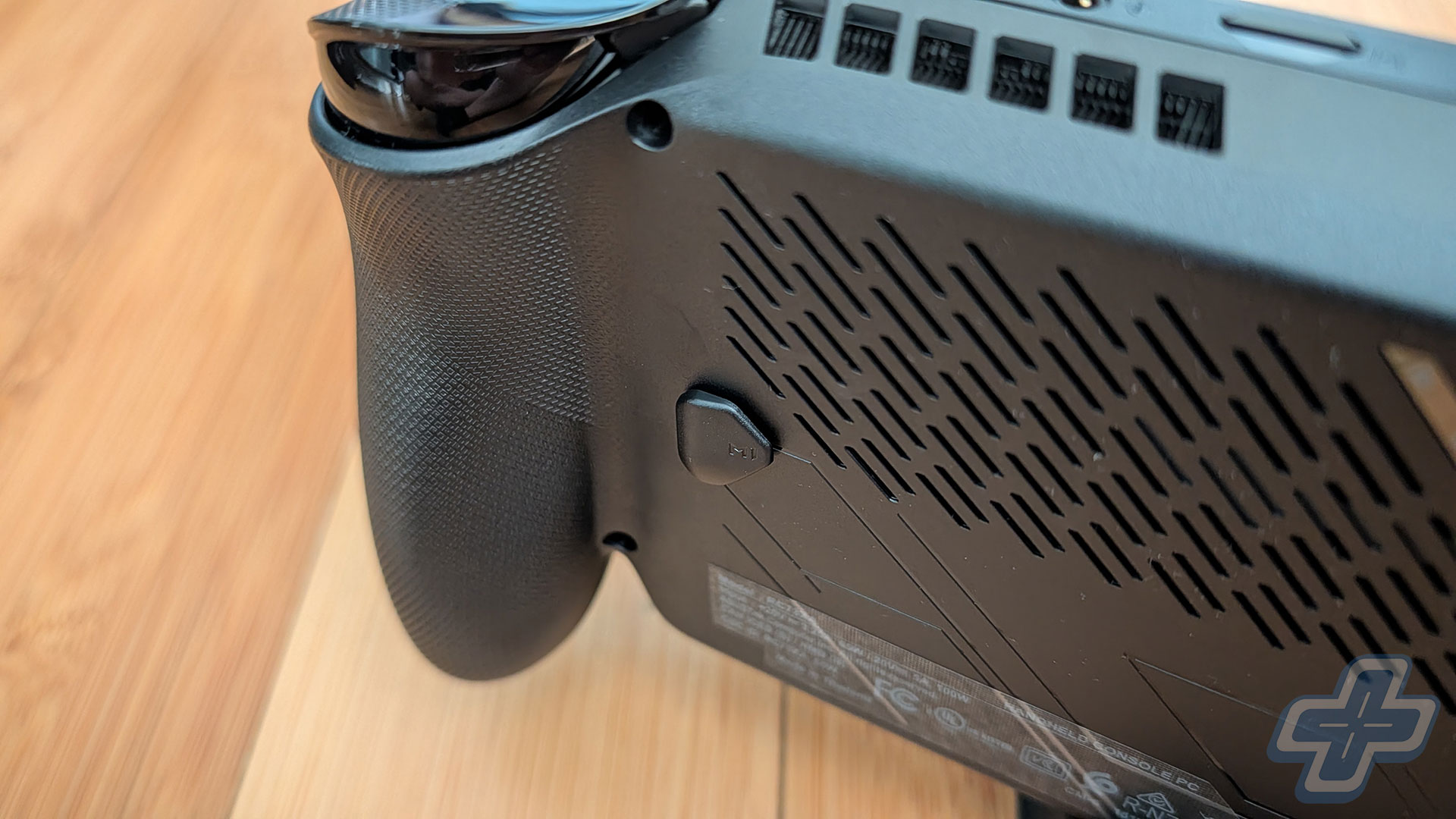
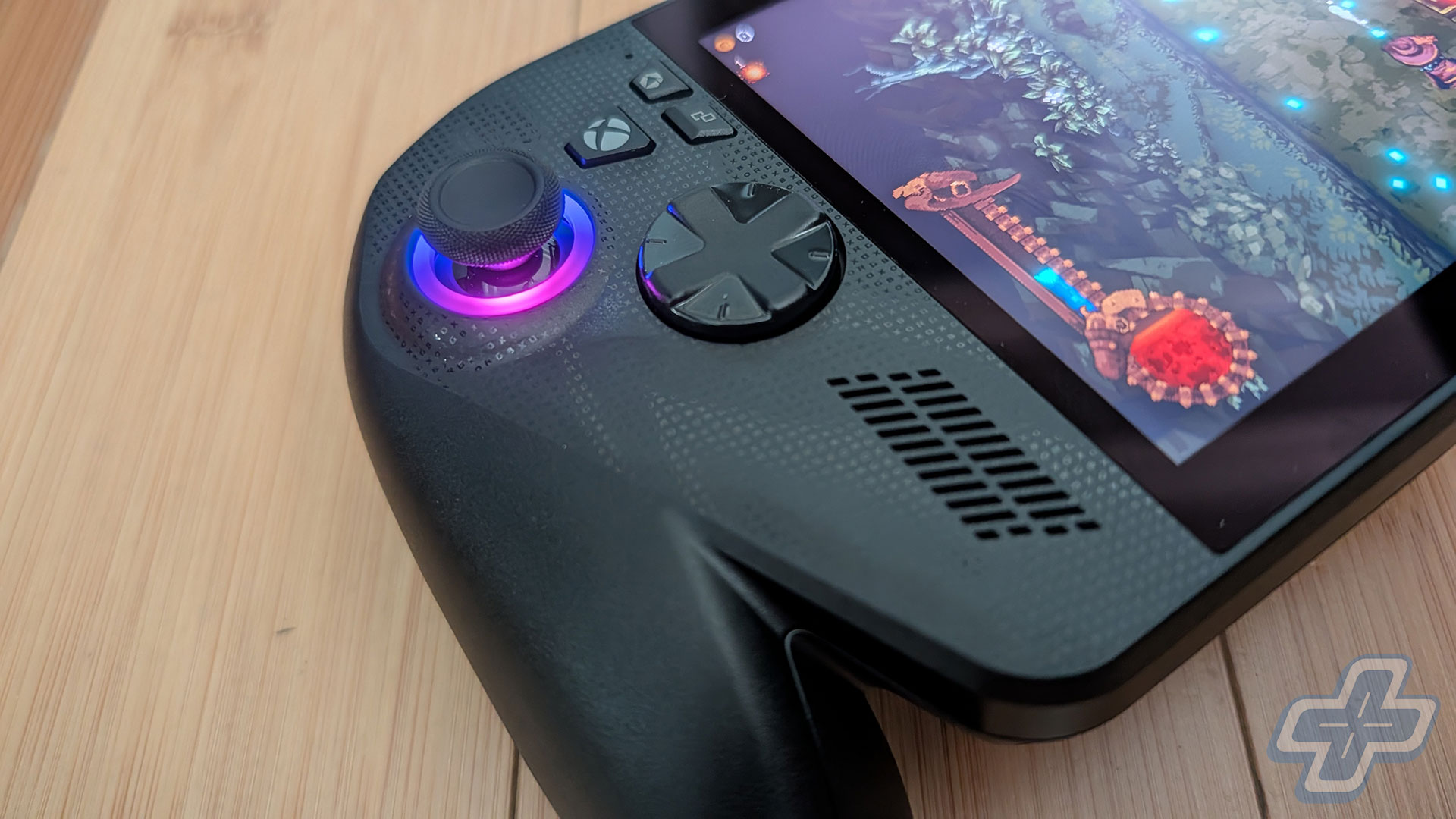
As for its controls, the sticks feel great, and the D-Pad is pretty good. I know the D-Pad’s design is controversial and will come down to personal preference, but I found it to be acceptable. The XYAB buttons are really clicky and pretty loud, which may be annoying to some users. The bumpers and Impulse triggers feel solid, although I wish the bumpers had a little more travel. The two buttons on the rear of the device feel a bit awkwardly placed, as you’ll have to reach them with your middle finger. It doesn’t feel as natural as the back buttons on the Steam Deck OLED, but it’s not a dealbreaker.
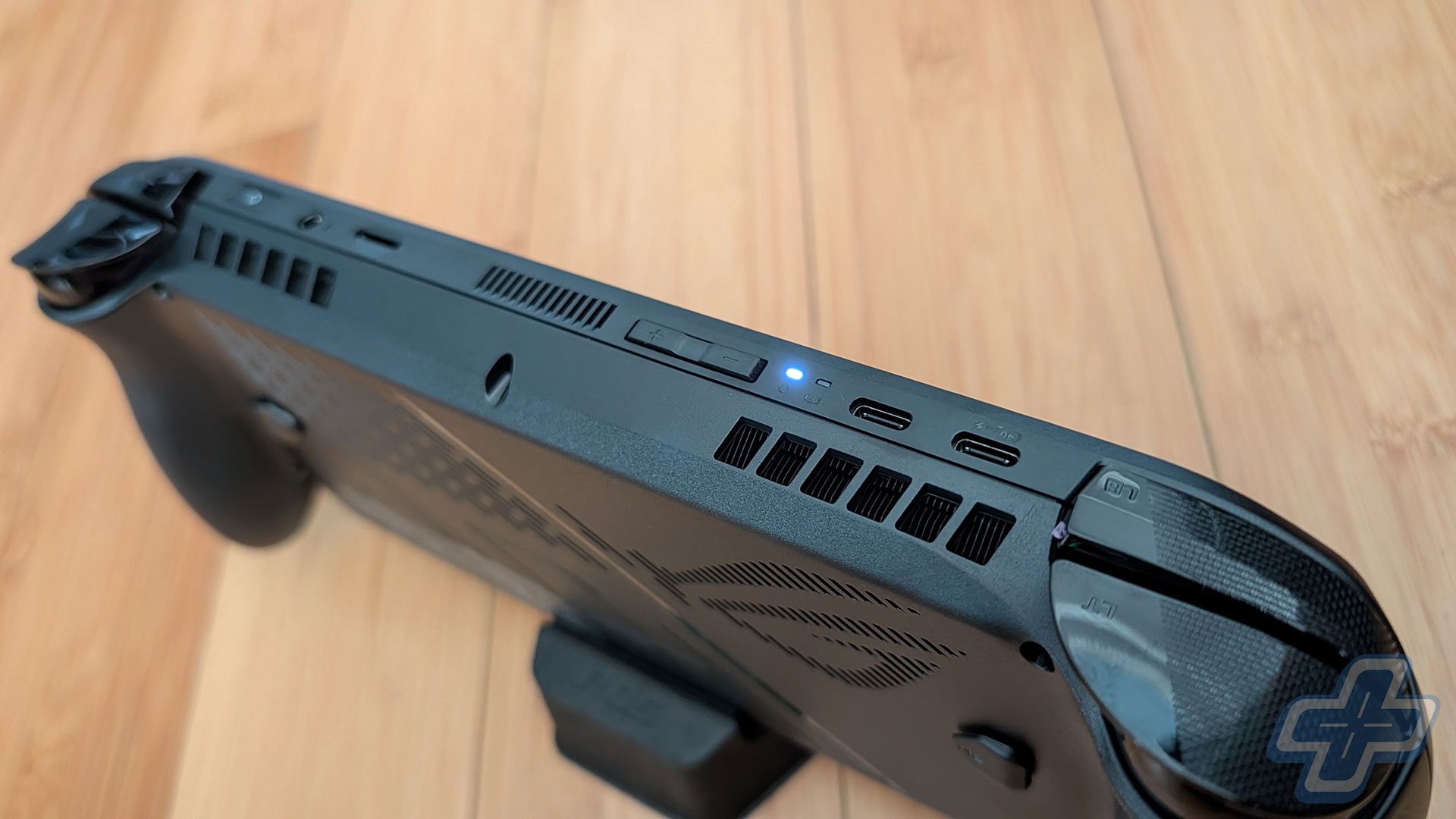
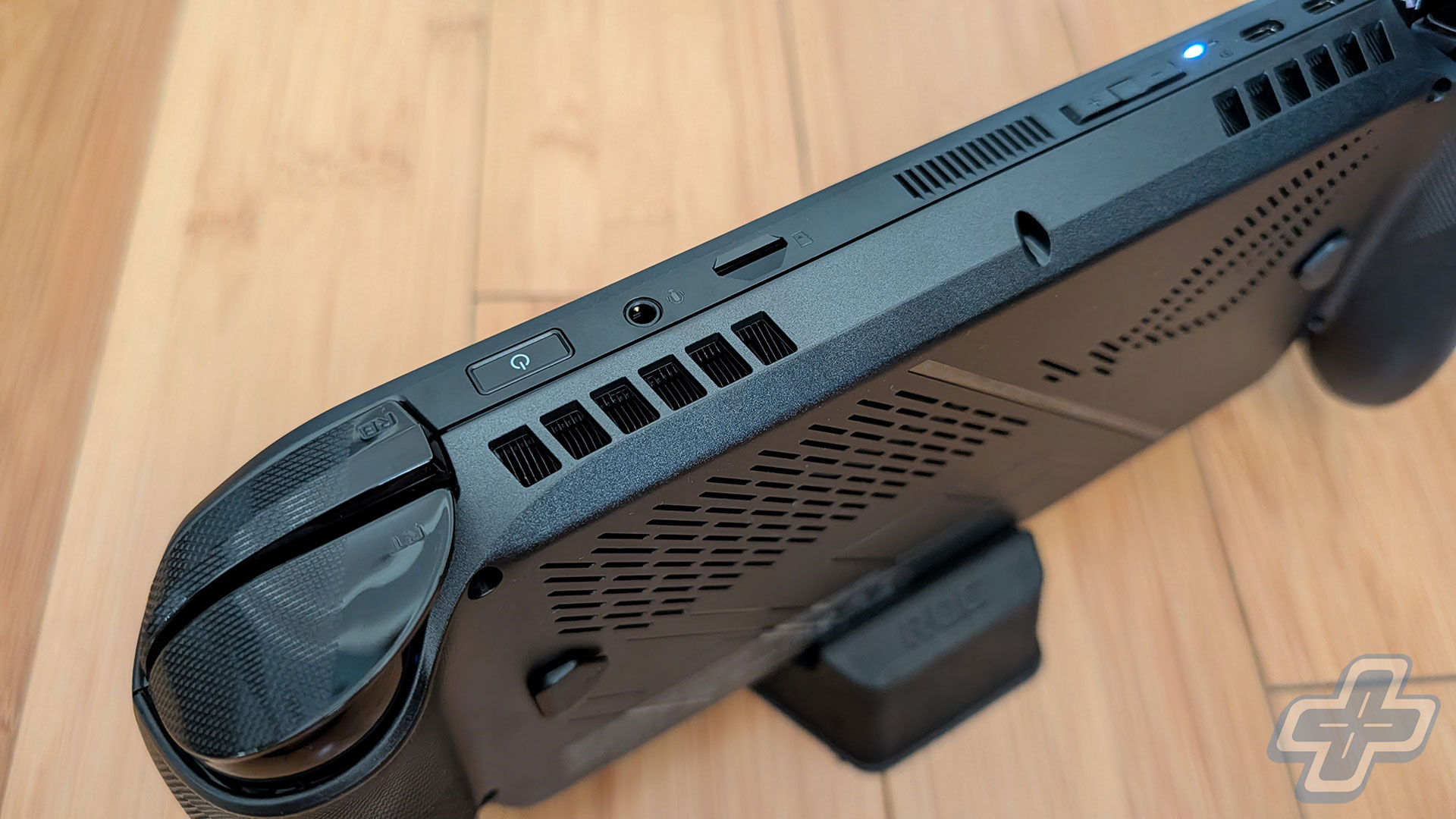
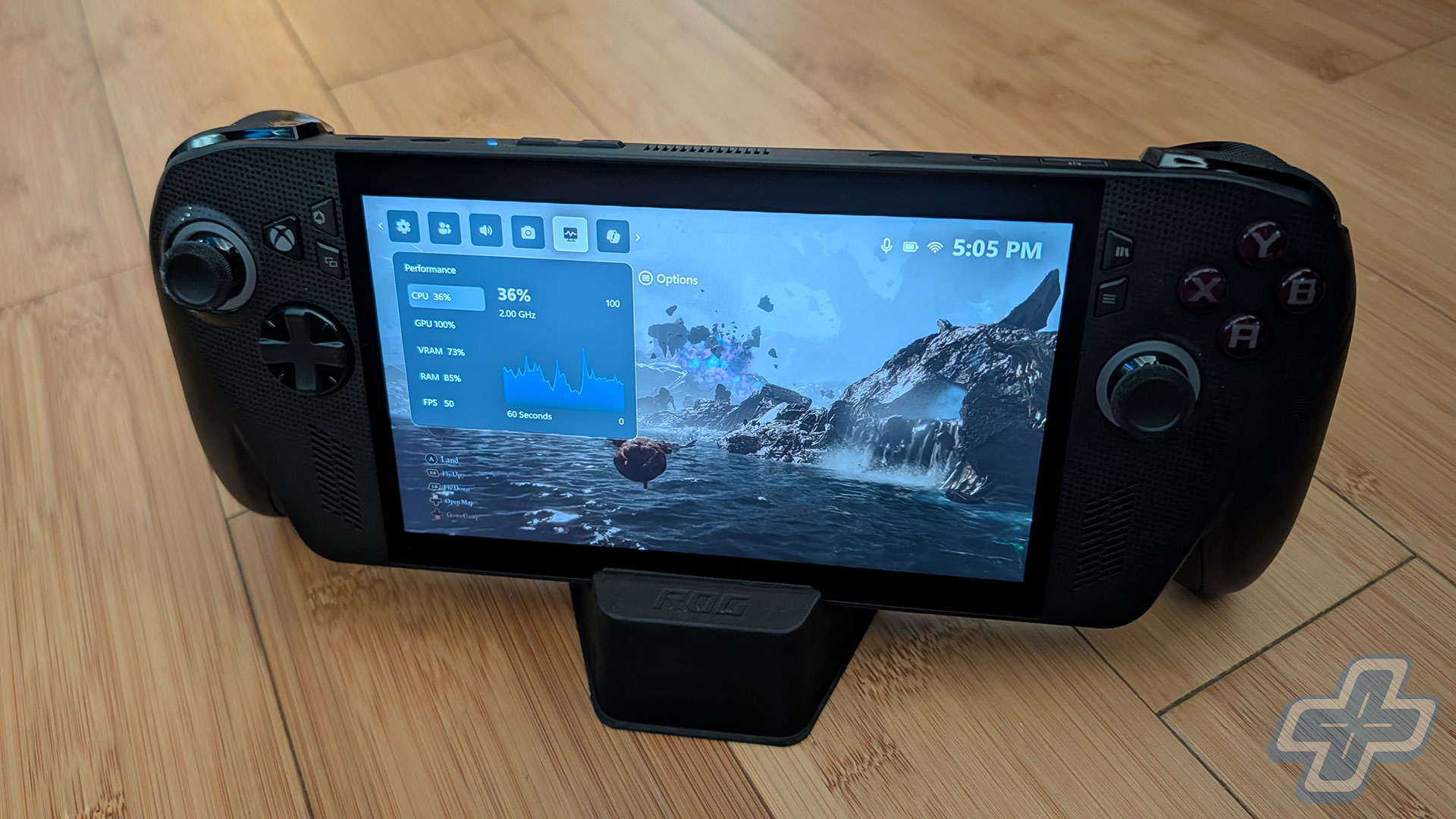
What really stands out are the front-facing speakers. These things can definitely get loud, noticeably louder than the Steam Deck OLED and Switch 2. Since this is a Windows device, you can also use an app to change the EQ. I imagine, though, that most users will use a Bluetooth headset or wired IEMs with the ROG Xbox Ally X, but the speakers do a pretty good job if you’re just gaming at home. As far as fan noise, it’s definitely audible depending on what you’re doing. Setting the device on its highest TDP setting and playing something like Cyberpunk 2077 will definitely get the fans going. I don’t think it’s annoying enough to distract from the experience, but that ultimately comes down to how sensitive you are to the noise.
Kernel of Truth
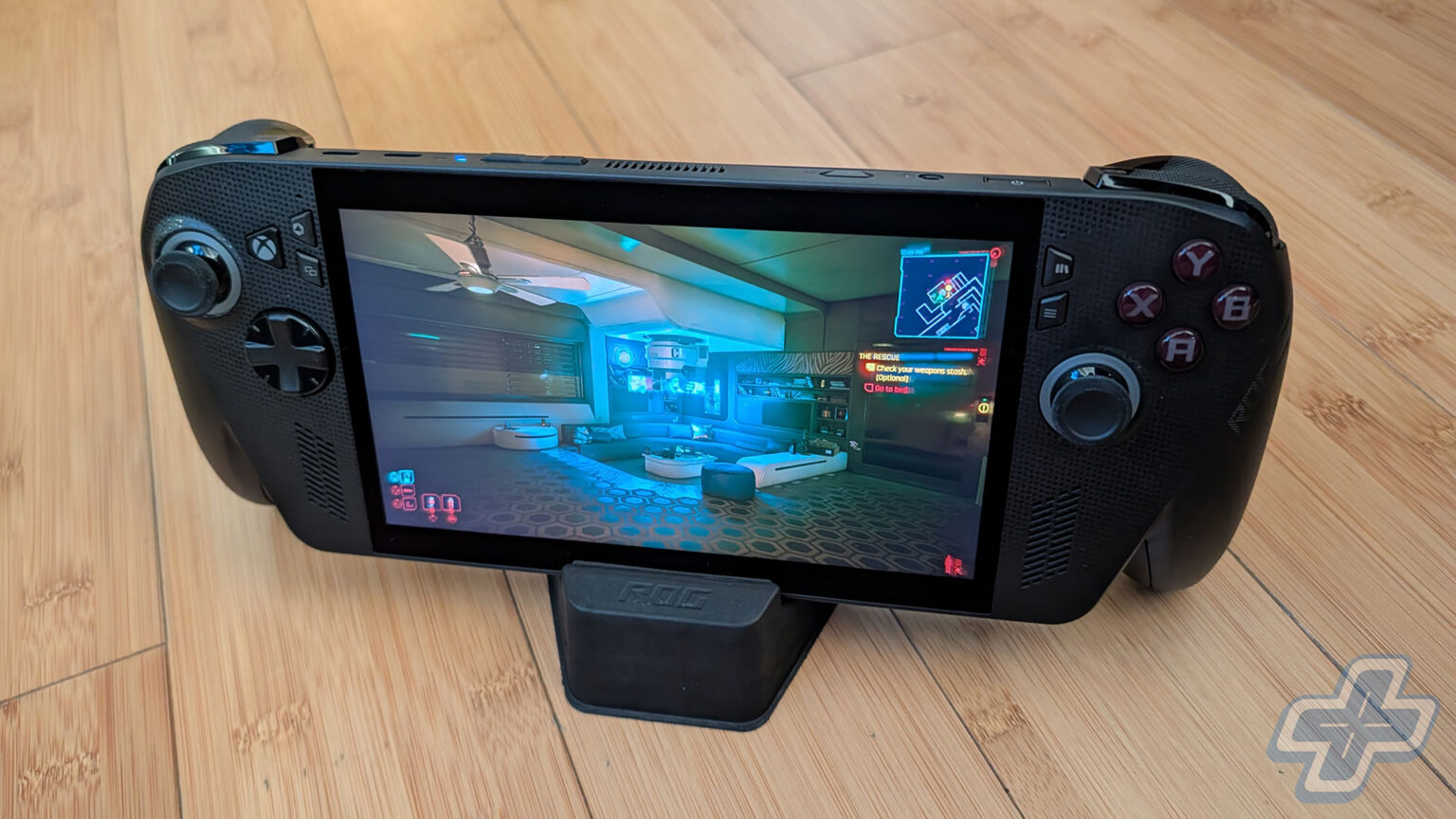
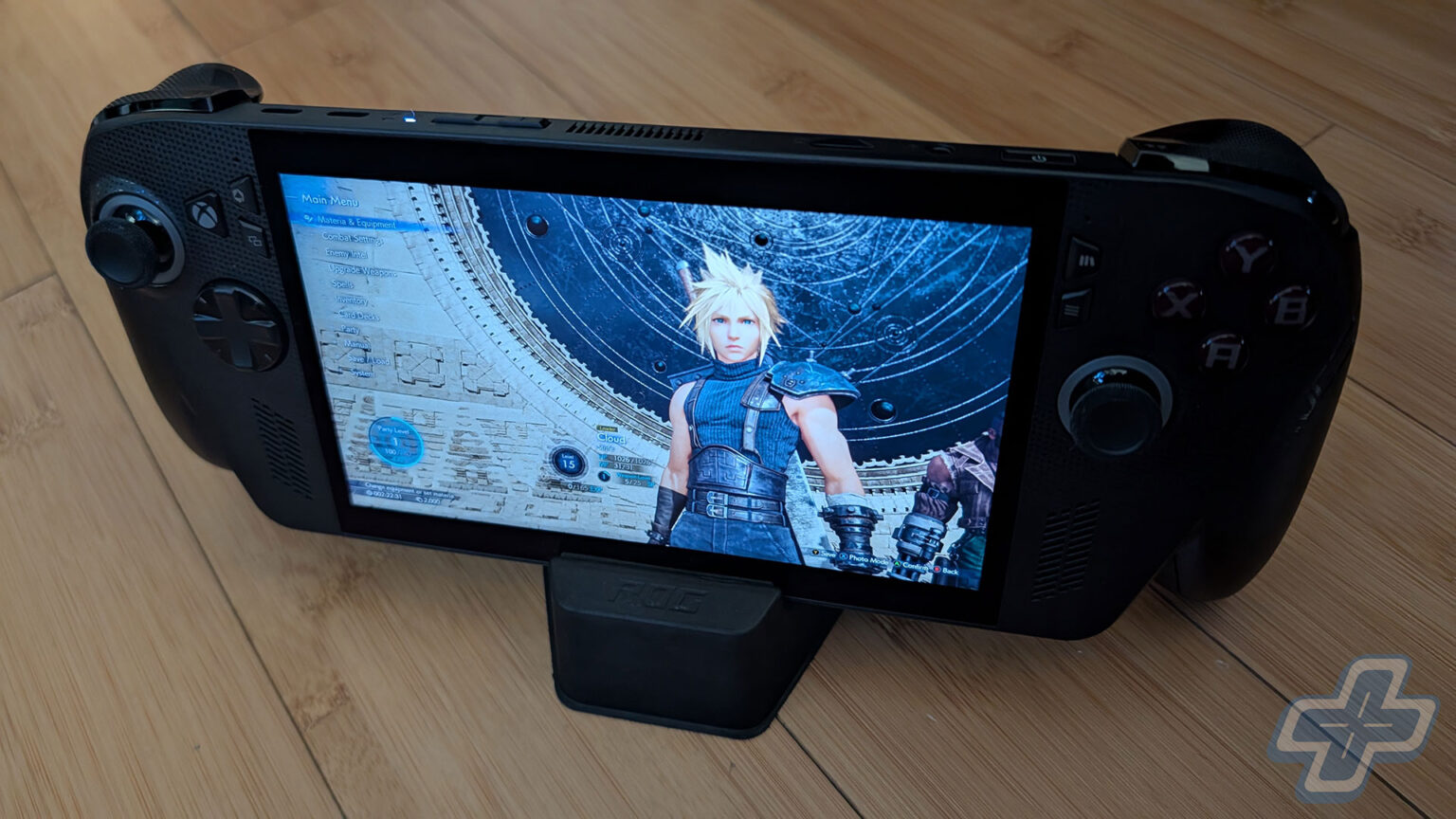
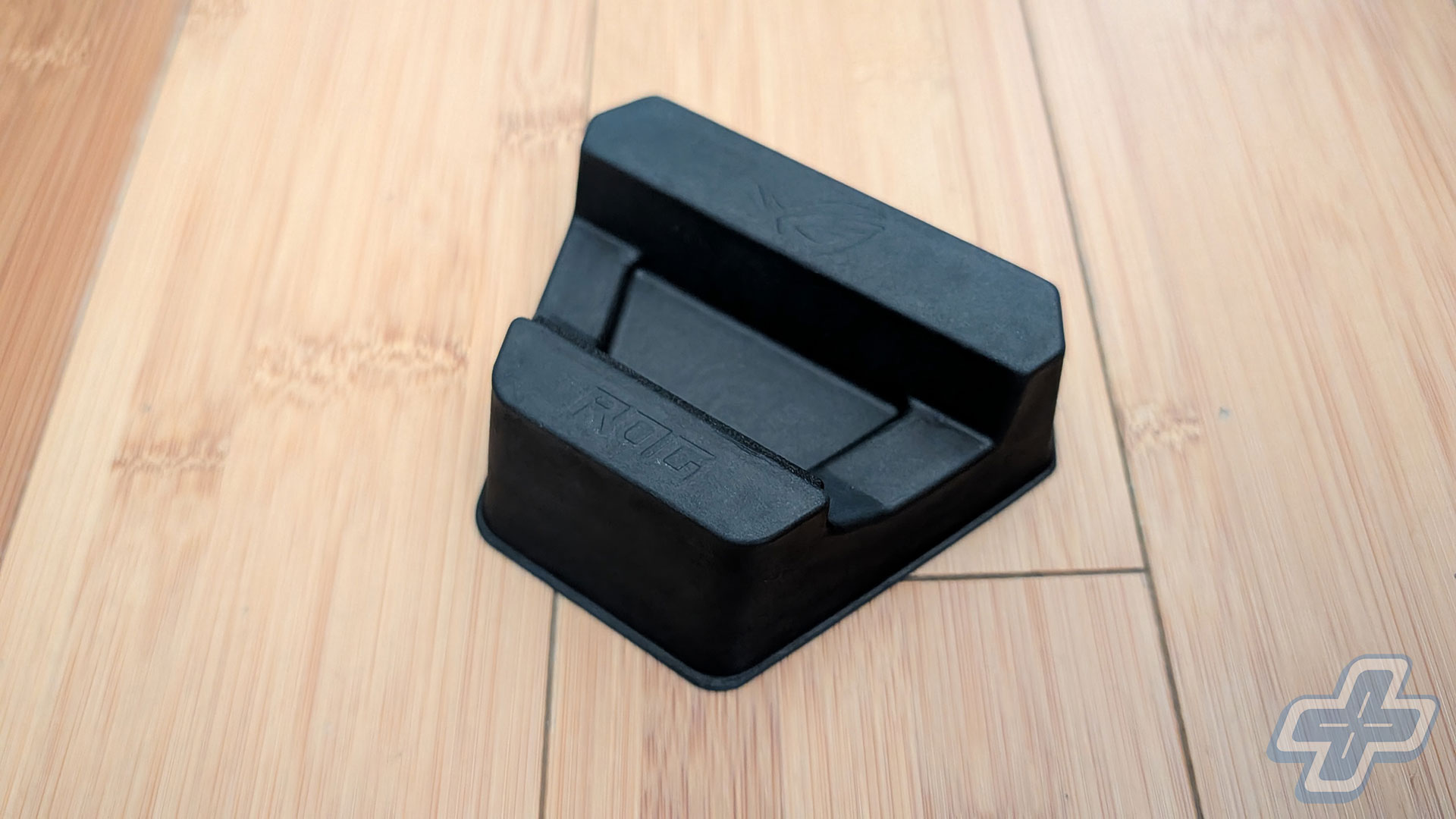
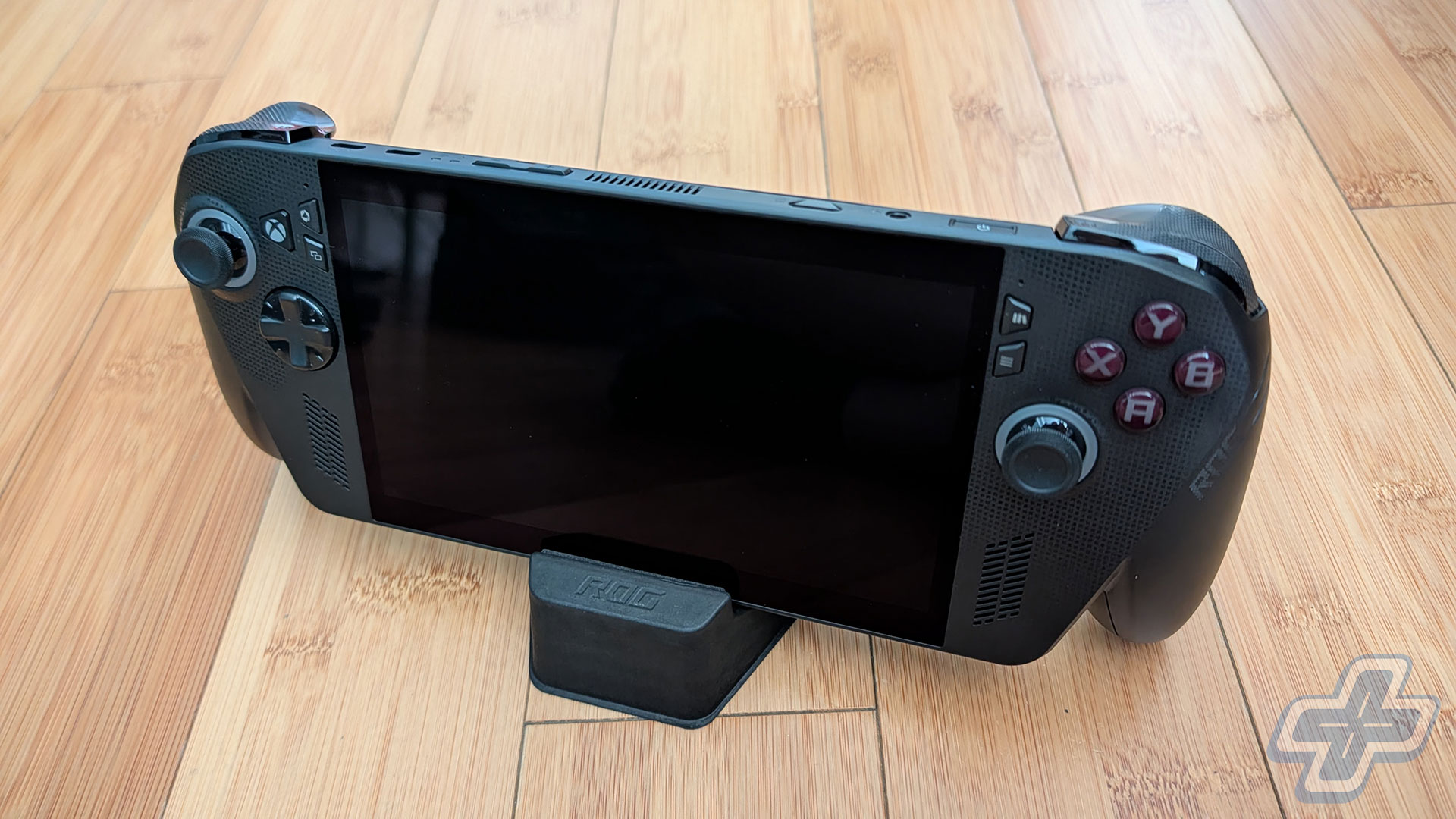
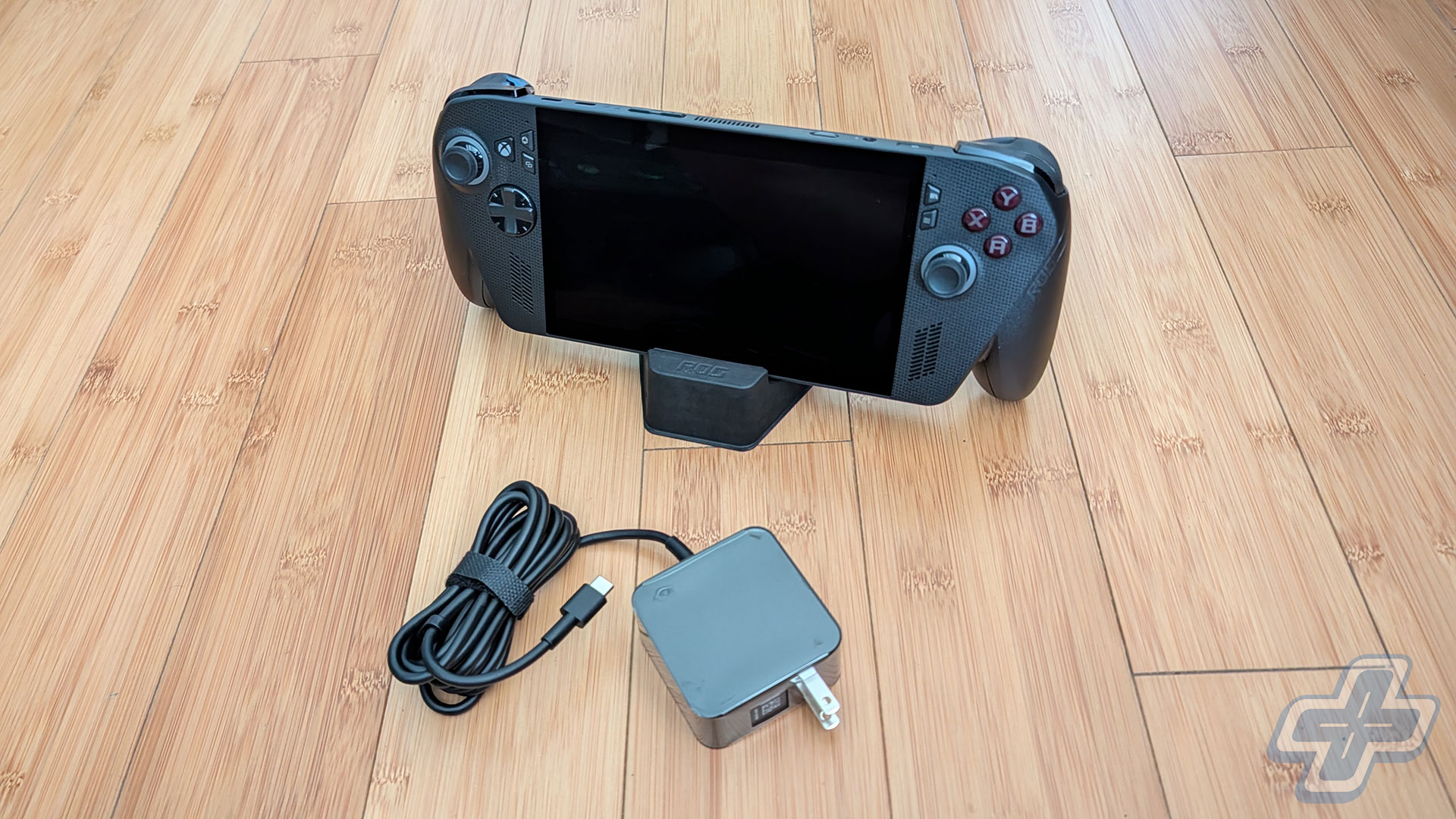
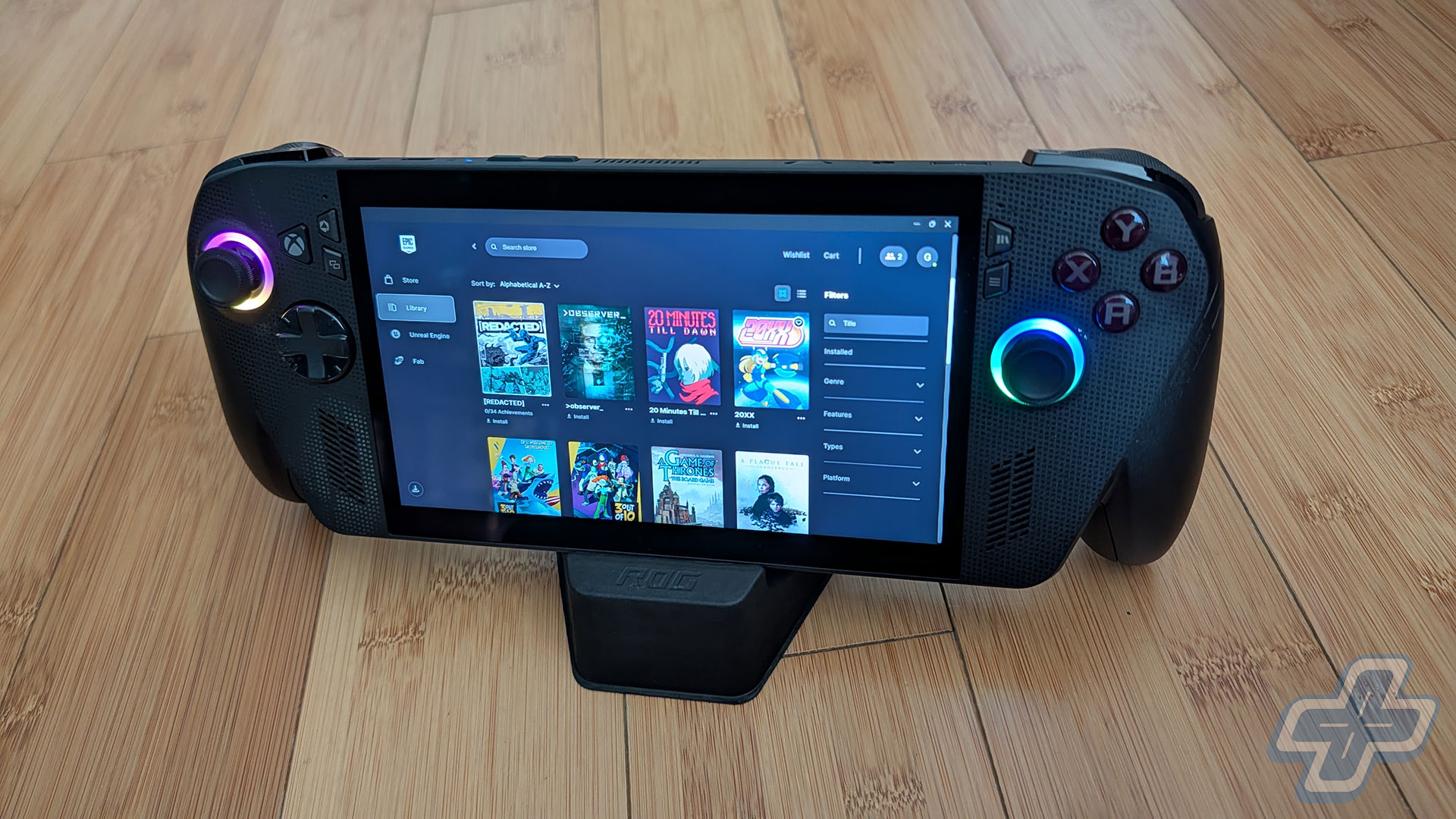
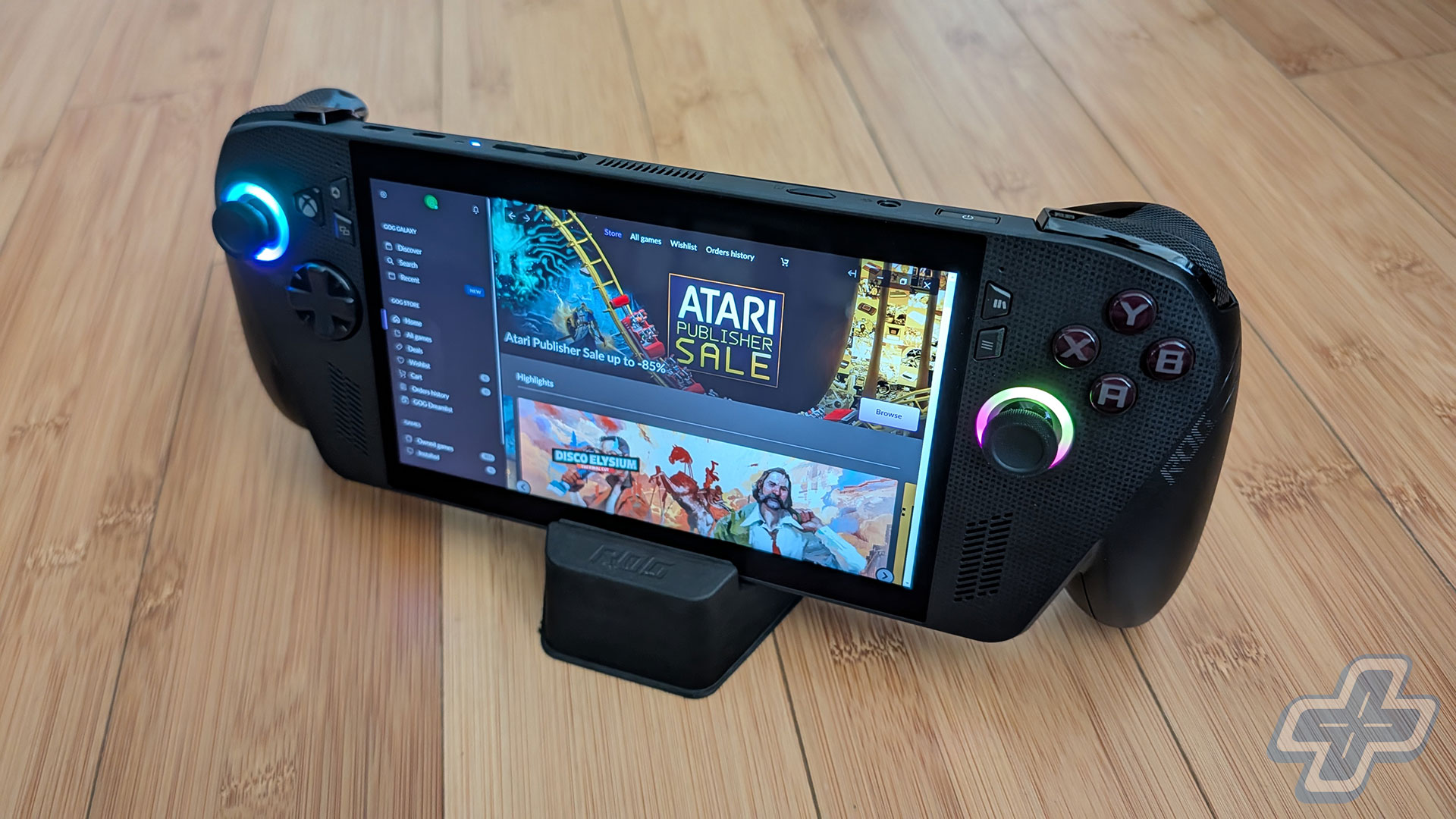
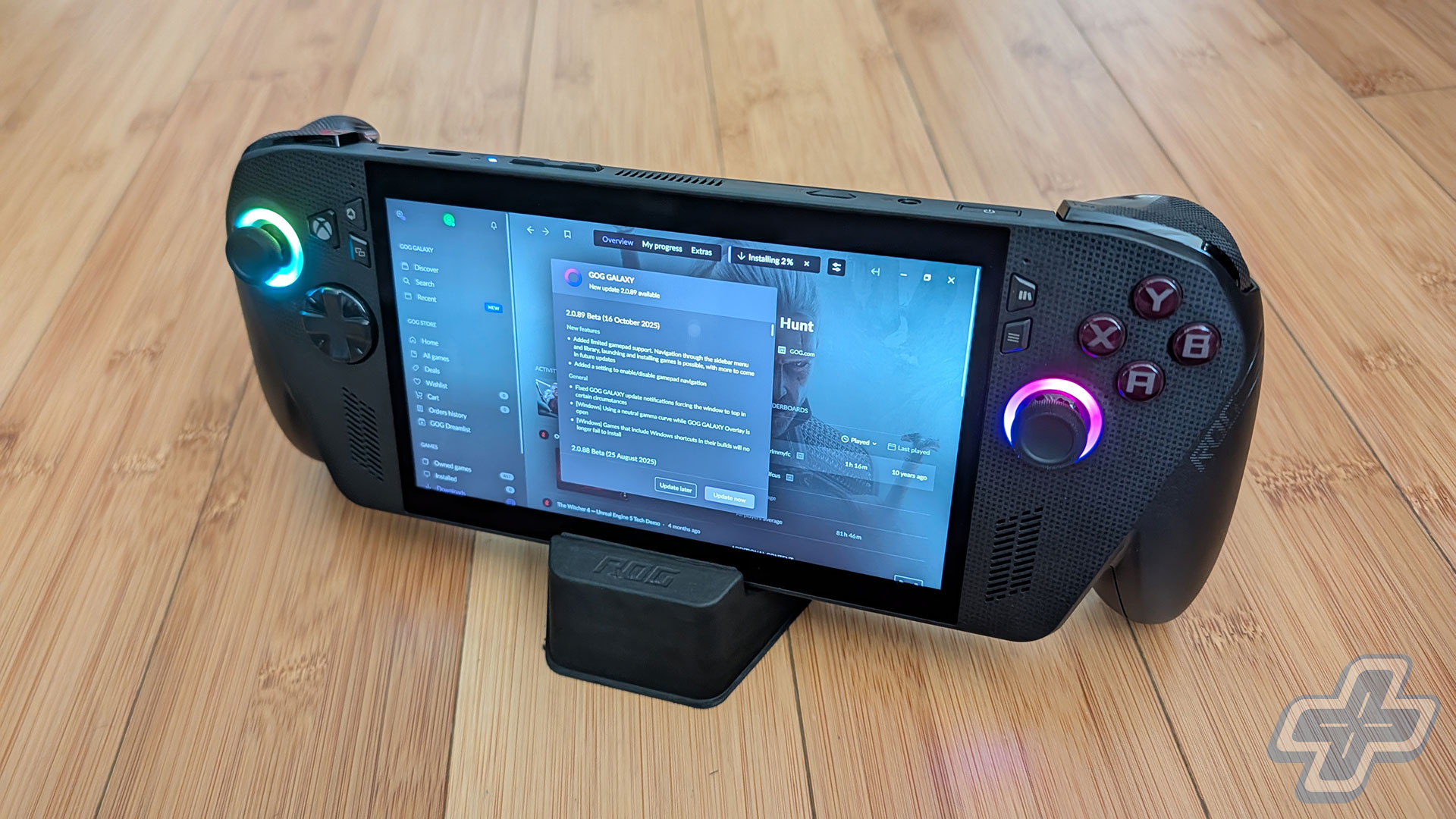
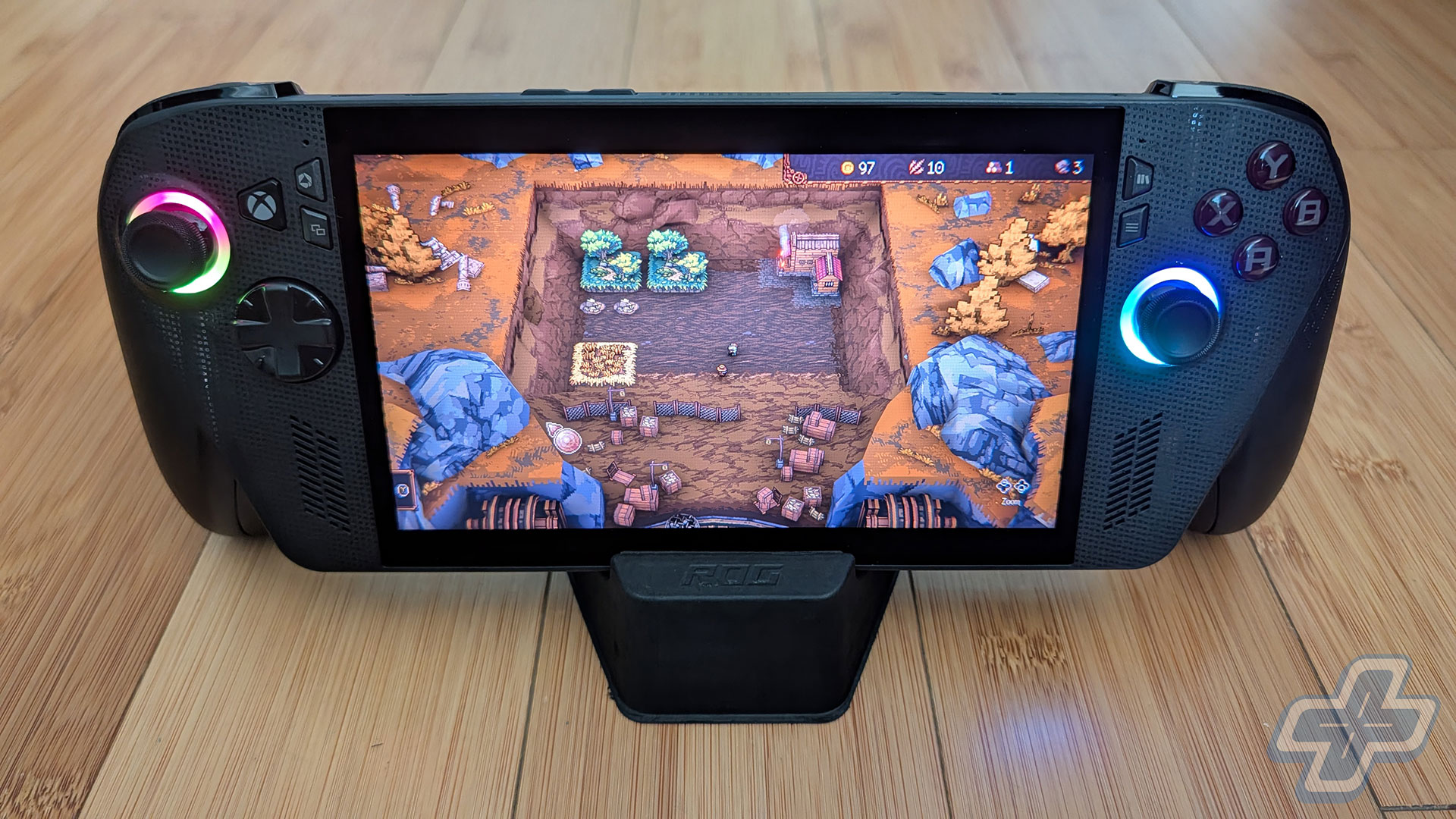
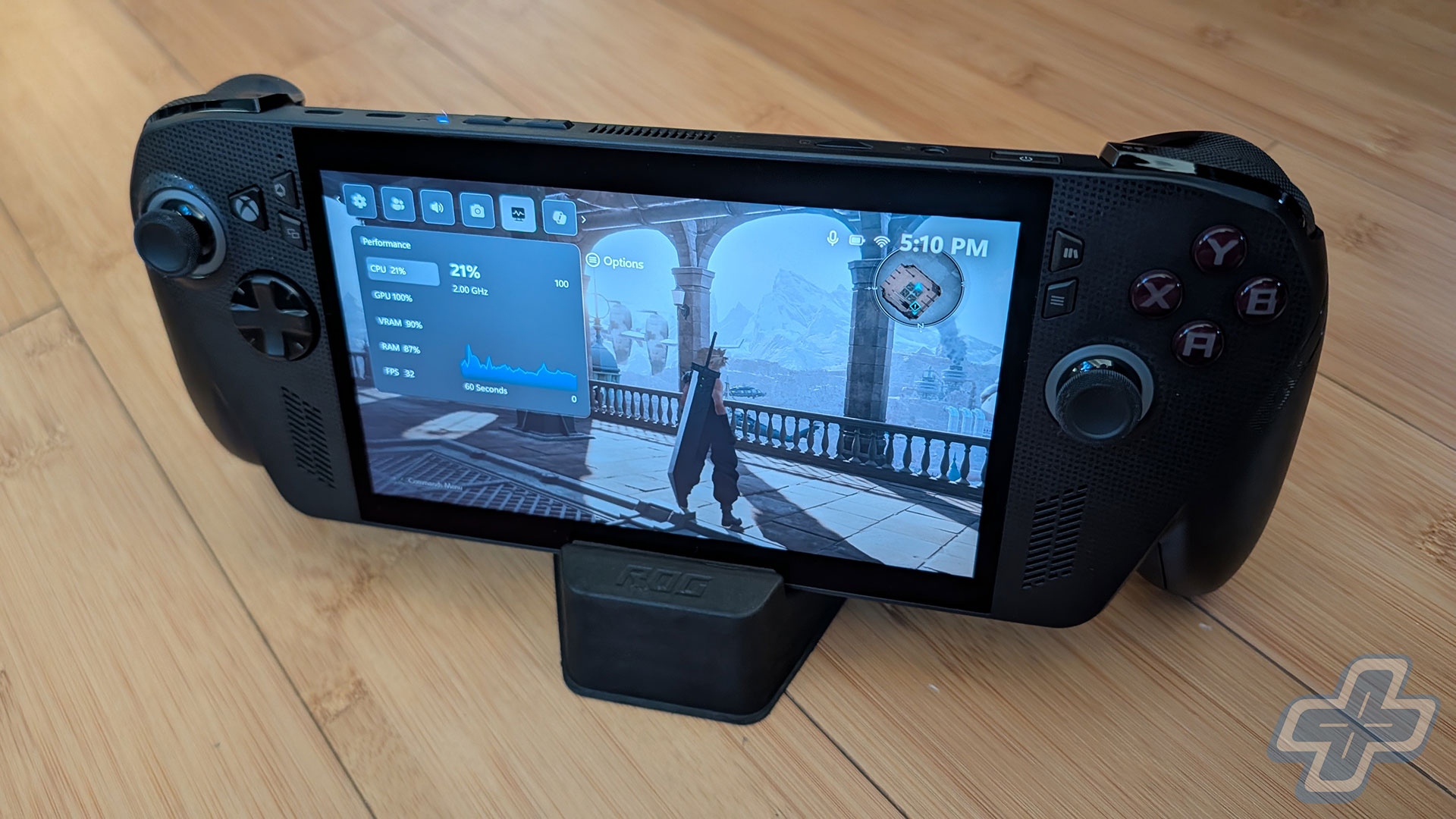
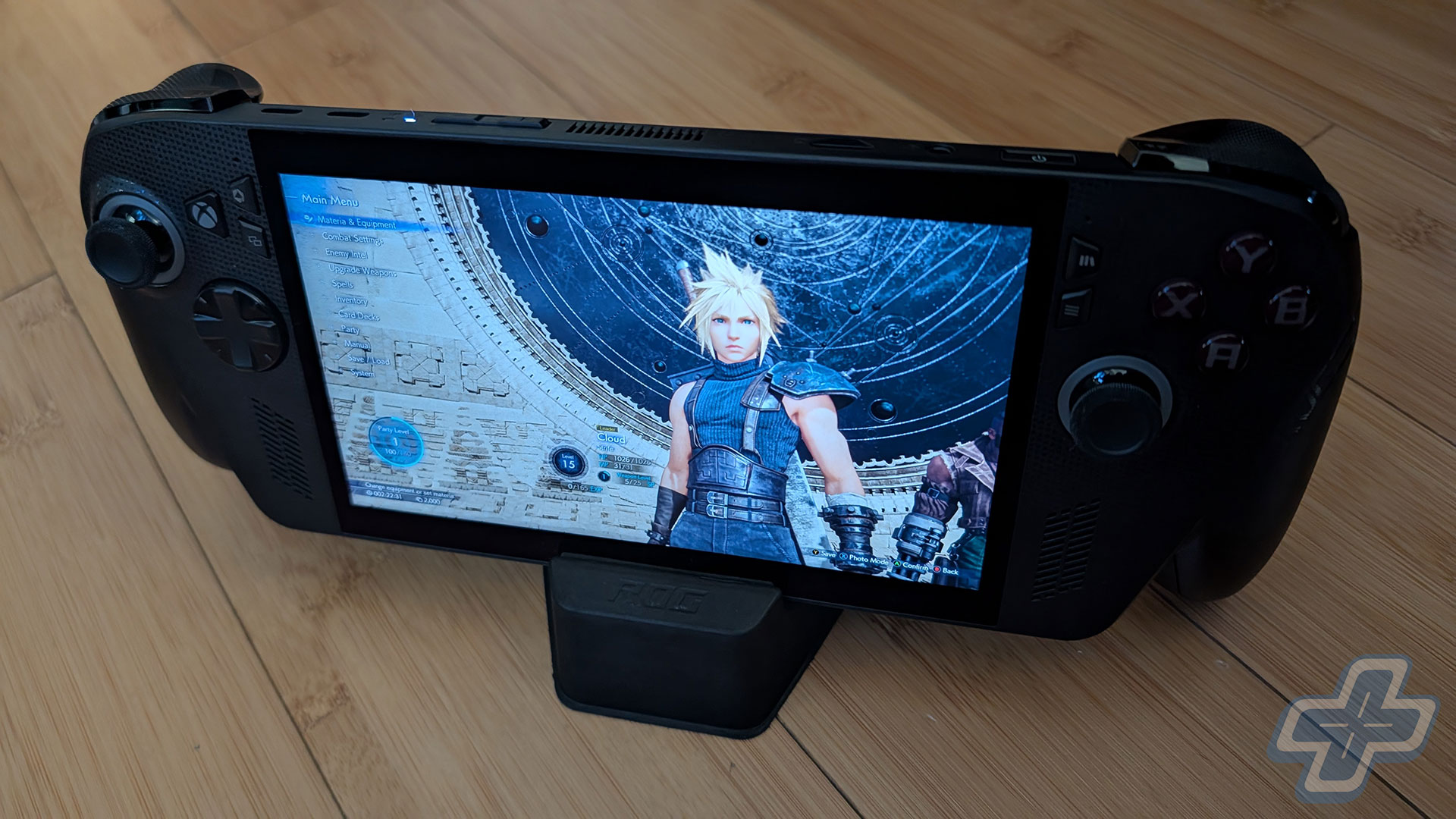
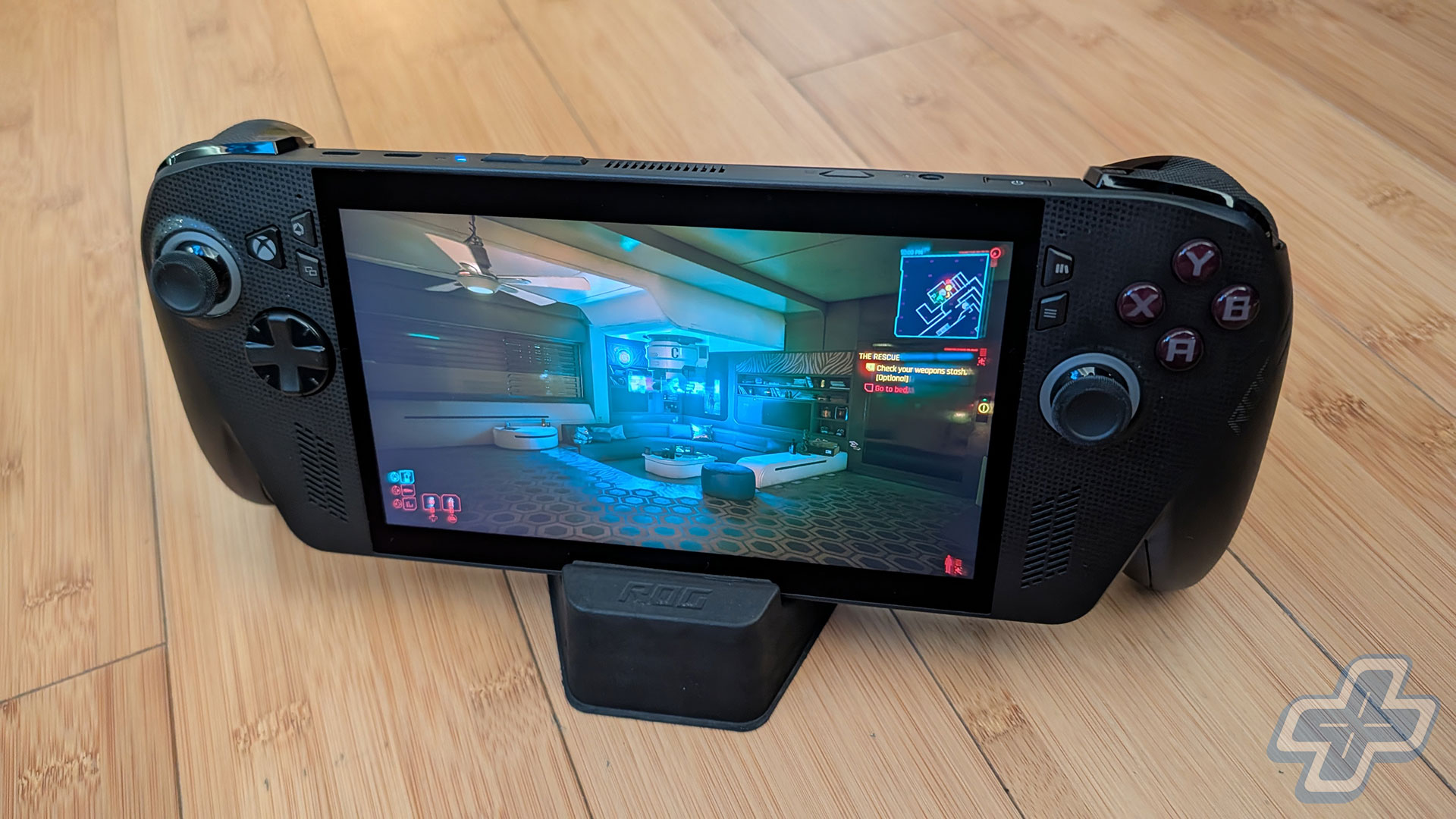
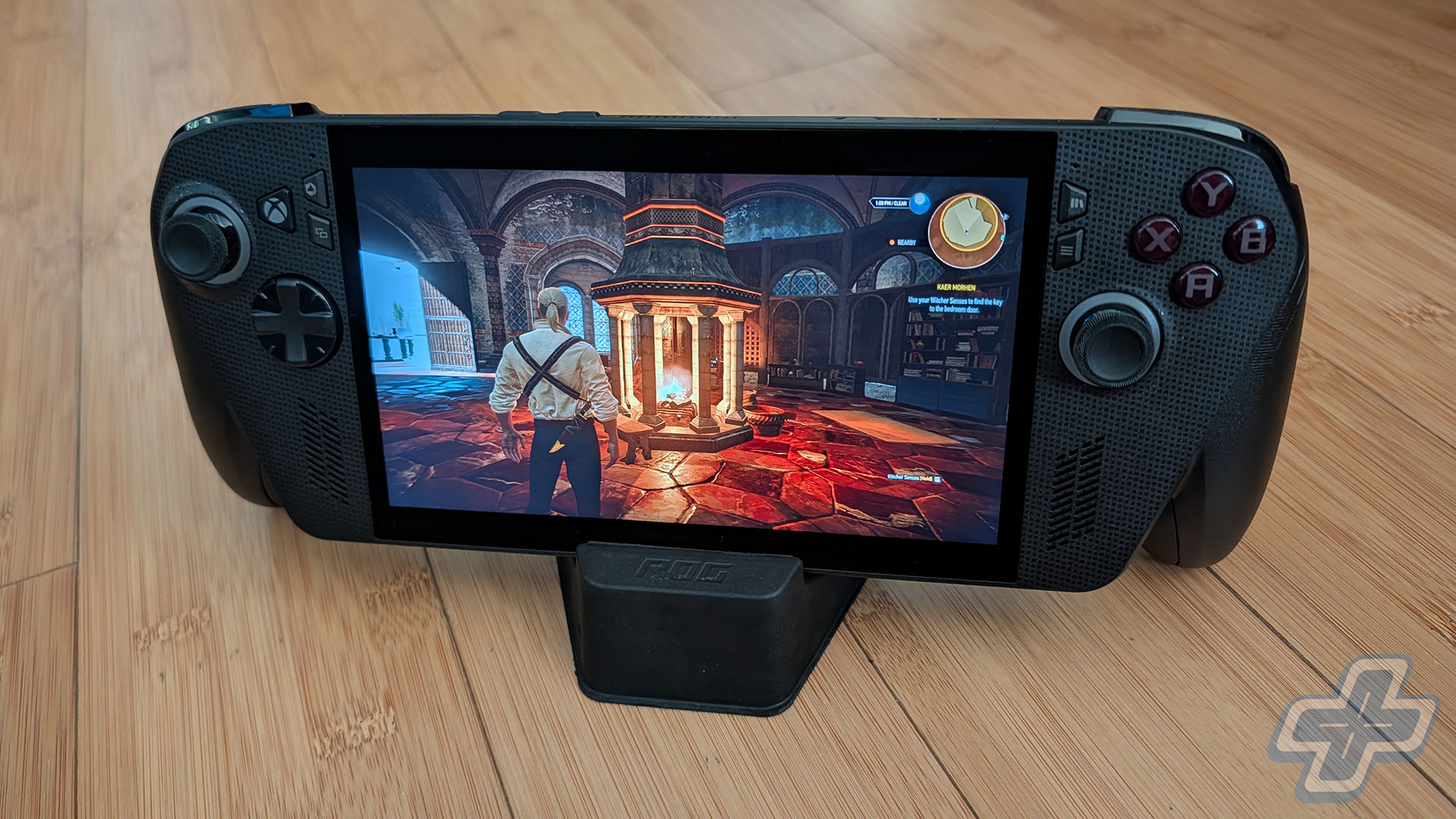
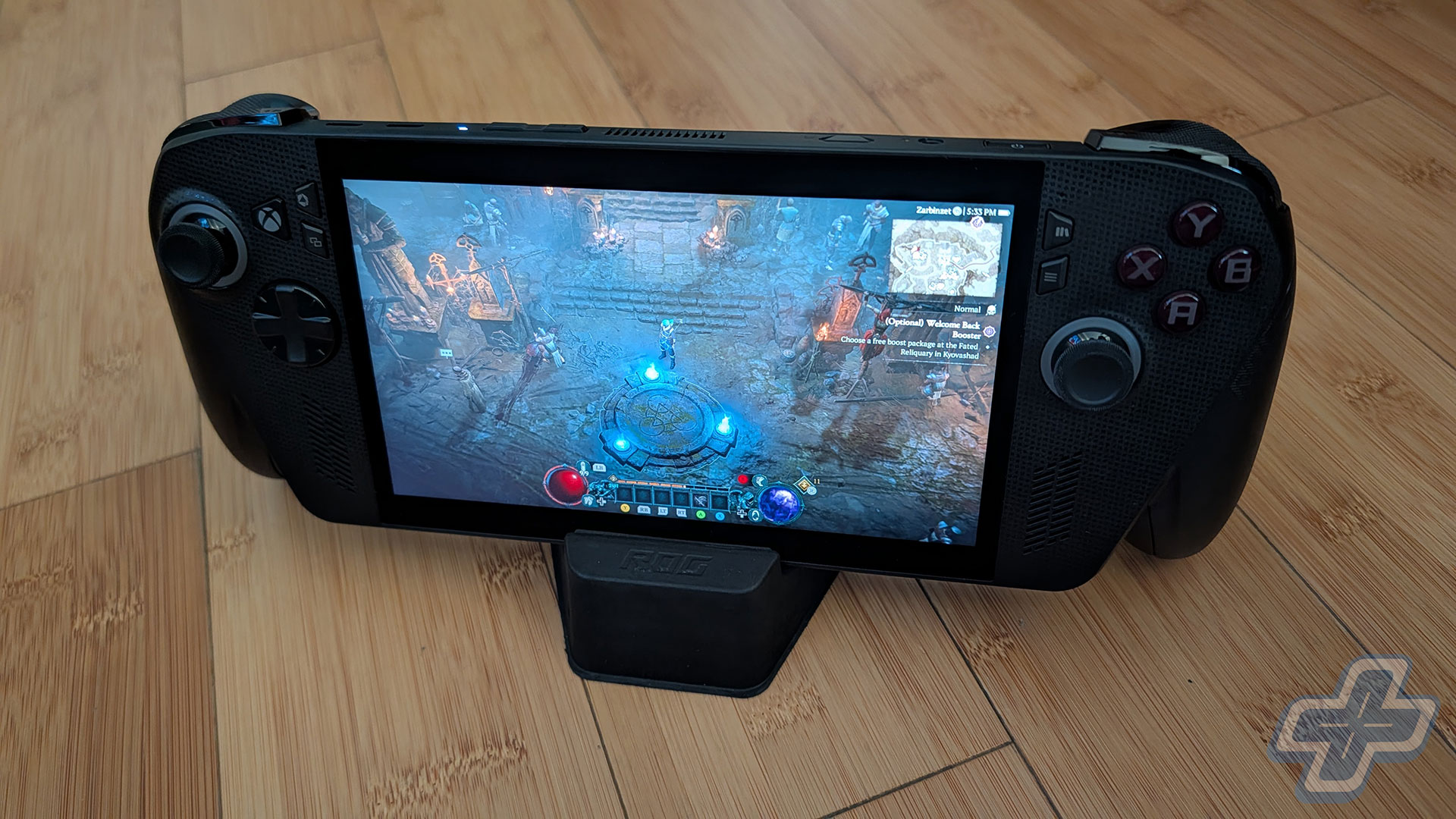
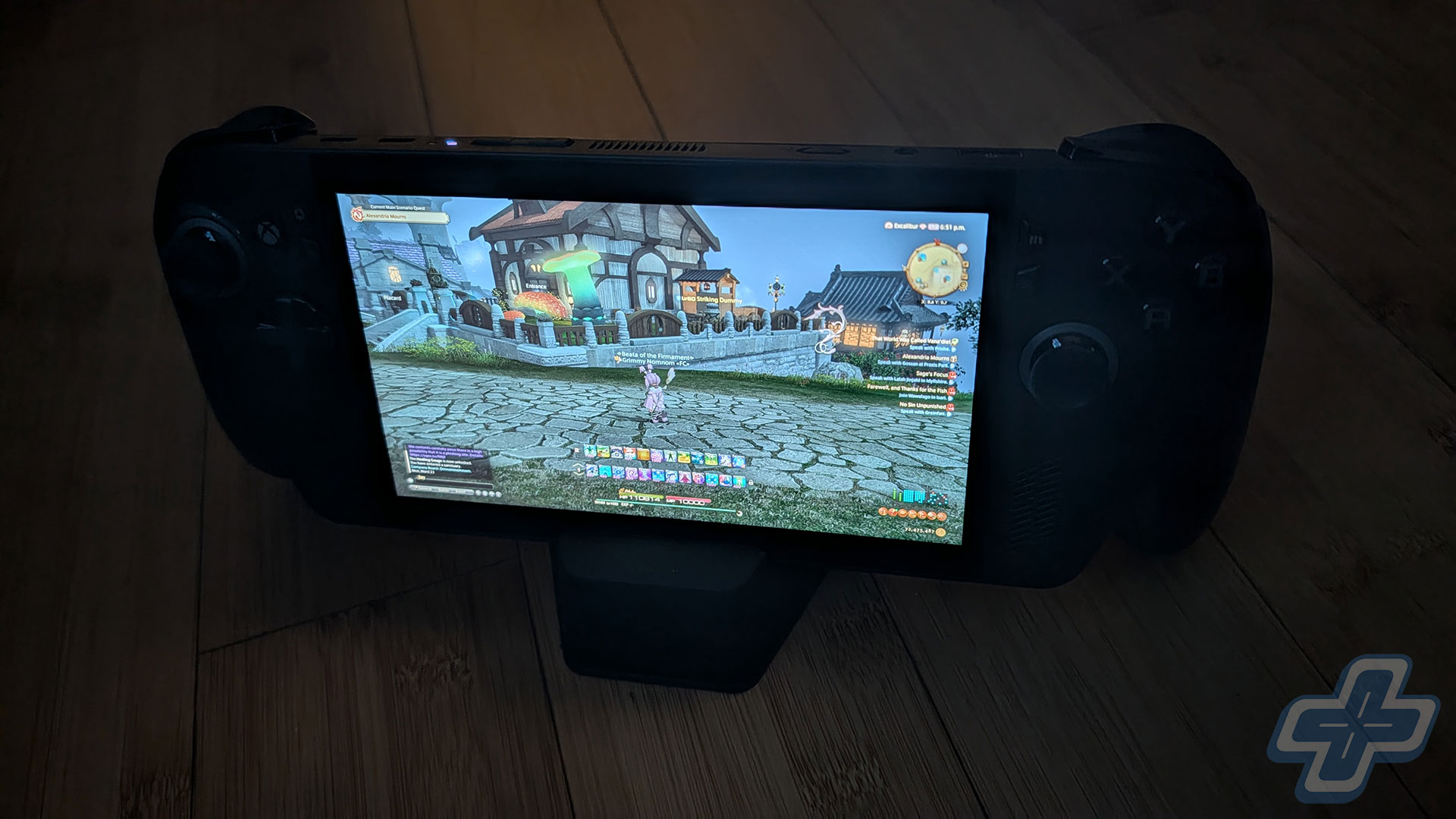
I also have to mention the joke of a stand that ASUS bundles with the device. For something that costs $1,000, it’s practically insulting that this is what they give the user. If I didn’t know any better, I would have assumed it was just something packed into the box to keep other things from sliding around. While it worked as a good-enough prop for my photos, I’m very disappointed by how little thought and care went into the stand. The entire package was honestly better off without it.
After spending two weekends with the ROG Xbox Ally X, there’s a lot I love about the device and a lot that I find disappointing. Comfort is at the top of my list, as I did several multi-hour Megabonk sessions without the device ever bothering me. I think the screen is great, even when compared to the Steam Deck OLED, and overall the controls feel great to use. The software, though, has a long way to go. I don’t think this is a strong enough experience to ease console gamers into adopting a PC handheld, and I wouldn’t be surprised if many of these devices end up being returned. The “This Is an Xbox” messaging is clearly confusing, and it’s going to take some time before consumers fully understand that Xbox is no longer a console, but a platform for games.
If you’re a PC Game Pass subscriber, a Windows handheld is a much better device for you than the Steam Deck. If you have a handful of games you play regularly that aren’t on Steam, something like the ROG Xbox Ally X is worth considering. For me, it’s been a blast to catch up on games in my GOG and Epic Games Store libraries, including hundreds I’ve gotten for free but never bothered playing while sitting at my PC. A handheld like the ROG Xbox Ally X is ideal for many of those games when you want to be a bit lazy on the couch or lying in bed. That use case, though, is pretty specific and might not apply to you at all.
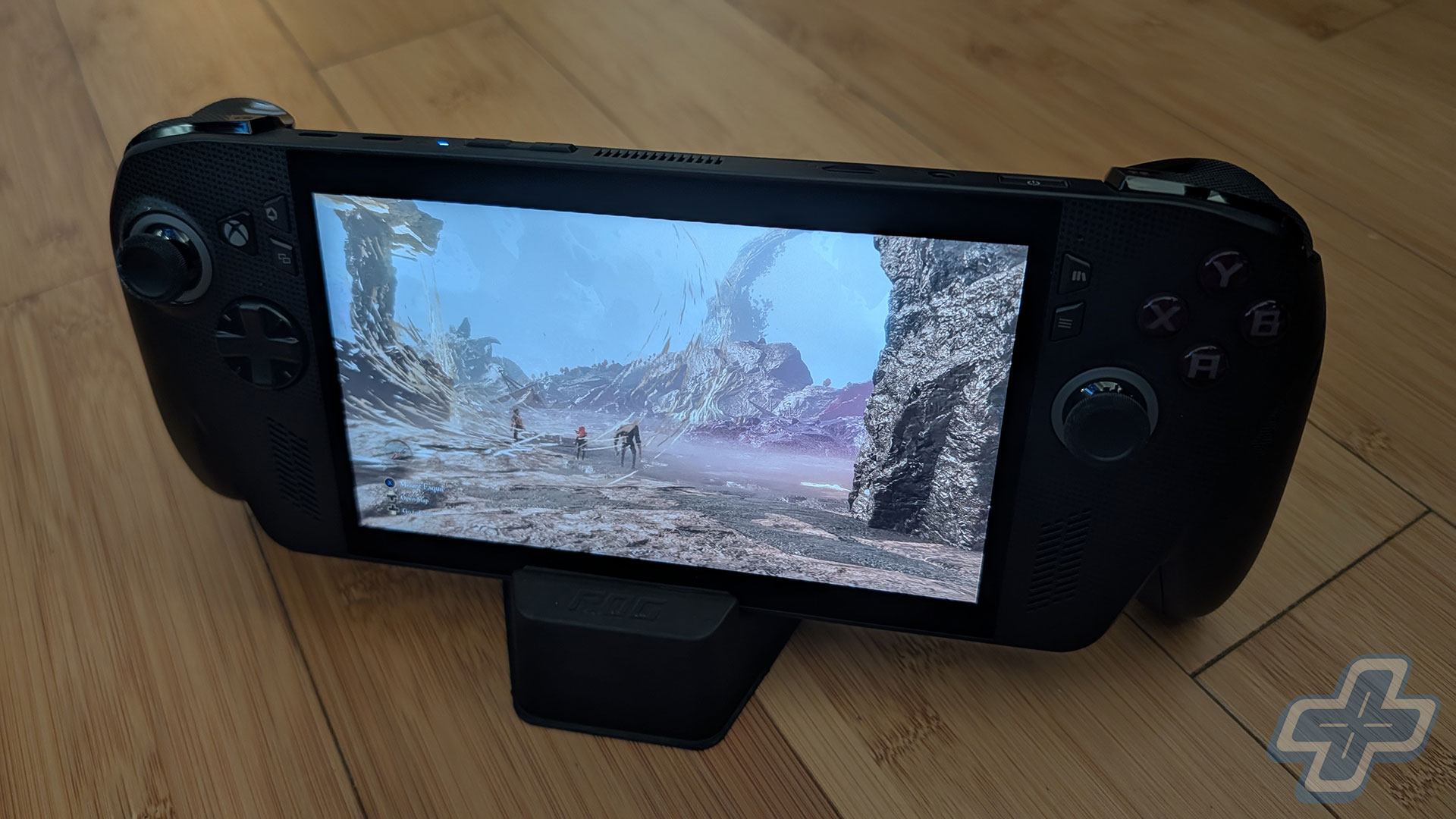
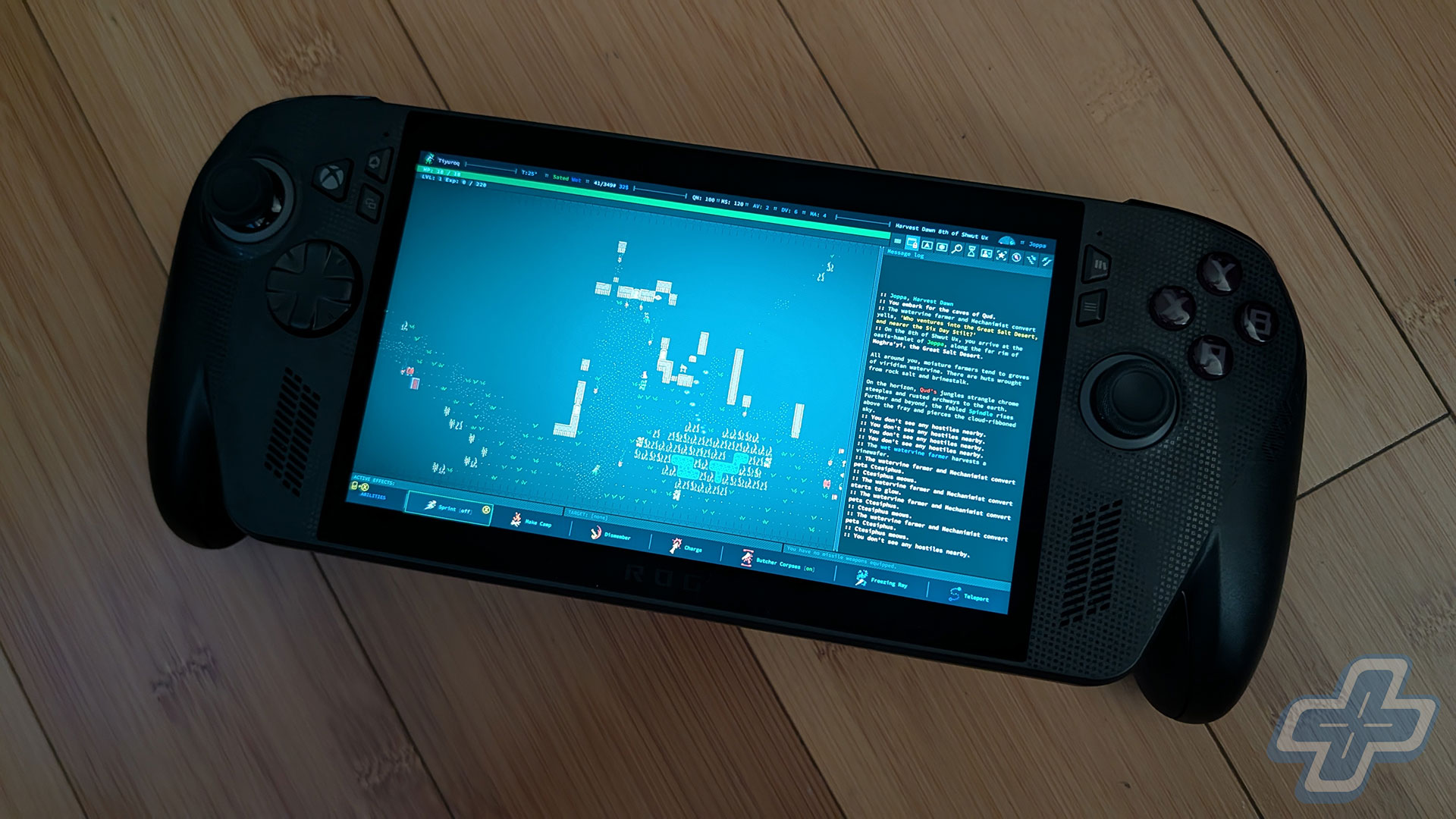
If you’re interested though, I spent dozens of hours testing Clair Obscur: Expedition 33, Final Fantasy VII Rebirth, Final Fantasy XIV, Diablo IV, Megabonk, Vampire Survivors, Caves of Qud, The Witcher 3, Cyberpunk 2077, Hades II, Ball x Pit, and Final Fantasy Tactics – The Ivalice Chronicles on the ROG Xbox Ally X. Unfortunately, Teamfight Tactics doesn’t seem to have controller support and if I have to rely on touch controls, I might as well just play it on a tablet. All of these games ran well enough to deliver an enjoyable experience, which is more than I can say about the Steam Deck OLED for more demanding titles like Expedition 33 and Final Fantasy VII Rebirth.
Shift Happens
I do believe the ROG Xbox Ally X is essentially a public beta test for the next-generation Xbox, which I think will be a Windows-based PC running the Xbox Full Screen Experience. Xbox, however, still has a lot of work to do in figuring out all the Xbox Play Anywhere titles, since it will eventually abandon its console installed base to shift entirely into a Windows-based ecosystem. But now, more than ever, I suspect Xbox and PC will be synonymous in the years to come, and the brand is focused on delivering games to as many people as possible in whichever way they want to play.
There’s little reason for Xbox to continue producing console versions of its games when it doesn’t believe there are any benefits. I imagine Xbox would rather spend its developer efforts getting its games to run well on a PlayStation 5. In other words, Xbox first-party studios can focus on developing for PlayStation, PC, and possibly Switch 2 without worrying about whether their games can run properly on an Xbox Series S. Only time will tell whether it’s the right move for the brand, but for now the ROG Xbox Ally X feels very much like the beta product for it, and an expensive one at that.
I understand why so many people compare the ROG Xbox Ally X to the Steam Deck OLED, but I don’t think it’s a fair comparison. The ROG Xbox Ally X is a more competent machine, even just for gaming, and its true competitors are the Lenovo Legion Go 2 and MSI Claw A8 BZ2EM. The former starts at $1,349.99 for the Ryzen Z2 Extreme model with 32GB of RAM and a 1TB SSD, while the latter still doesn’t have official U.S. pricing. Again, if you only care about gaming on Steam, then yes, the Steam Deck and Steam Deck OLED are great alternatives and definitely the better options at the price. Just know that there are limitations to its hardware and the experience it can deliver for more demanding titles. But for those who even want to play one or two games from Game Pass and not via Xbox Cloud Gaming, the ROG Xbox Ally X is actually the more affordable Ryzen Z2 Extreme option currently available.
Choosing the right device really comes down to your preferred screen size and how much you value comfort. Although I haven’t used the Lenovo Legion Go 2 yet, I found the original Lenovo Legion Go a bit unwieldy and uncomfortable to use in handheld mode for more than an hour. With the ROG Xbox Ally X, though, you’ll forget you’re holding an entire device in your hands. I value that comfort a lot, especially when I need as much playing time as possible to complete all the games I want to review. All I know is that since I’ve gotten the ROG Xbox Ally X, I haven’t touched my Steam Deck OLED, and maybe that’s all you need to read.
ROG Xbox Ally X
This review is based on a purchased retail ROG Xbox Ally X handheld. While FullCleared has affiliate partnerships, these do not influence our editorial content. We may earn a commission for purchases made through links on this page.
ROG Xbox Ally X Review Gallery

Continue?
Like our content?
Subscribe to our newsletter and get video game news, reviews, features, and deals straight to your inbox.
You're subscribed!
Thanks for signing up. Look for an email from Substack at .
No email after a few minutes? Subscribe on Substack.
This newsletter may contain advertising, deals, or affiliate links. Subscribing to the newsletter indicates your consent to our Privacy Policy. You may unsubscribe from the newsletter at any time.