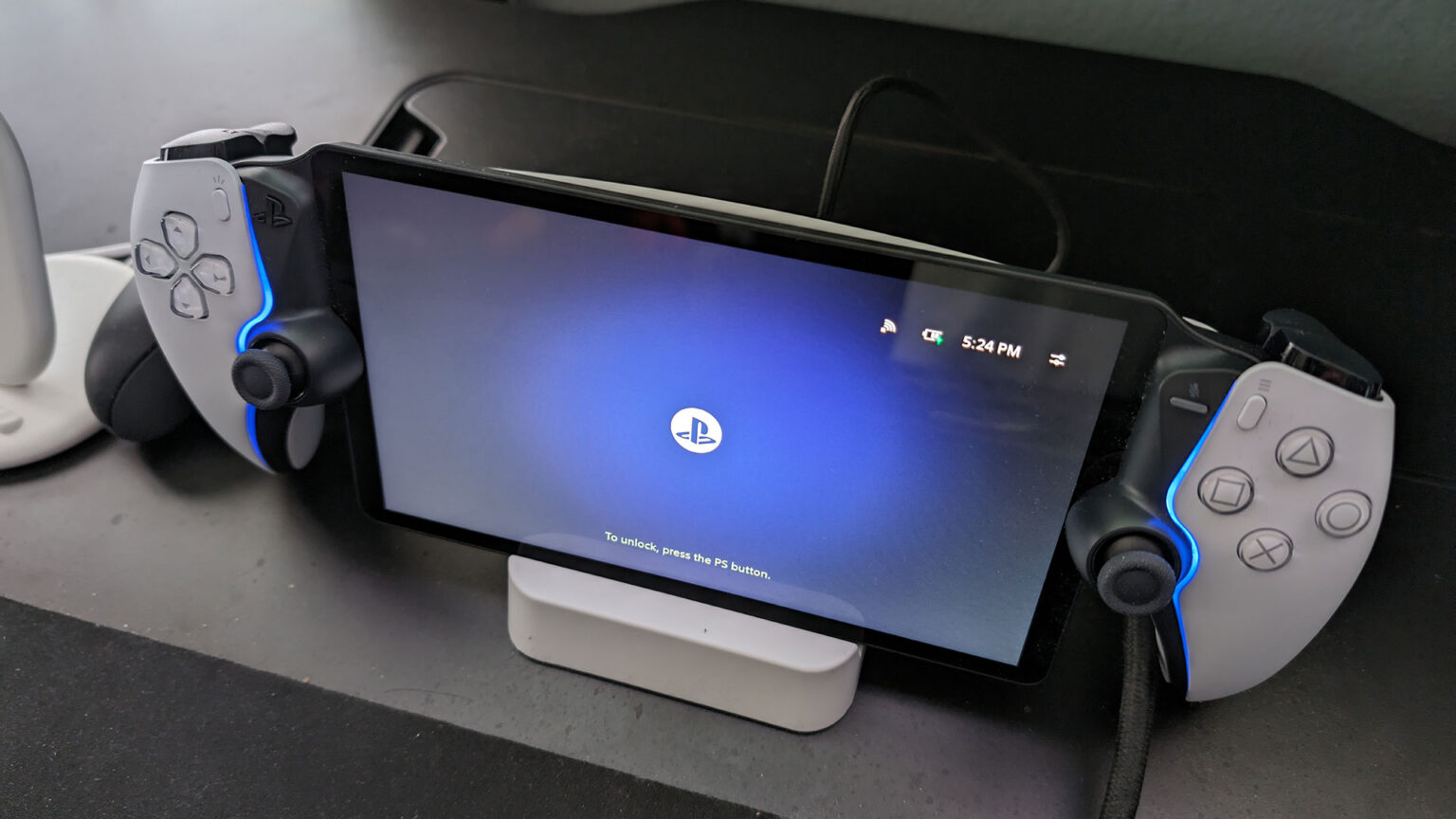
It’s been a big week for hardware getting better through software. PlayStation 5 Pro owners are seeing upgraded PSSR roll out across a growing list of titles, Switch 2 just got Handheld Mode Boost for Switch games, and now PlayStation Portal is getting its own meaningful update. These are all great examples of how software updates can meaningfully improve existing hardware, unlike a certain AI graphics announcement that has us a little more skeptical.
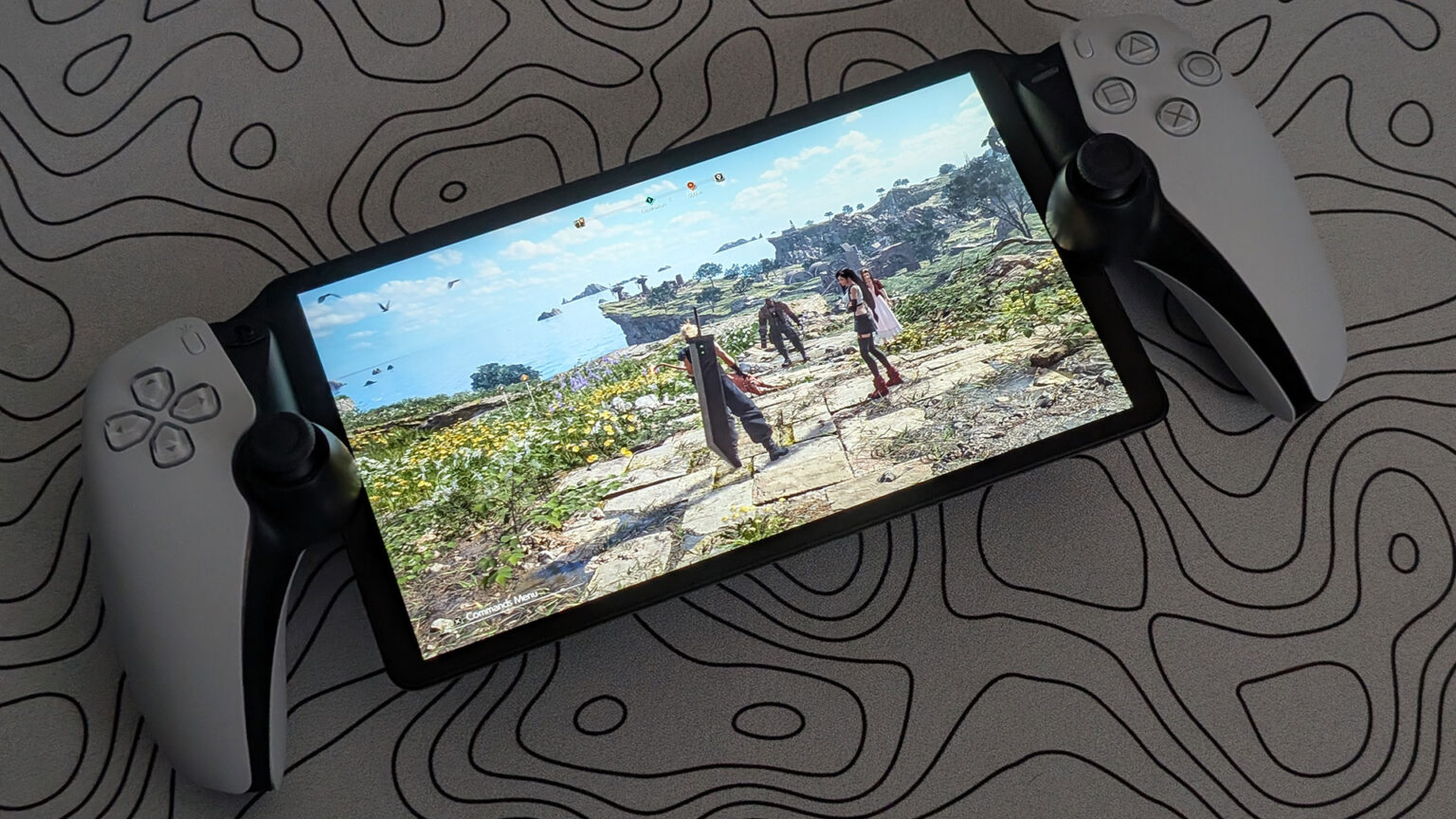
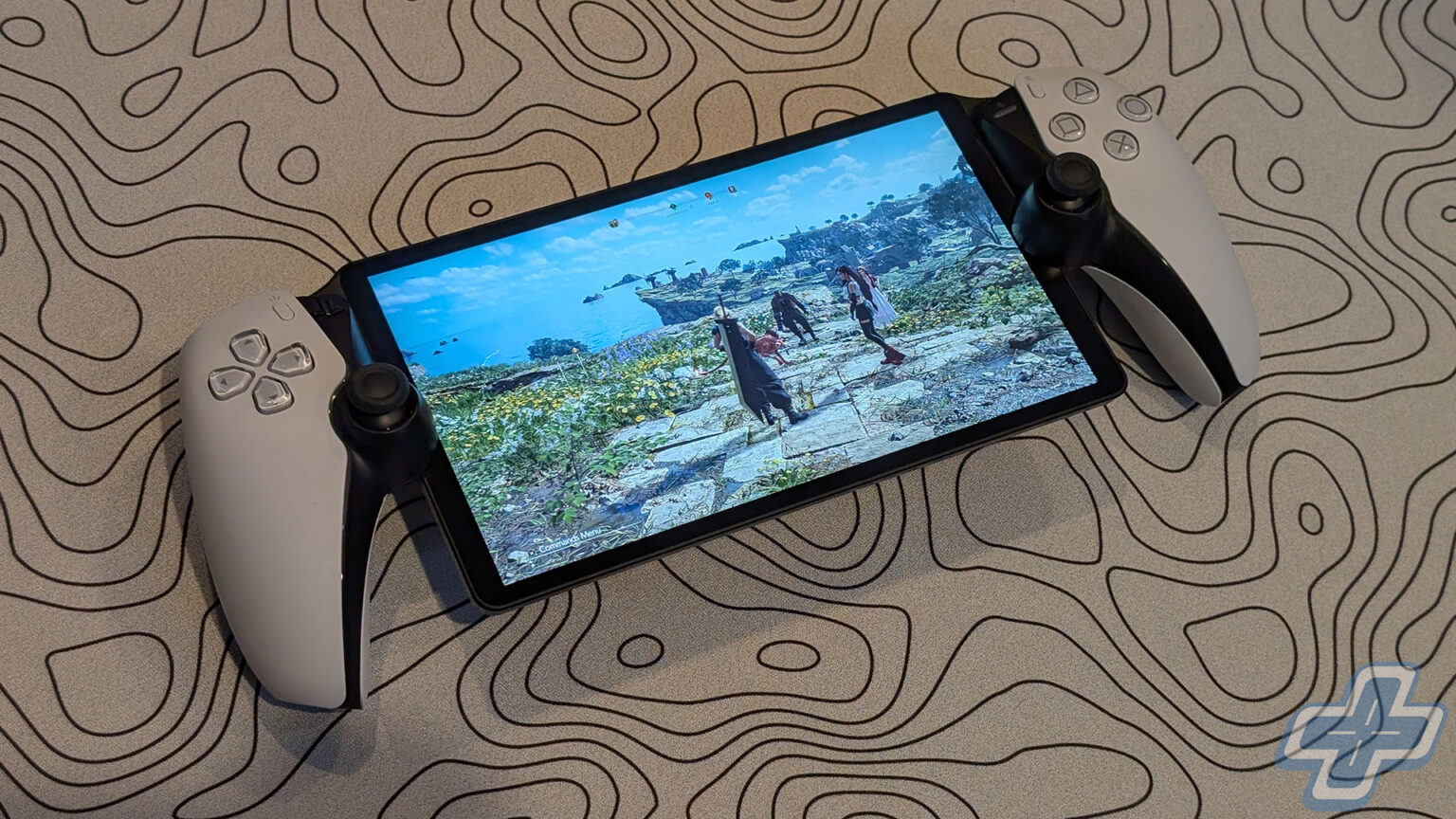
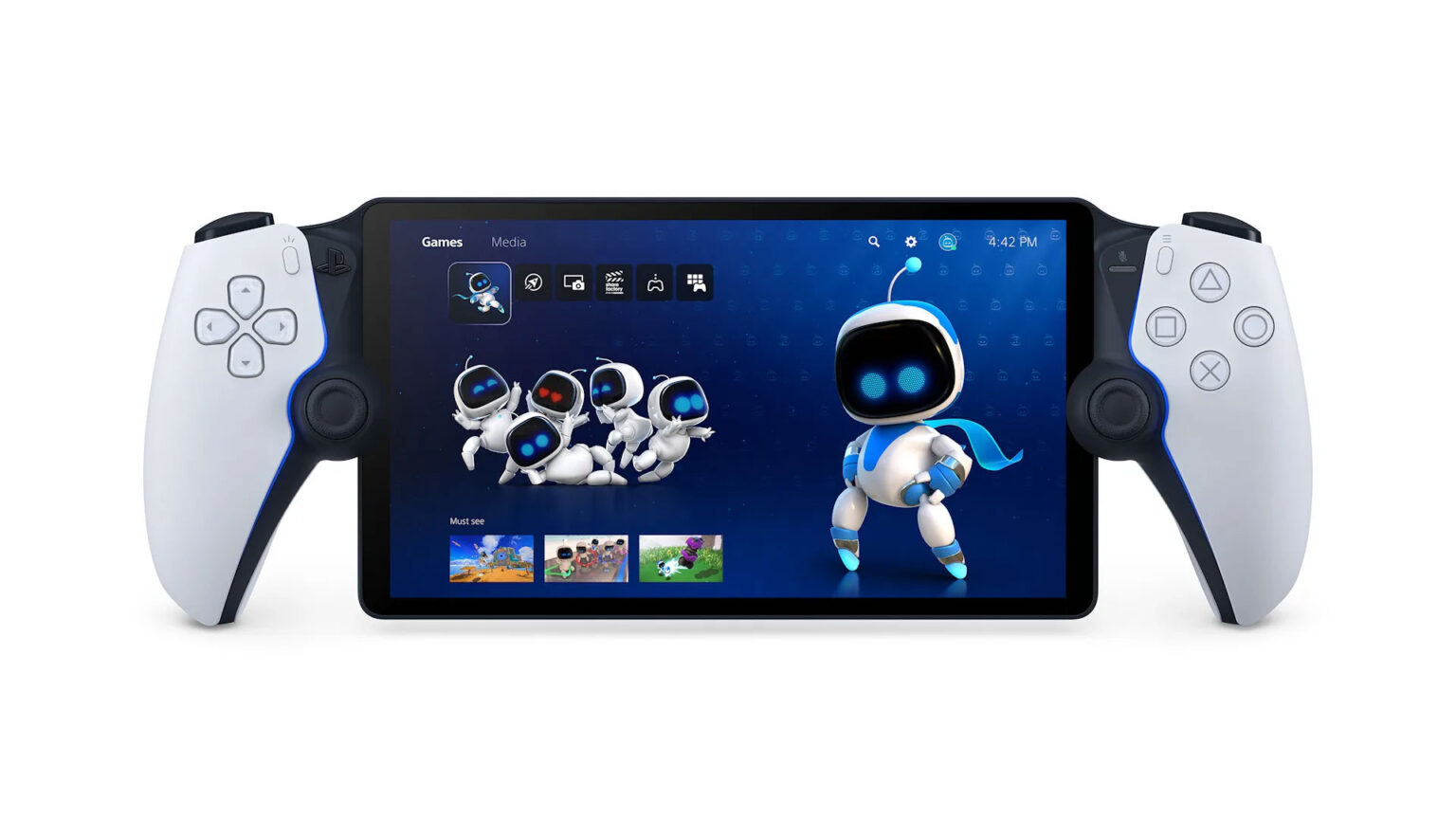
Starting today, a new system software update for PlayStation Portal introduces a 1080p High Quality mode for both Remote Play and Cloud Streaming. The mode enables a higher bitrate compared to the default 1080p Standard mode, which should result in a noticeably sharper and smoother image. To enable it, players can go to the Quick Menu, select Max Resolution, and choose 1080p High Quality, then restart their session.
Sony also shared some impressive engagement numbers for the device. Cloud Streaming monthly users grew by 162 percent year-over-year in January, and over 50 percent of PlayStation Portal users are now PlayStation Plus Premium subscribers. Those are strong numbers for a device that many initially dismissed as a niche accessory.
Beyond the visual upgrade, the update brings several quality-of-life improvements to Cloud Streaming. Game bundles now display a proper selection UI when choosing which title to stream, game invites now show clear on-screen notifications during active sessions, and trophy notifications have been improved to display the trophy name and image when unlocked, with Platinum trophies getting their special animation. The search interface has also been refined, with the on-screen keyboard now appearing immediately when entering search. For new users, the onboarding process has been streamlined with a QR code setup flow that lets players create an account and sign in through their mobile device.
Continue?
Like our content?
Subscribe to our newsletter and get video game news, reviews, features, and deals straight to your inbox.
You're subscribed!
Thanks for signing up. Look for an email from Substack at .
No email after a few minutes? Subscribe on Substack.
This newsletter may contain advertising, deals, or affiliate links. Subscribing to the newsletter indicates your consent to our Privacy Policy. You may unsubscribe from the newsletter at any time.